
Flow Google Workspace
Overview Flow Google Workspace
How to access your google workspace account.
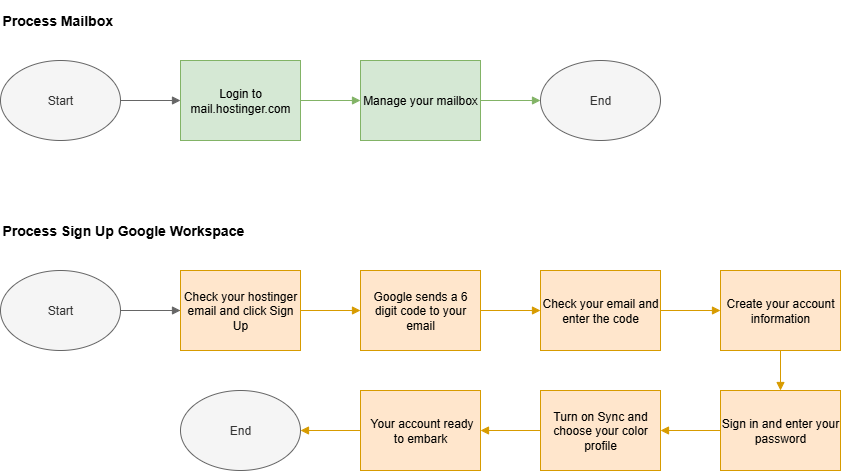
Step to Embark your Google Workspace Account
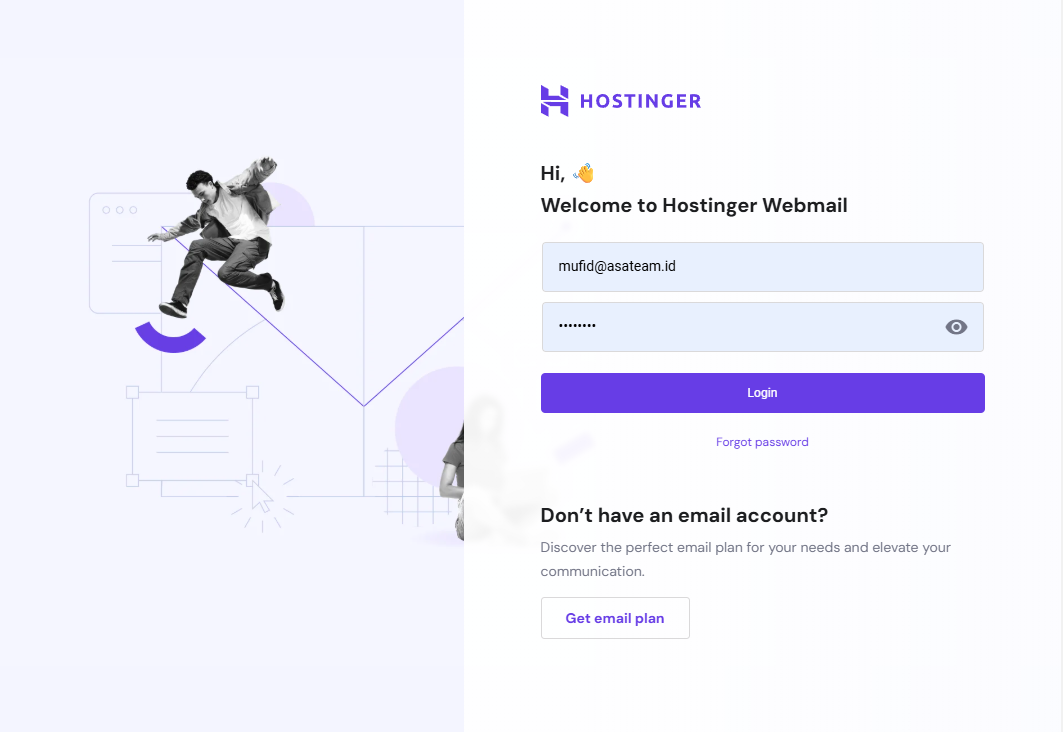
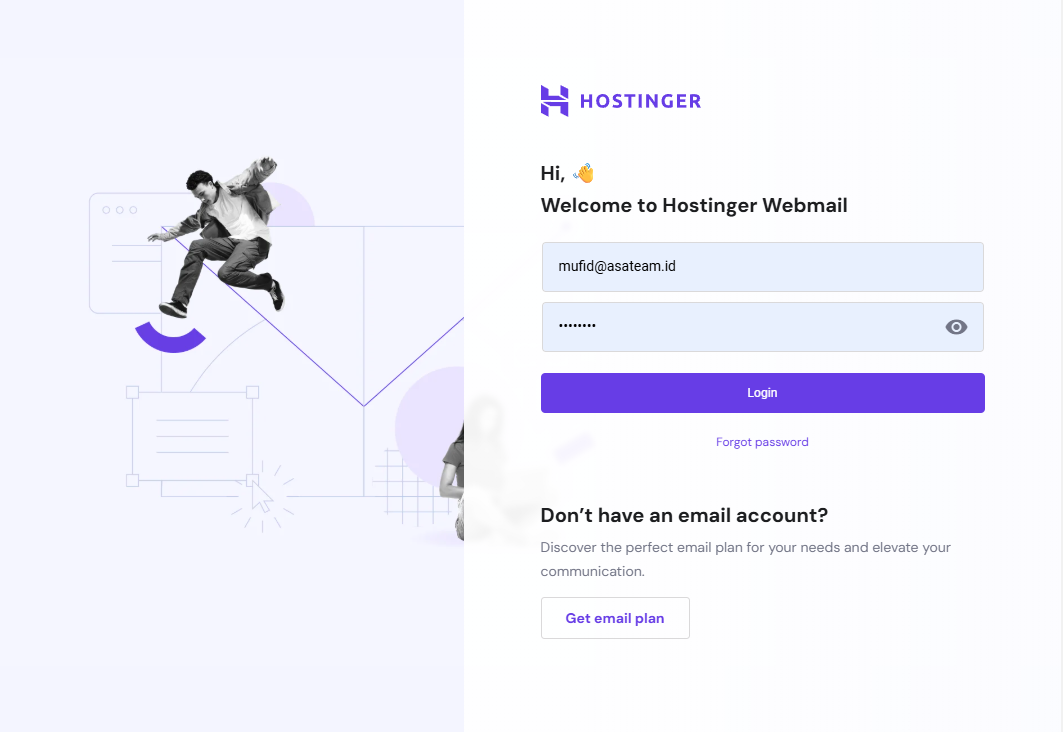
- Login on mail.hostinger.com
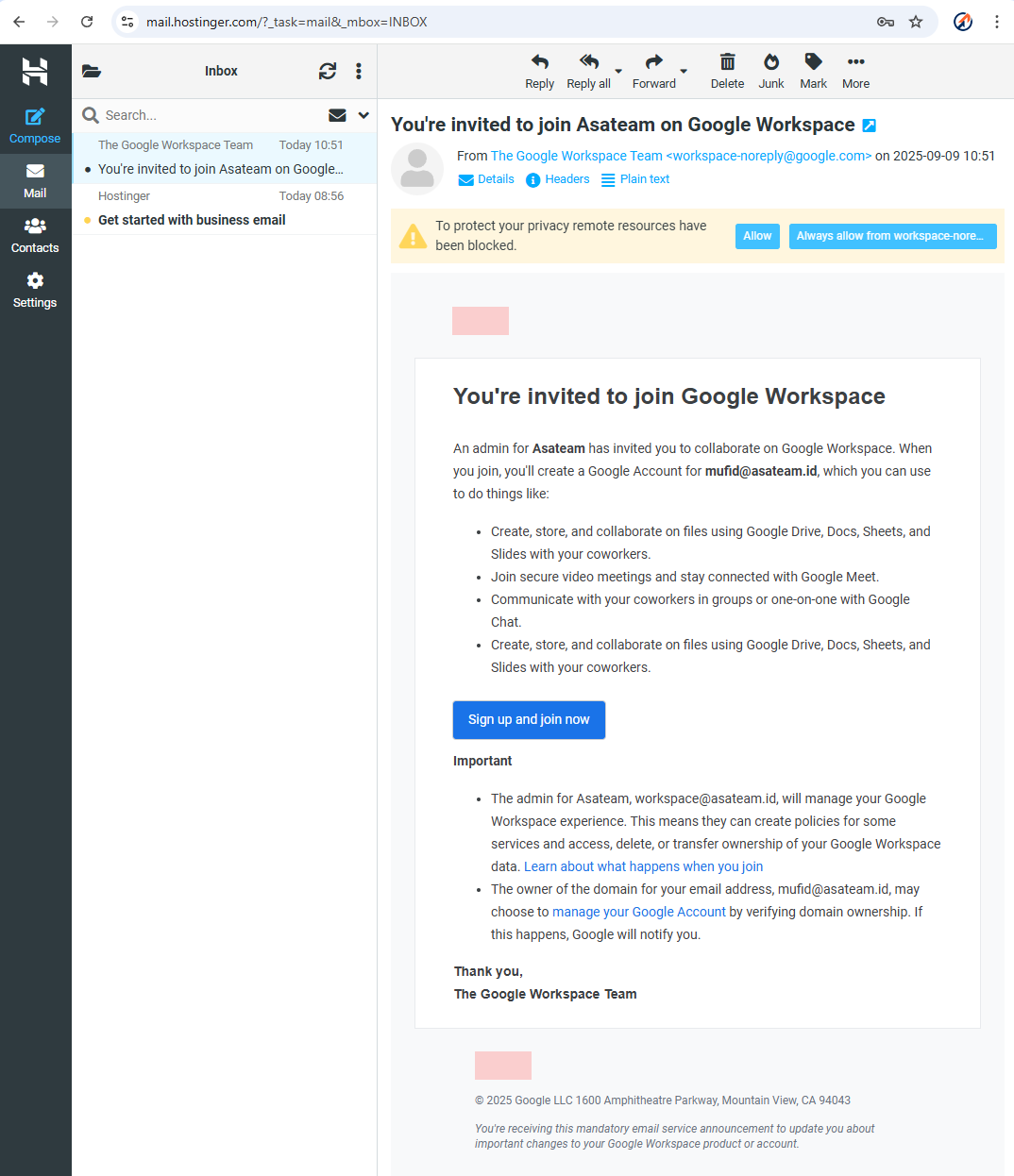
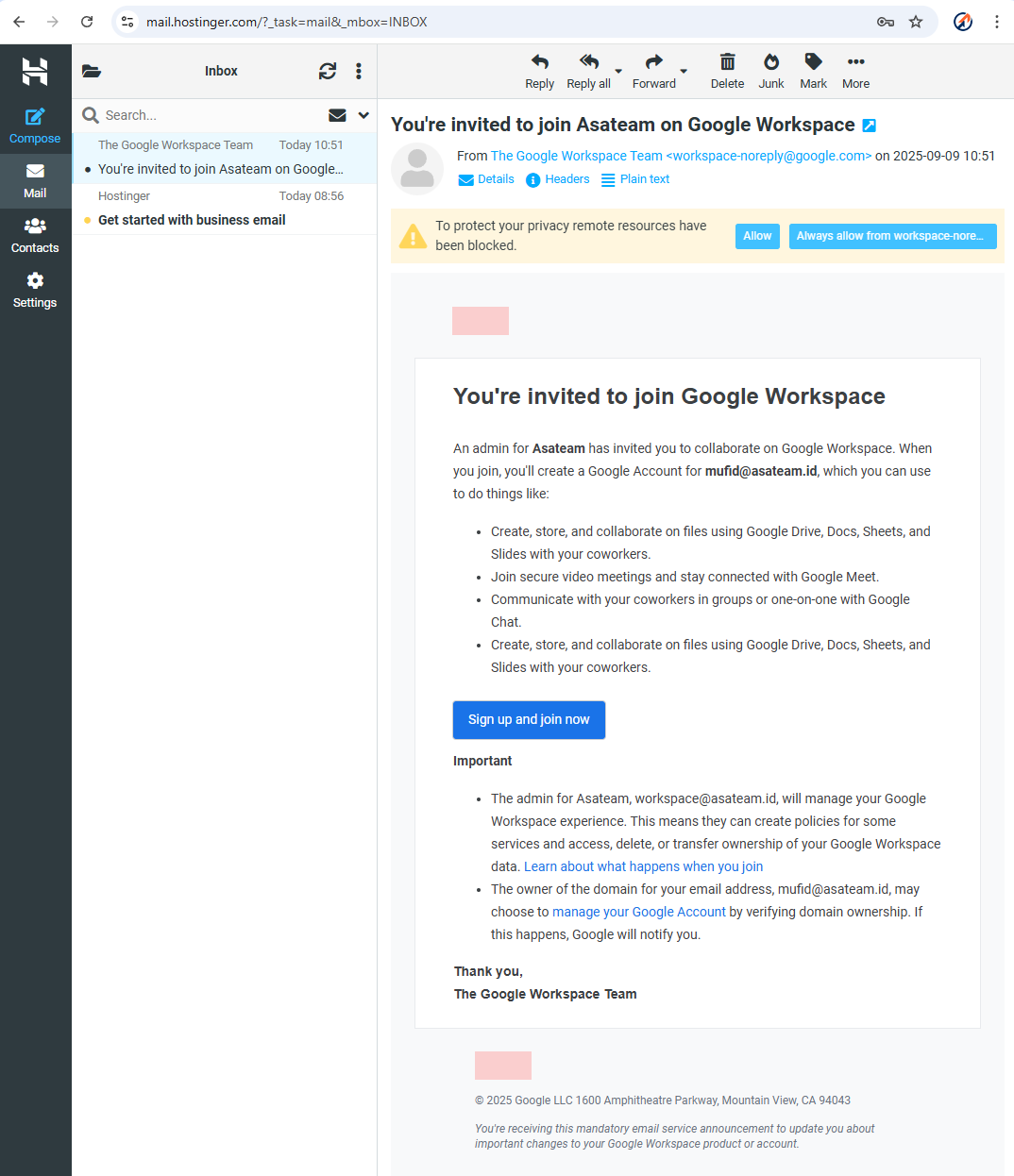
- Check your hostinger email for the invitation and click Sign Up and Join Now
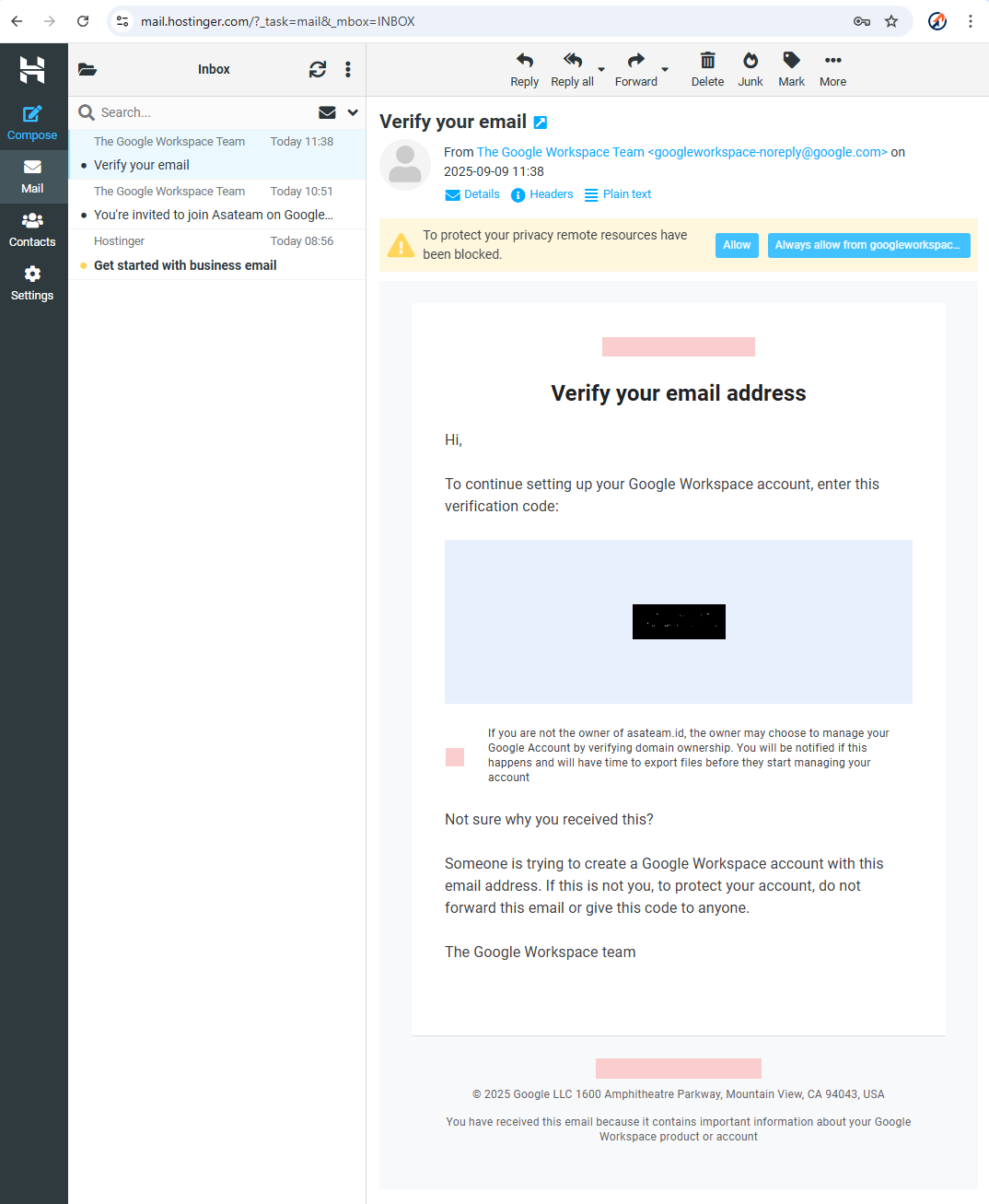
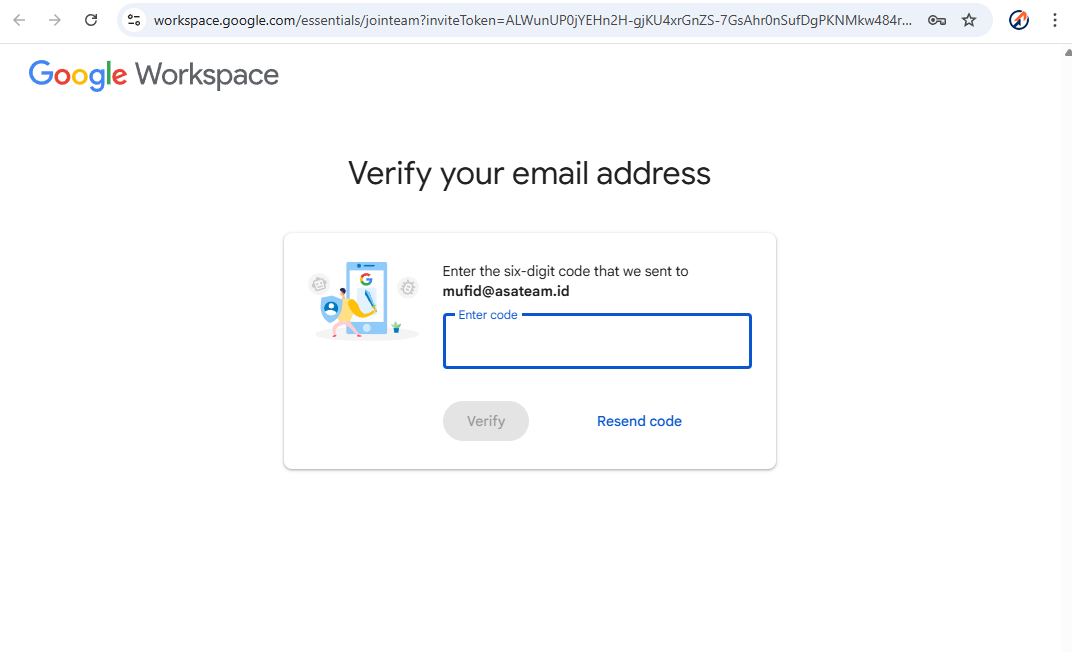
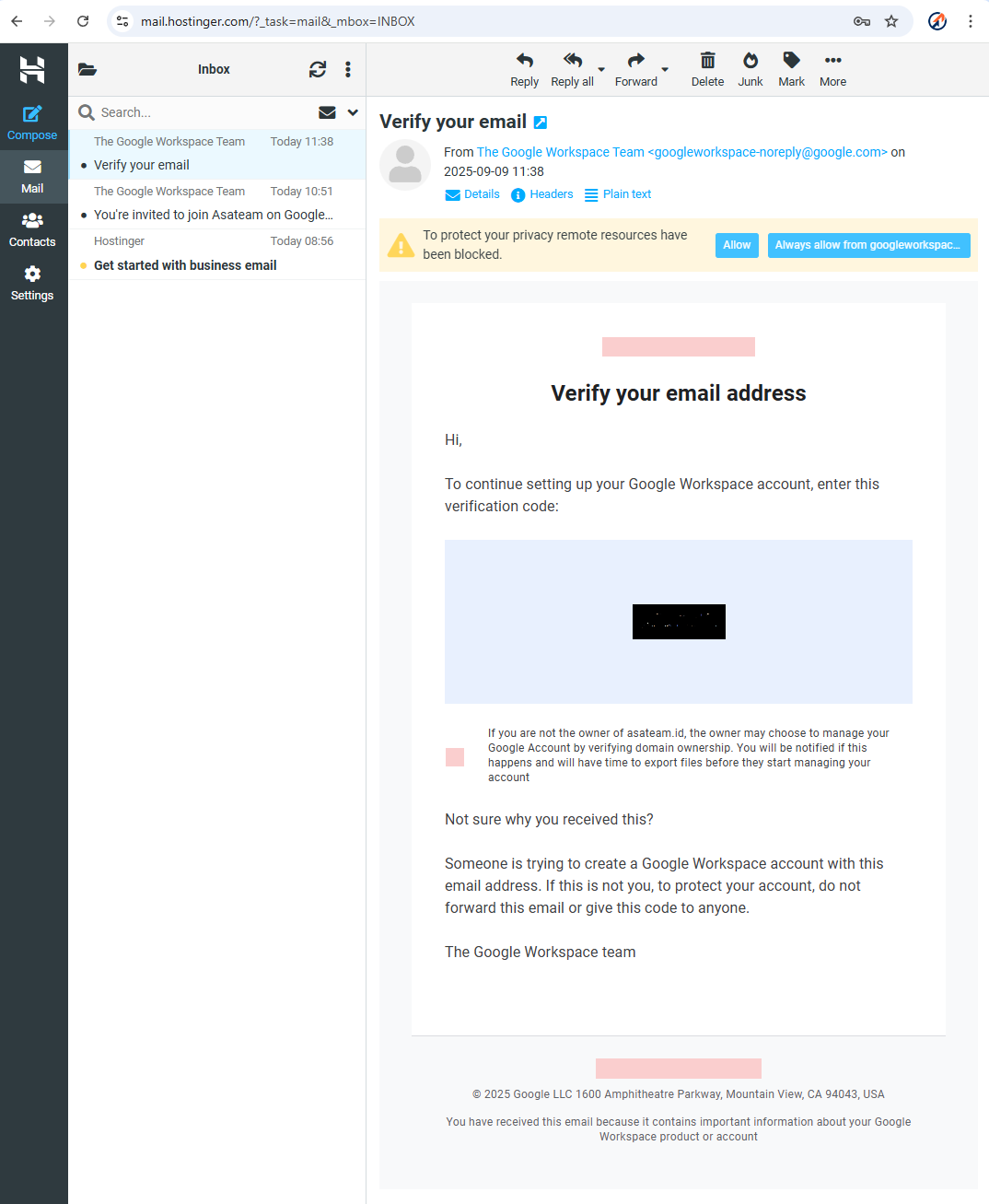
- Google sends a 6 digit code to your hostinger email account
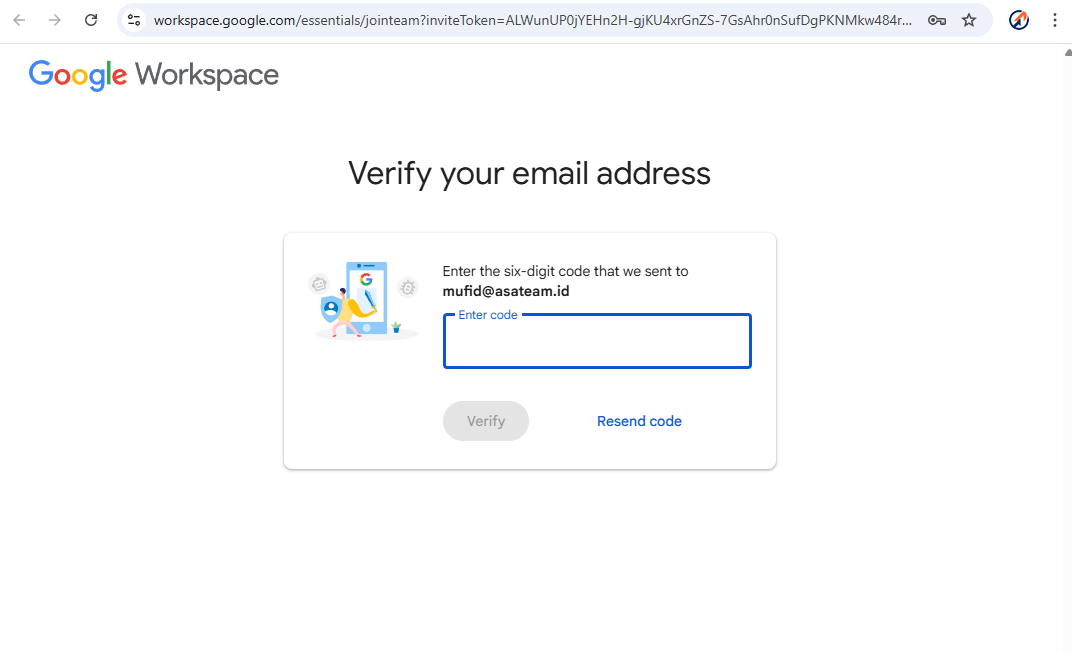
- Check your Hostinger email again and enter the code in the form above
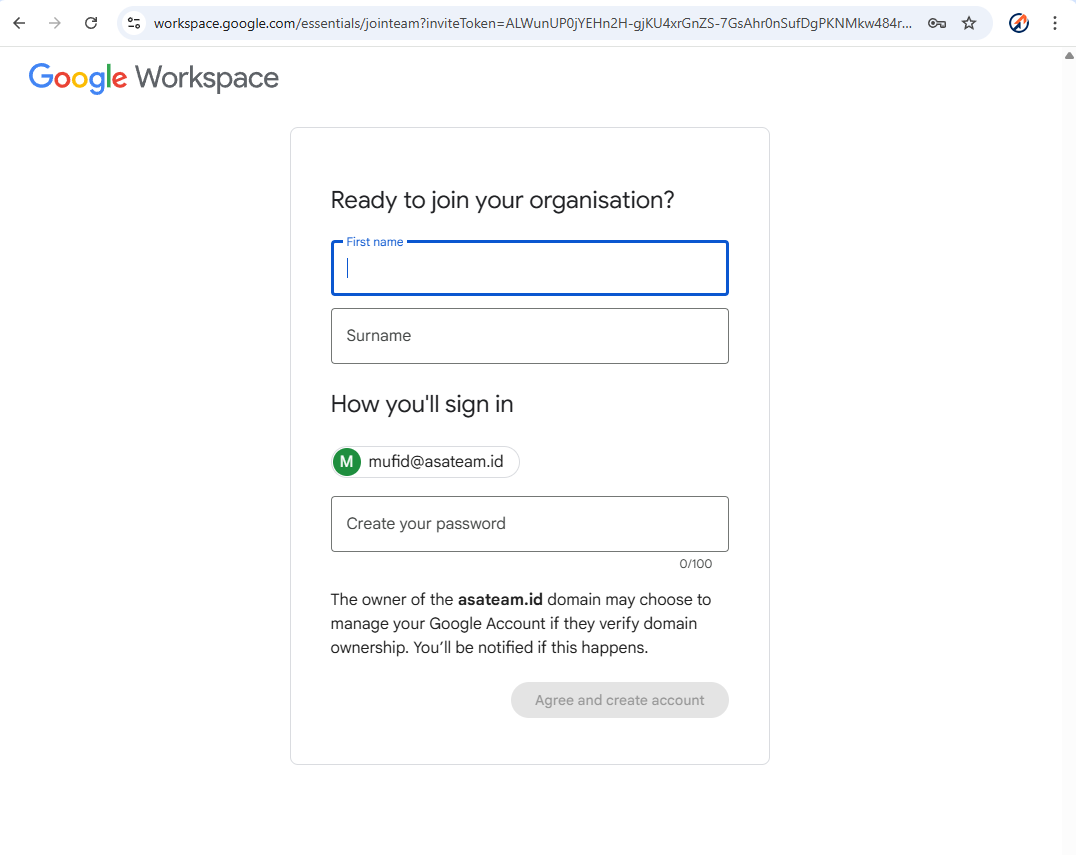
- Create your account information (Name must
nickname,beSurenamethemustrealAsateam)name on your ID card (KTP)) and create your password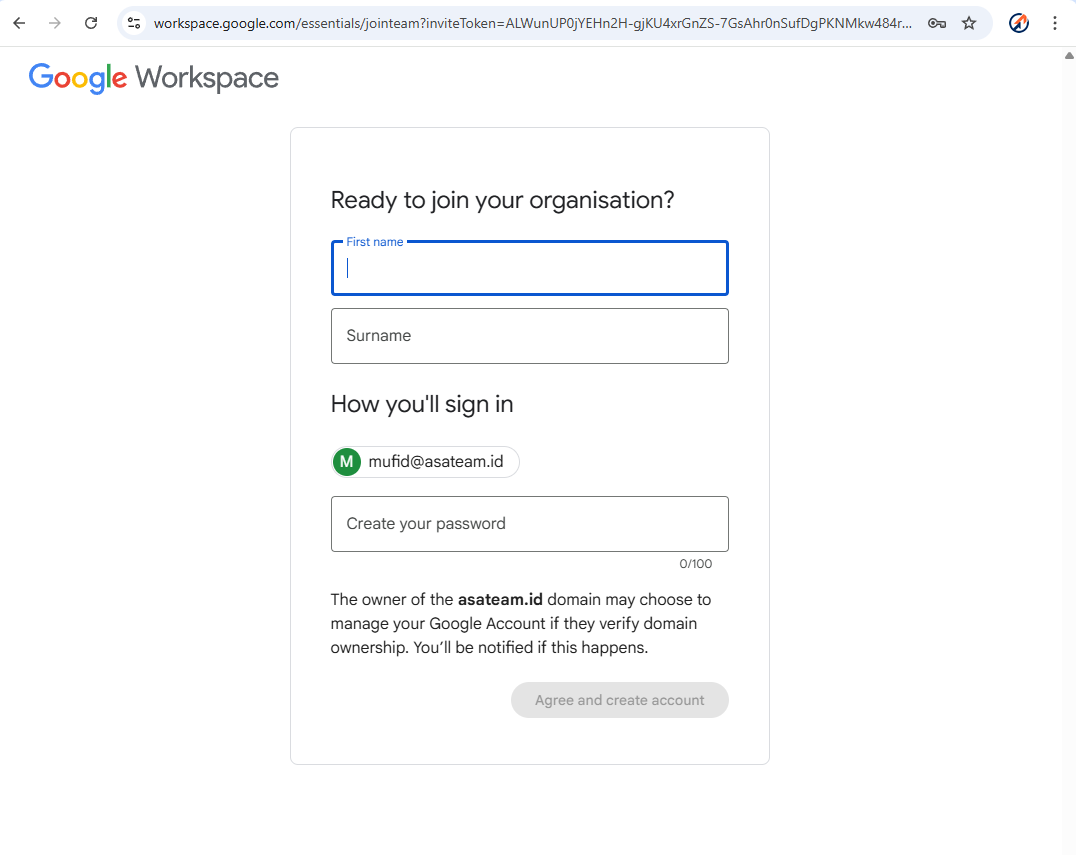
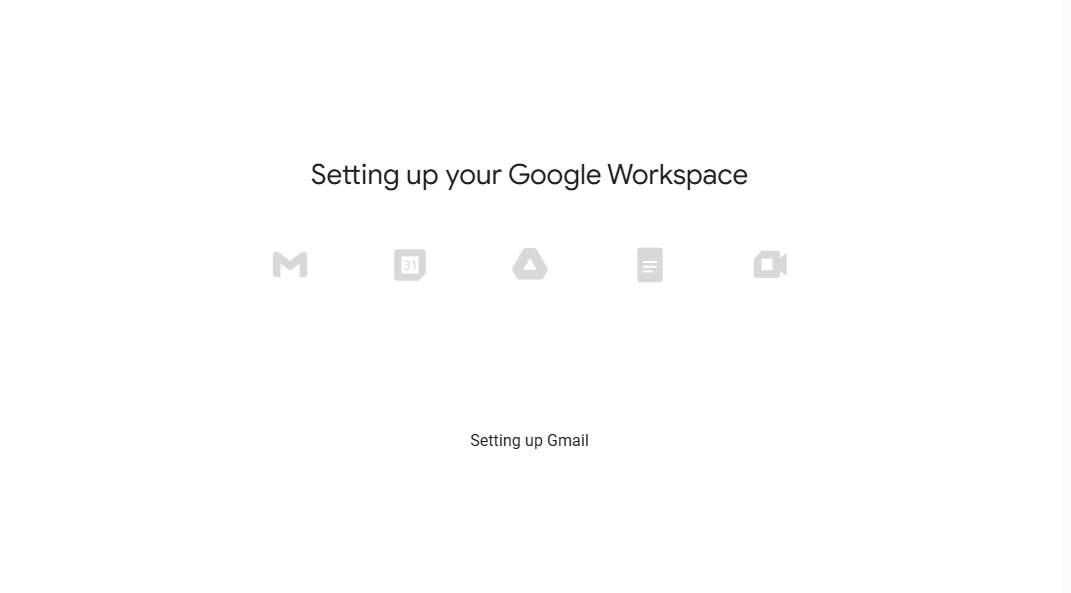
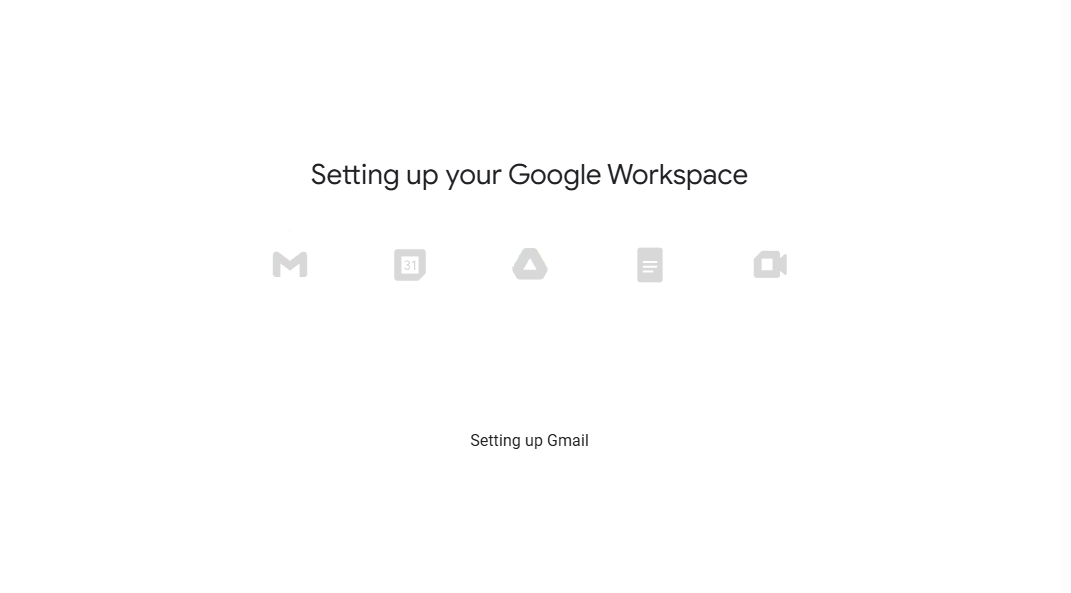
- Google setup your account workspace
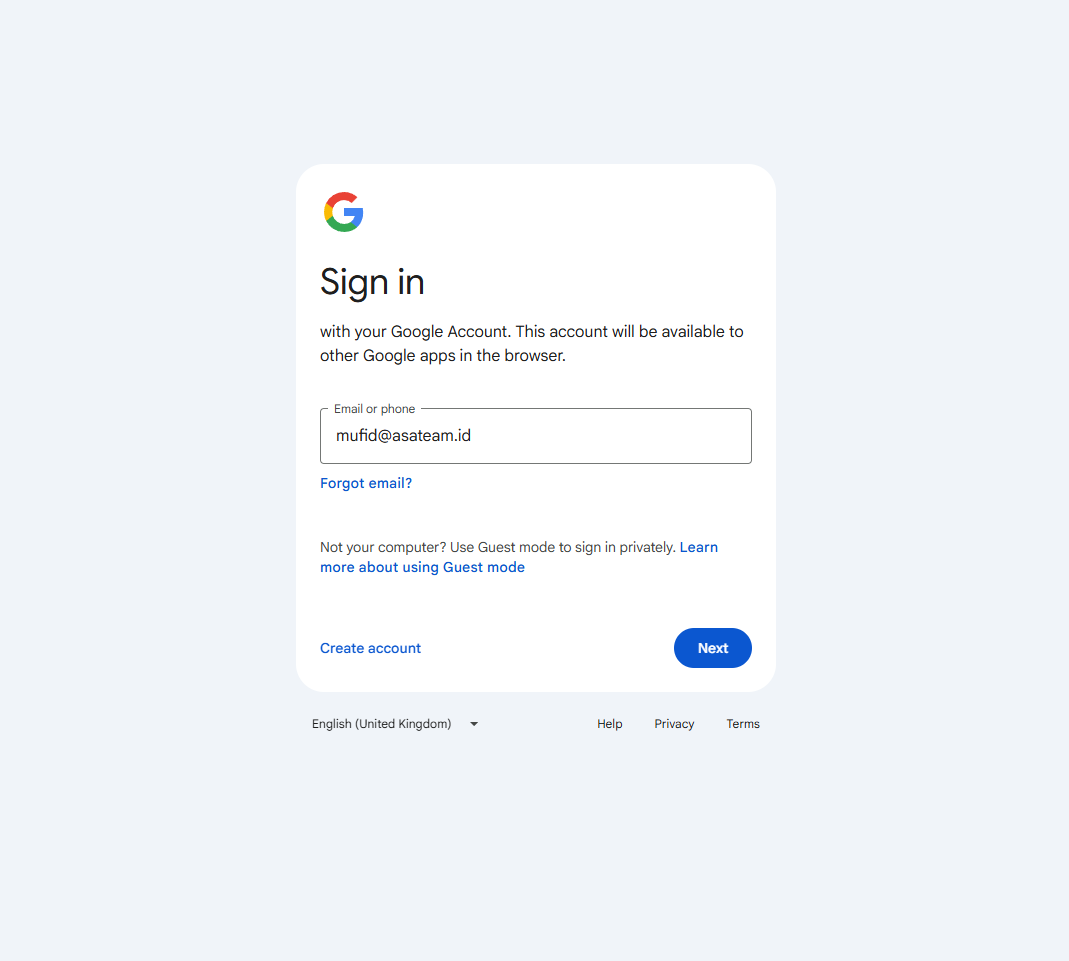
- Sign in and enter your password
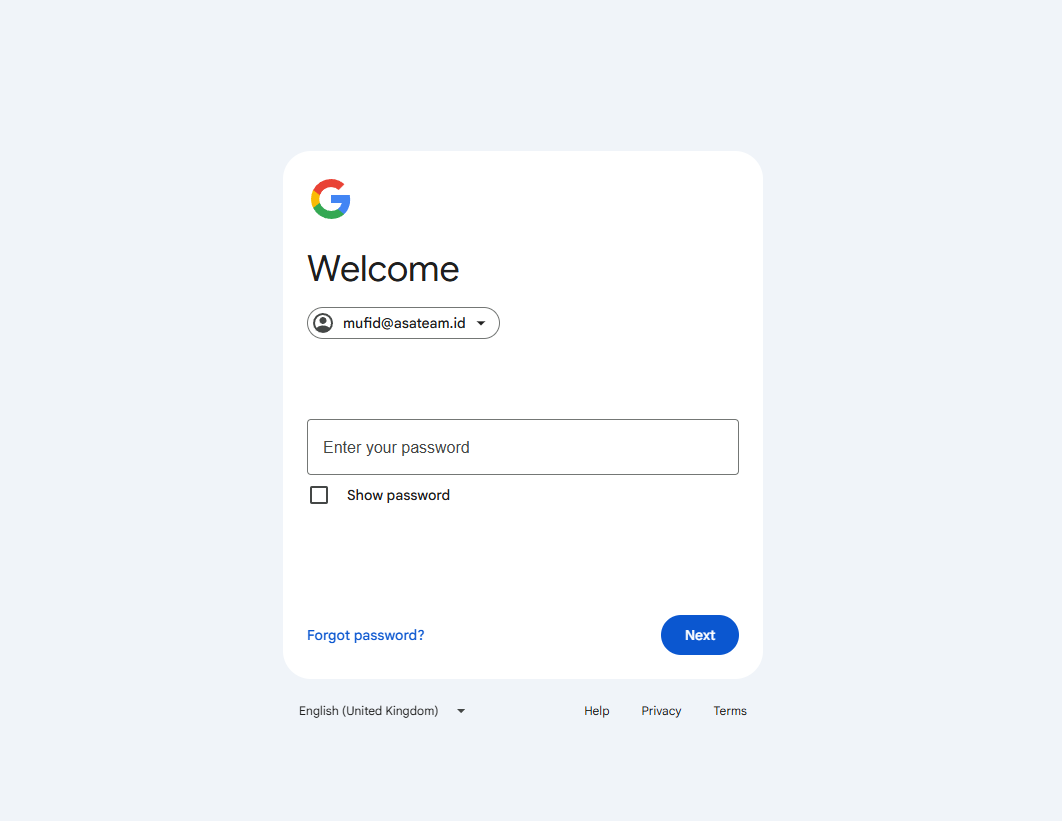
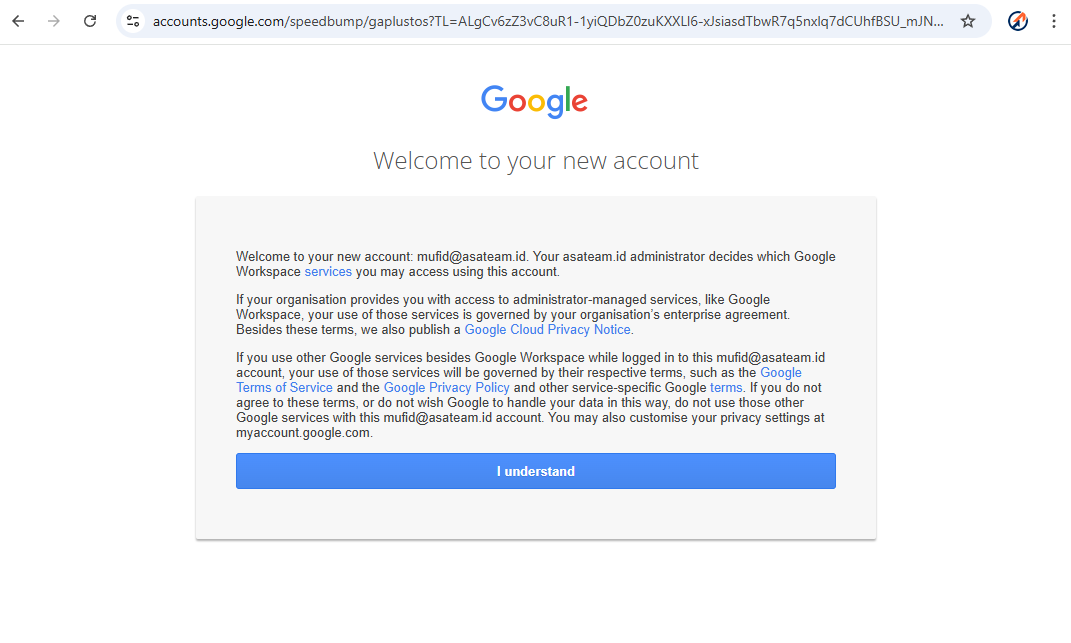
- Click understand
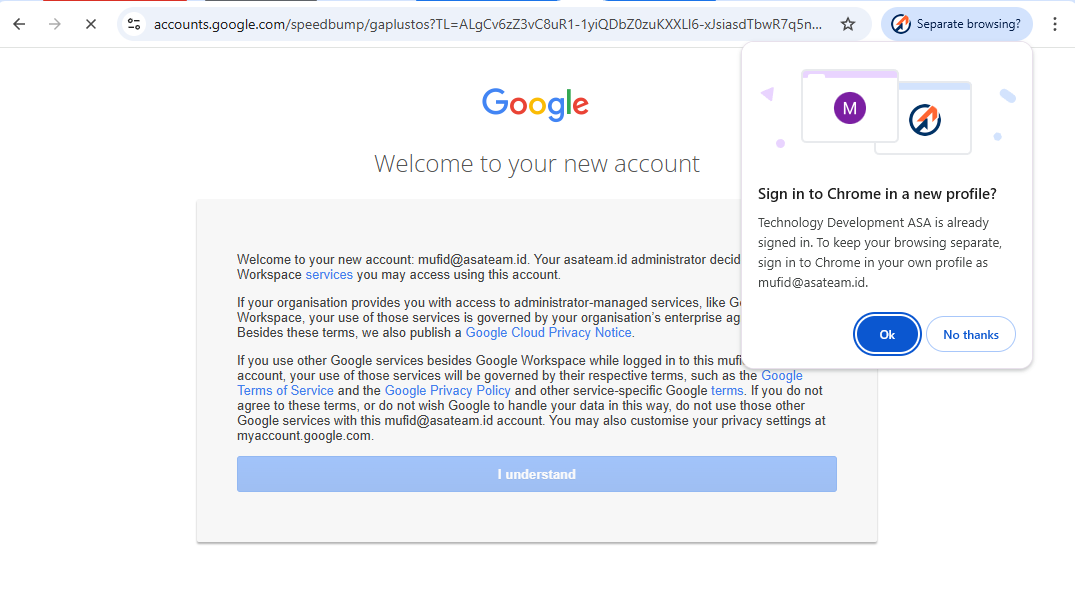
- If you get a pop up message in the top right corner, click OK so that Google automatically creates a new Chrome profile
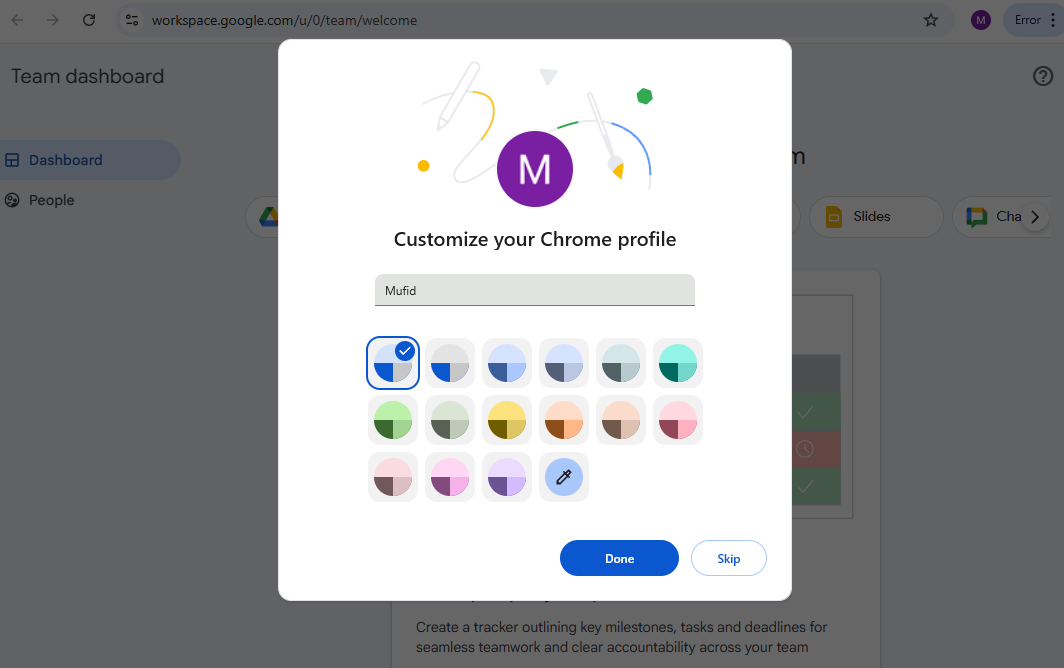
- Turn on Sync and choose your color profile
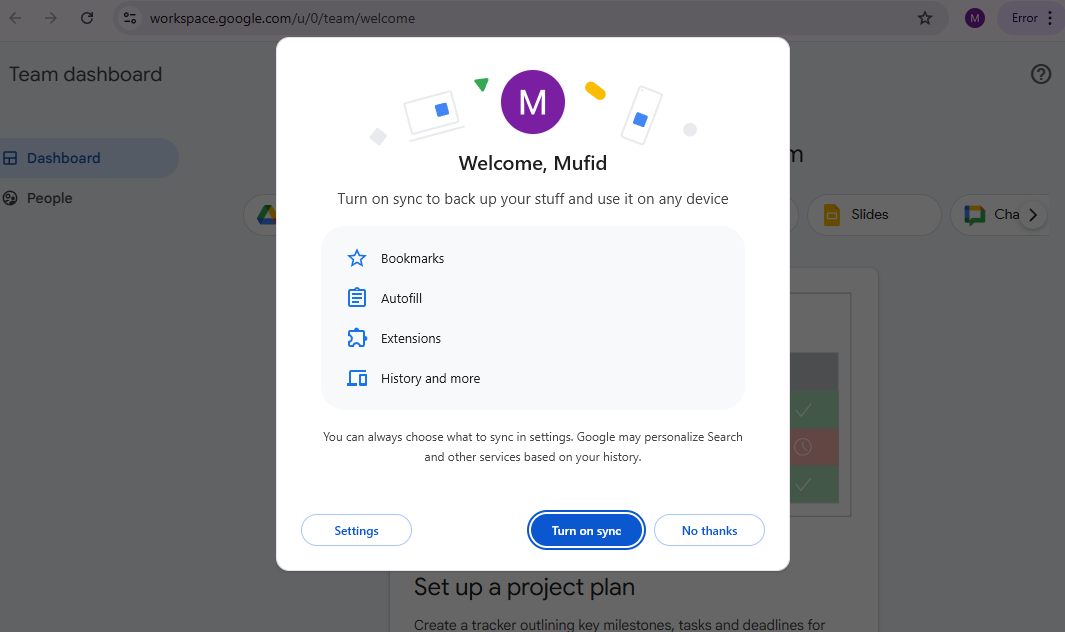
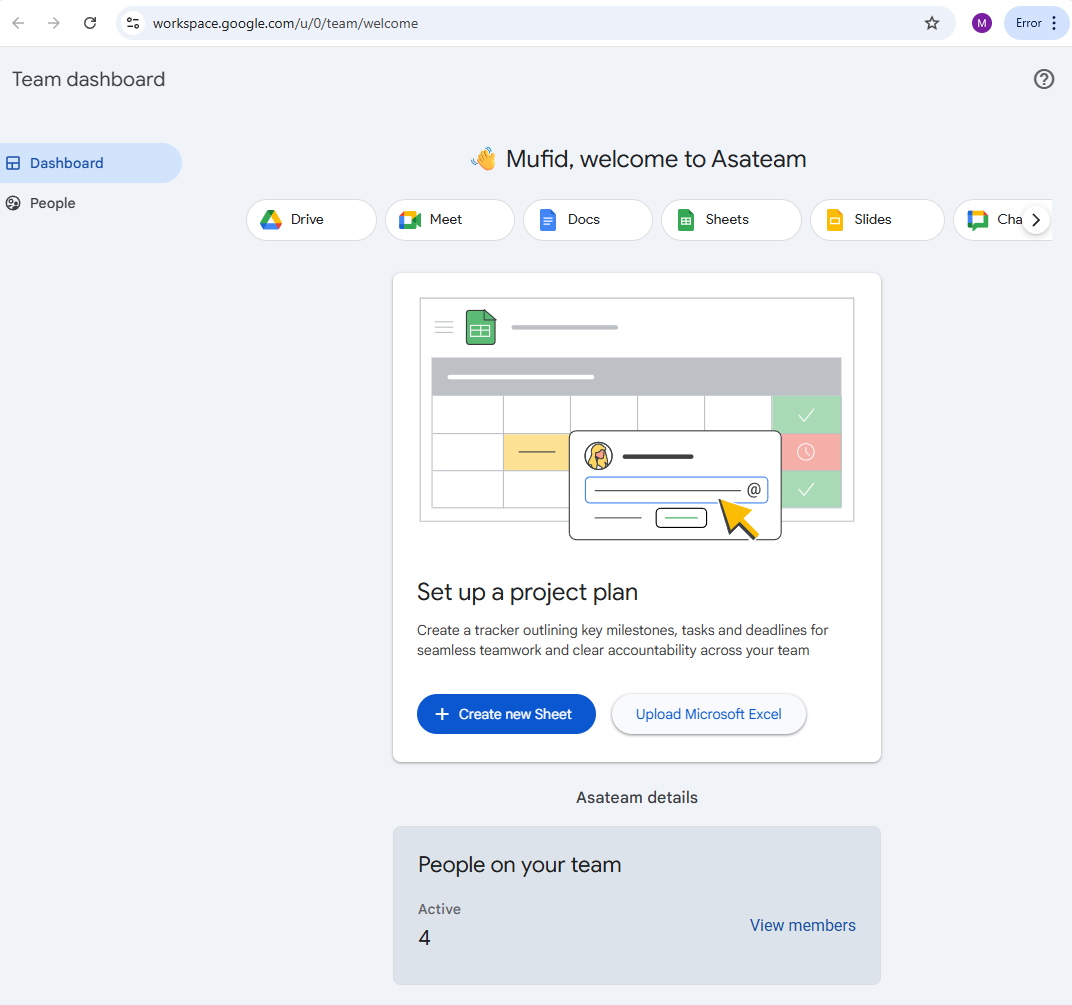
- Welcome to Asateam Google Workspace, your account ready to embark
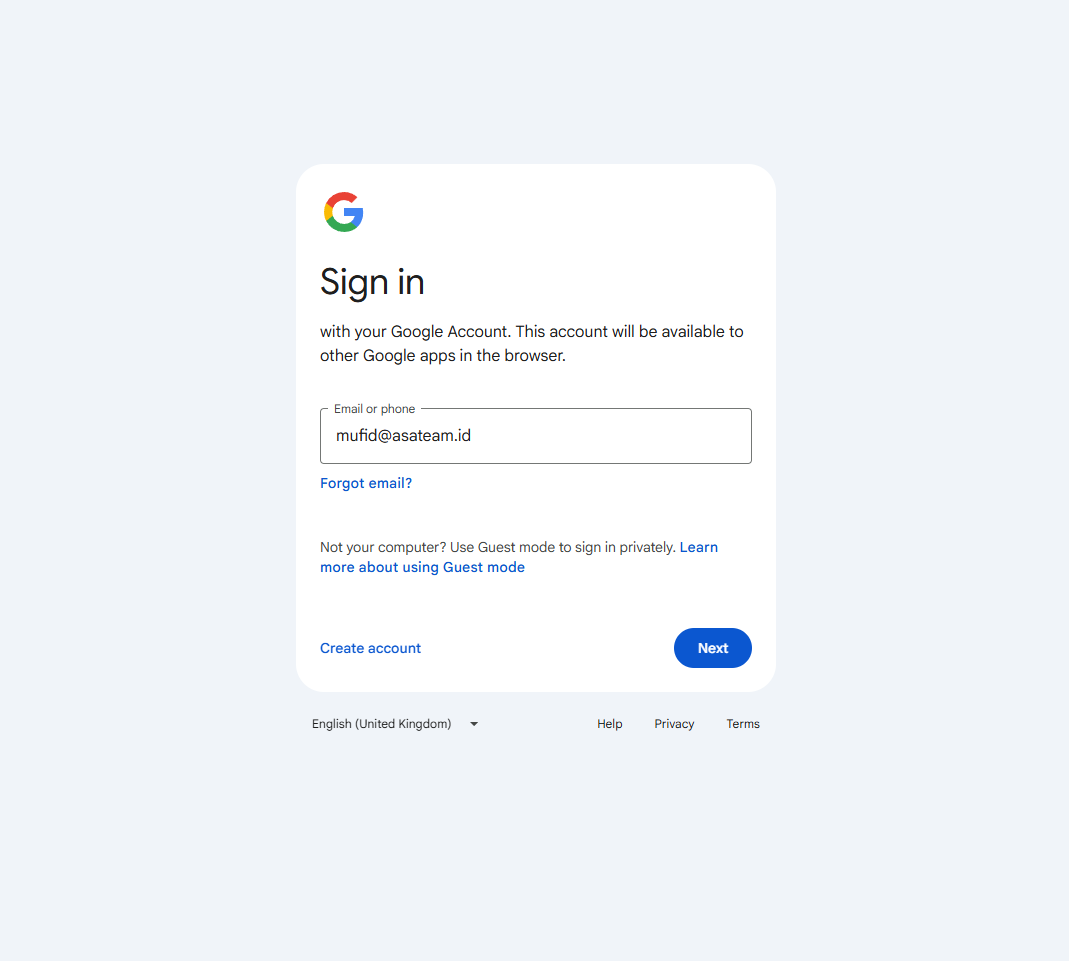
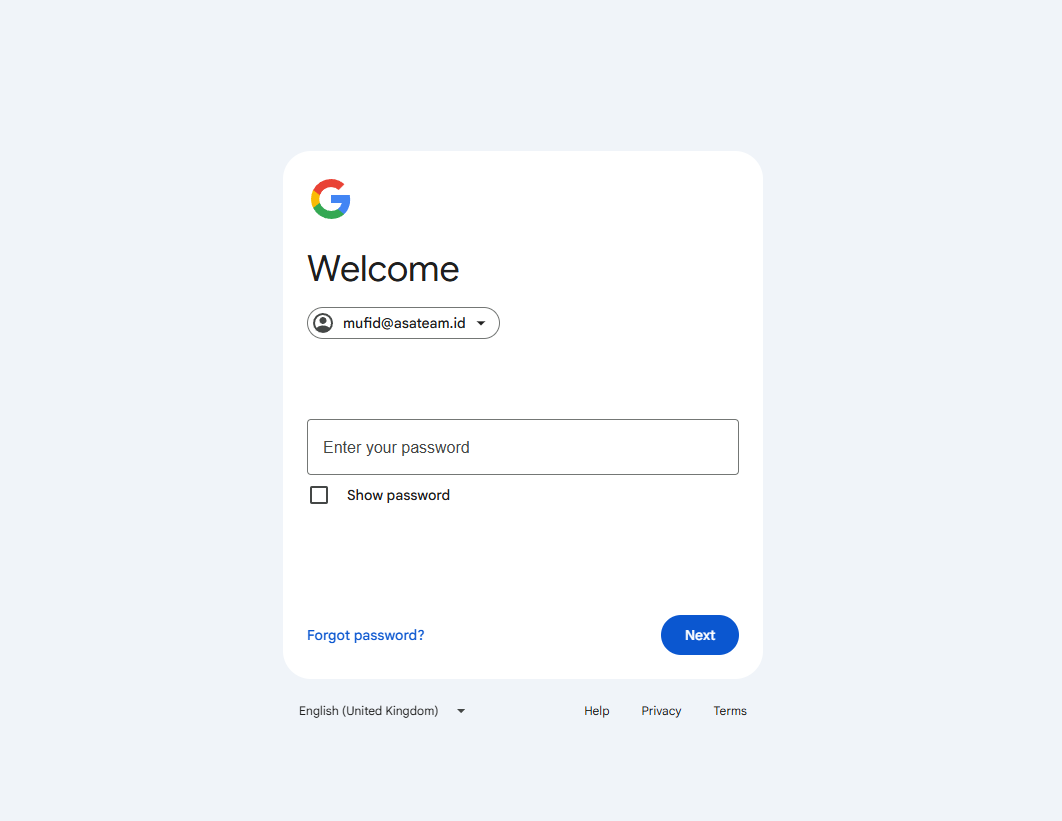
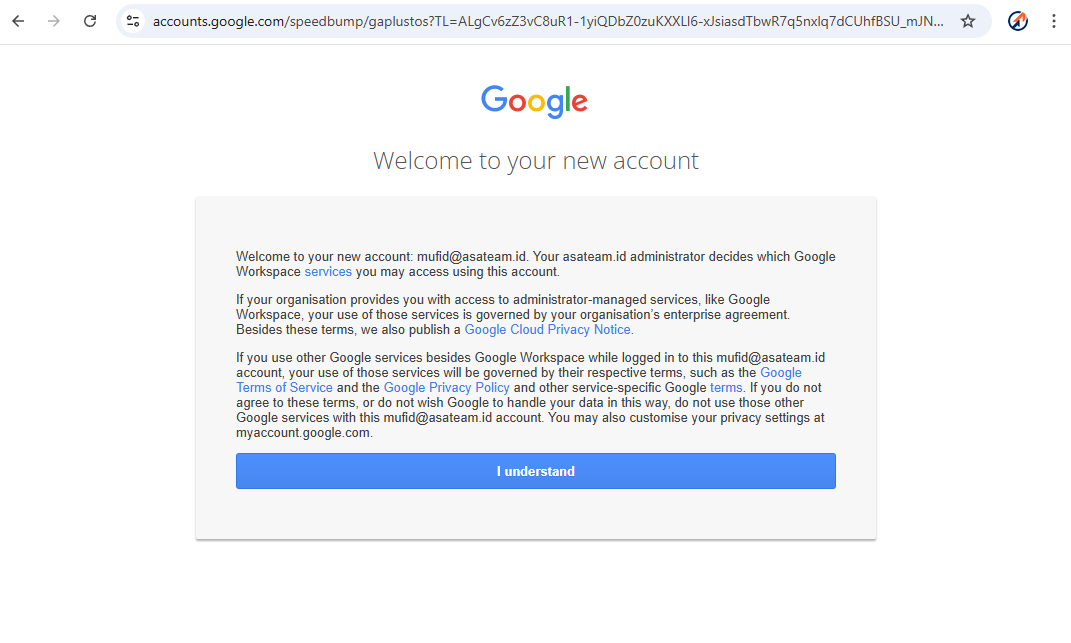
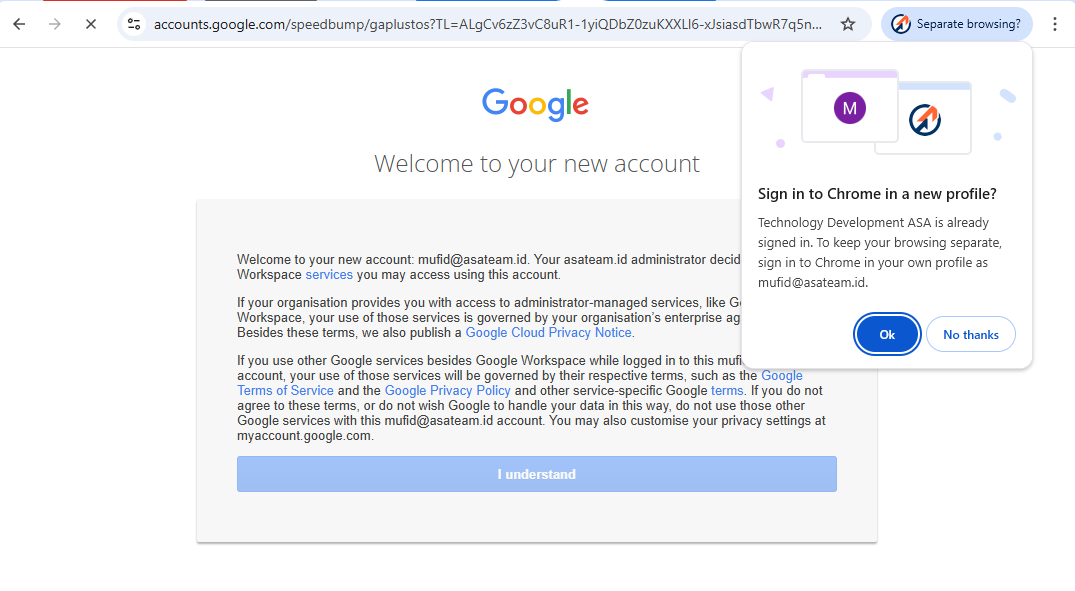
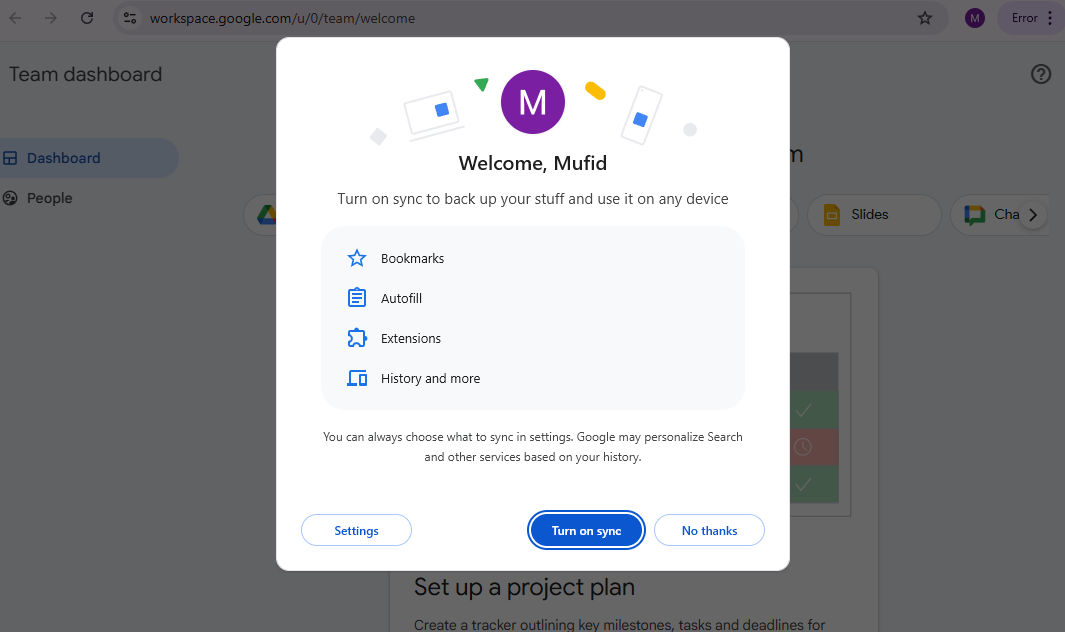
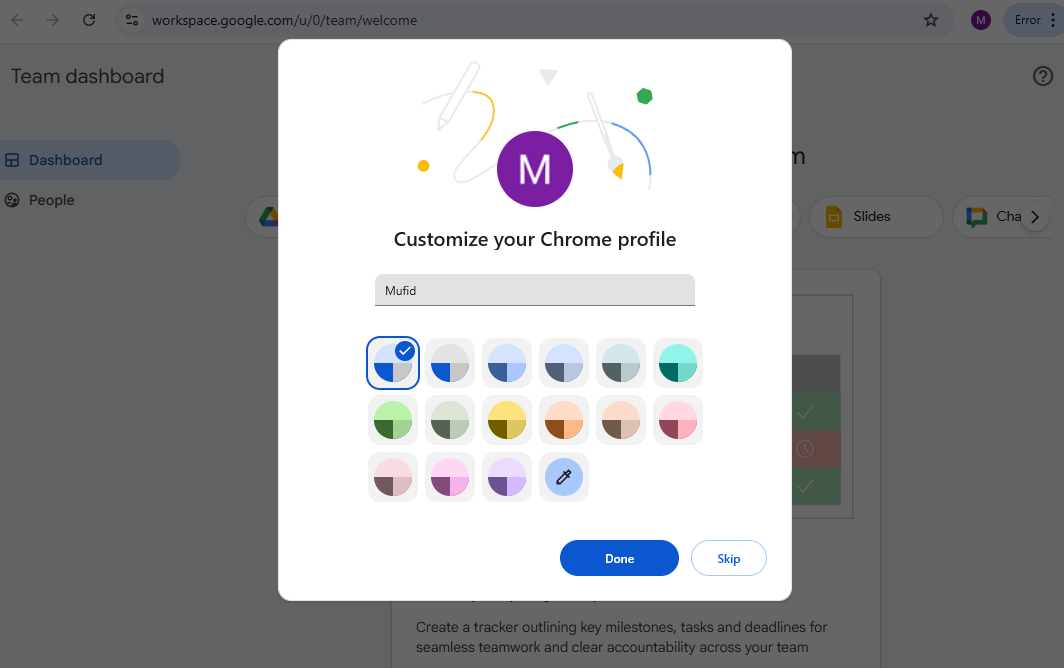
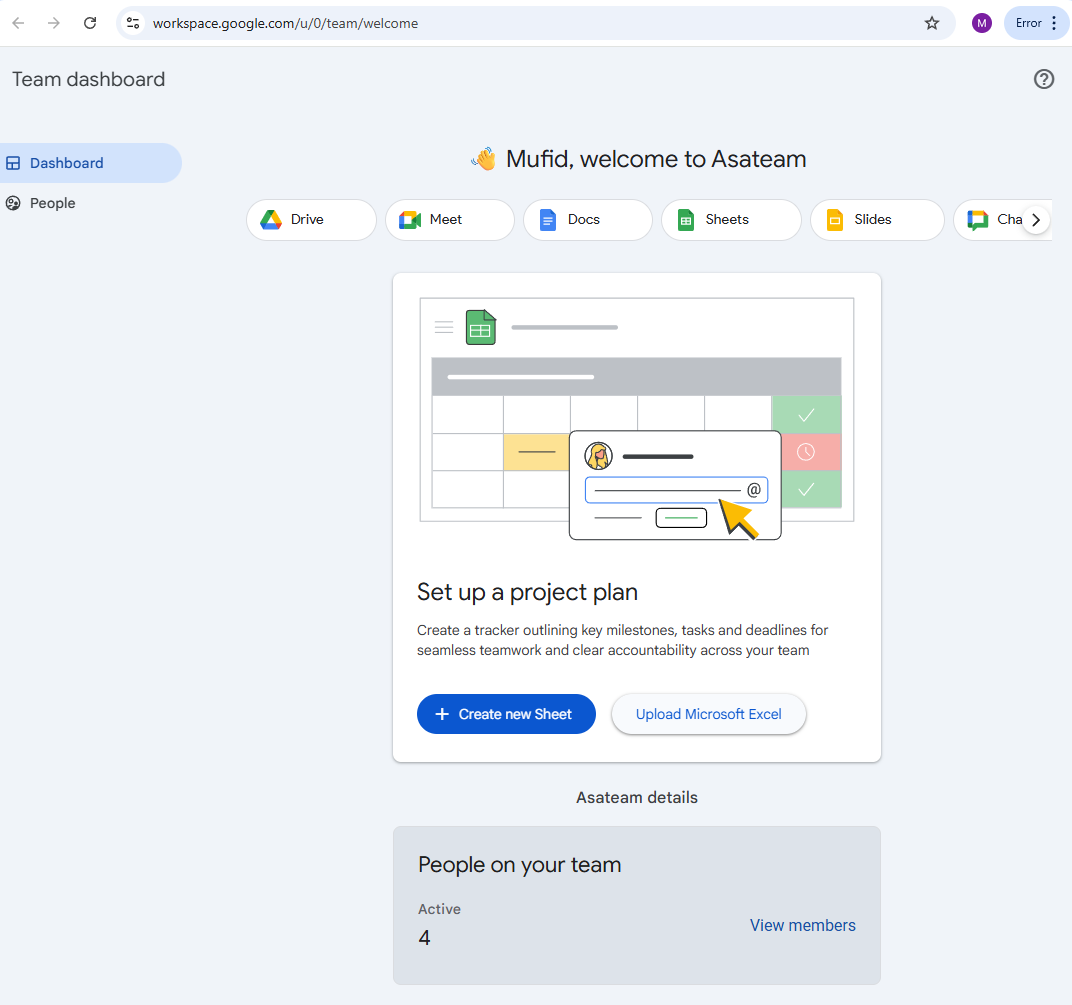
If you have technical or other problems, please contact the technology unit. Contact us https://wa.me//6285119753371
DifferenceReasons fromfor previous experiencemigration
CentralizedemailBetter
accountDatamanagement.Security-
Access permissions can be shared according to roles.
-
All data is stored on servers that comply with local/regional data regulations.
-
Shared files are automatically scanned by antivirus, minimizing security risks.
-
-
Easy and Centralized Access
-
All employees can log in using company email.
-
One workspace for all employees, supporting up to 100 people.
-
Accessible from desktop, mobile, and web with diverse features and consistency across every channel.
-
-
More Efficient Collaboration
-
Available public channels (for all employees), private channels (for specific teams), and direct messages.
-
Thread features are permanently stored and searchable.
-
Secure file sharing up to 100MB per file.
-
-
Supporting Productivity
-
Integration with Google Calendar for scheduling.
-
Video and audio calls are encrypted directly from the platform.
-
Supports bots/integrations for notifications, reminders, or approvals.
-