Flow Google Workspace
Overview Flow Google Workspace
How to access your google workspace account.
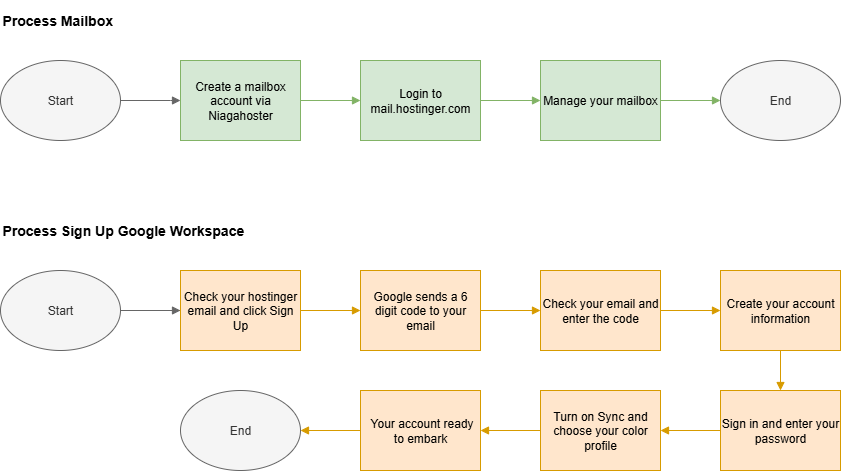
Step by Step to Embark your Google Workspace Account
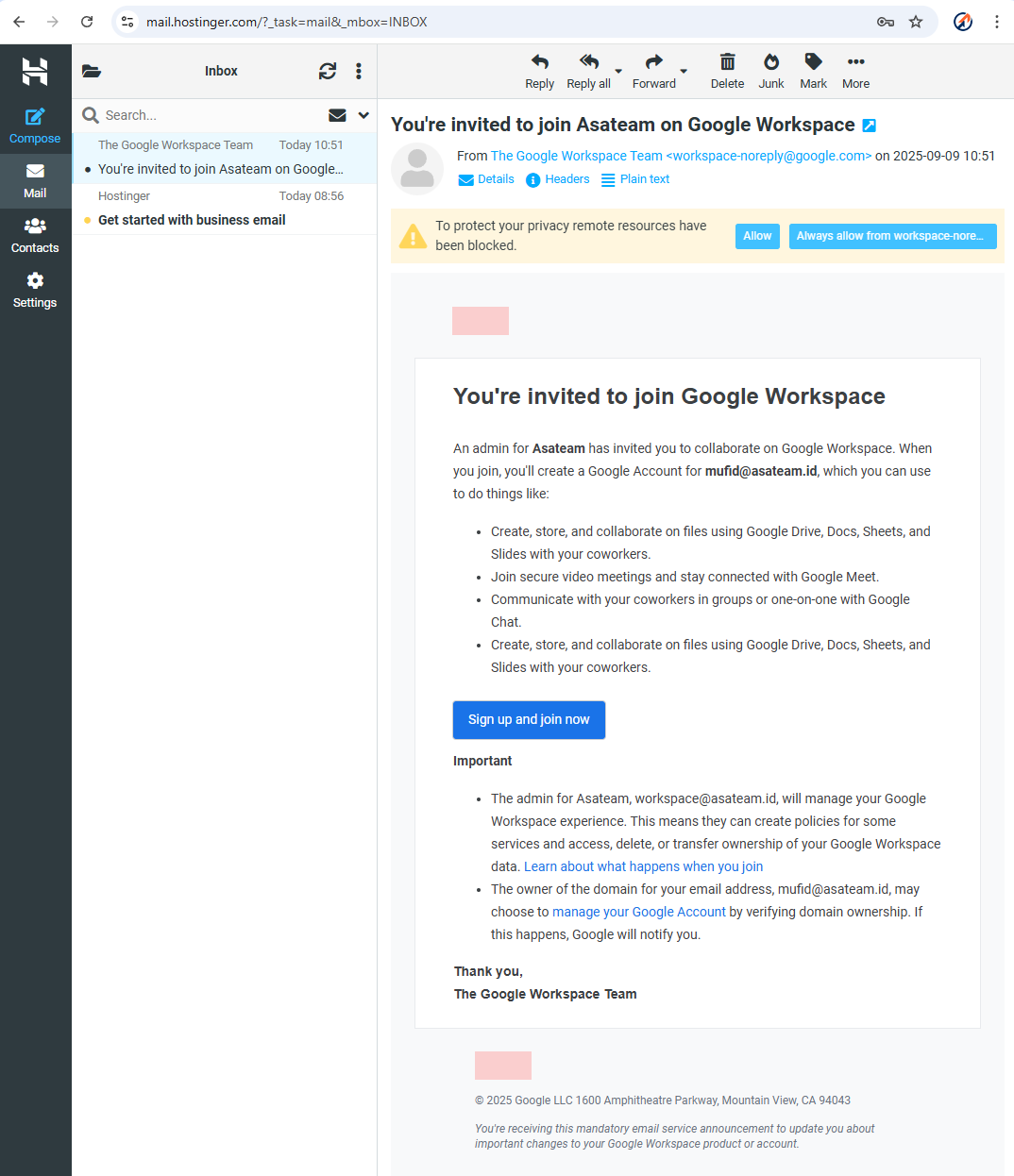
- Check your hostinger email for the invitation and click Sign Up and Join Now
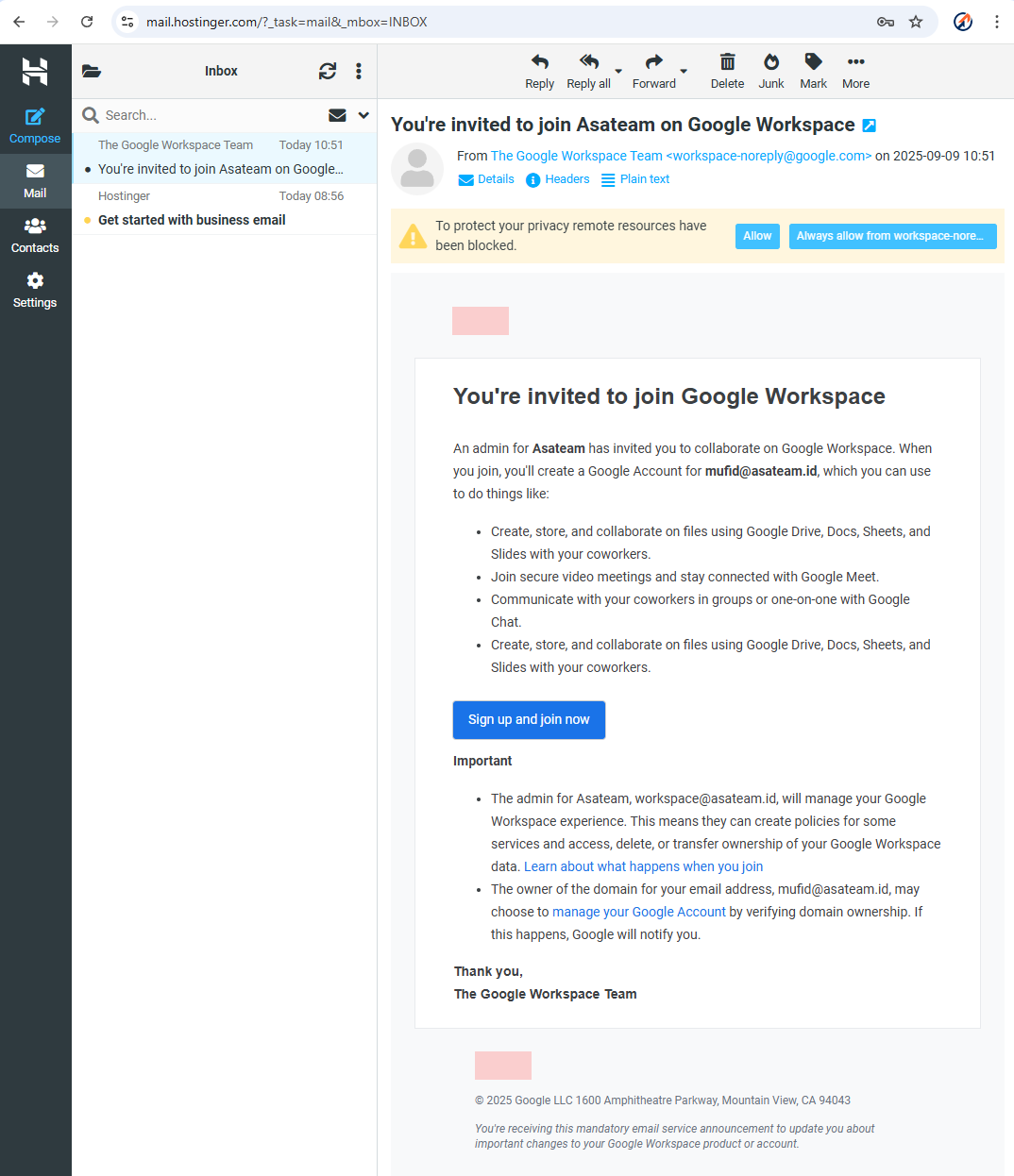
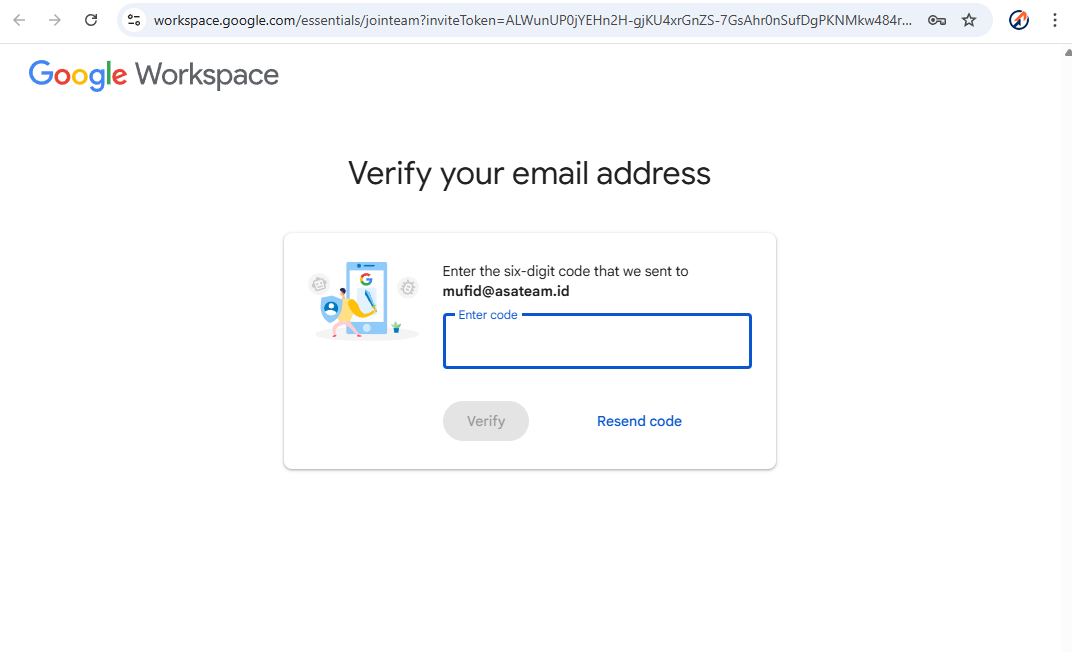
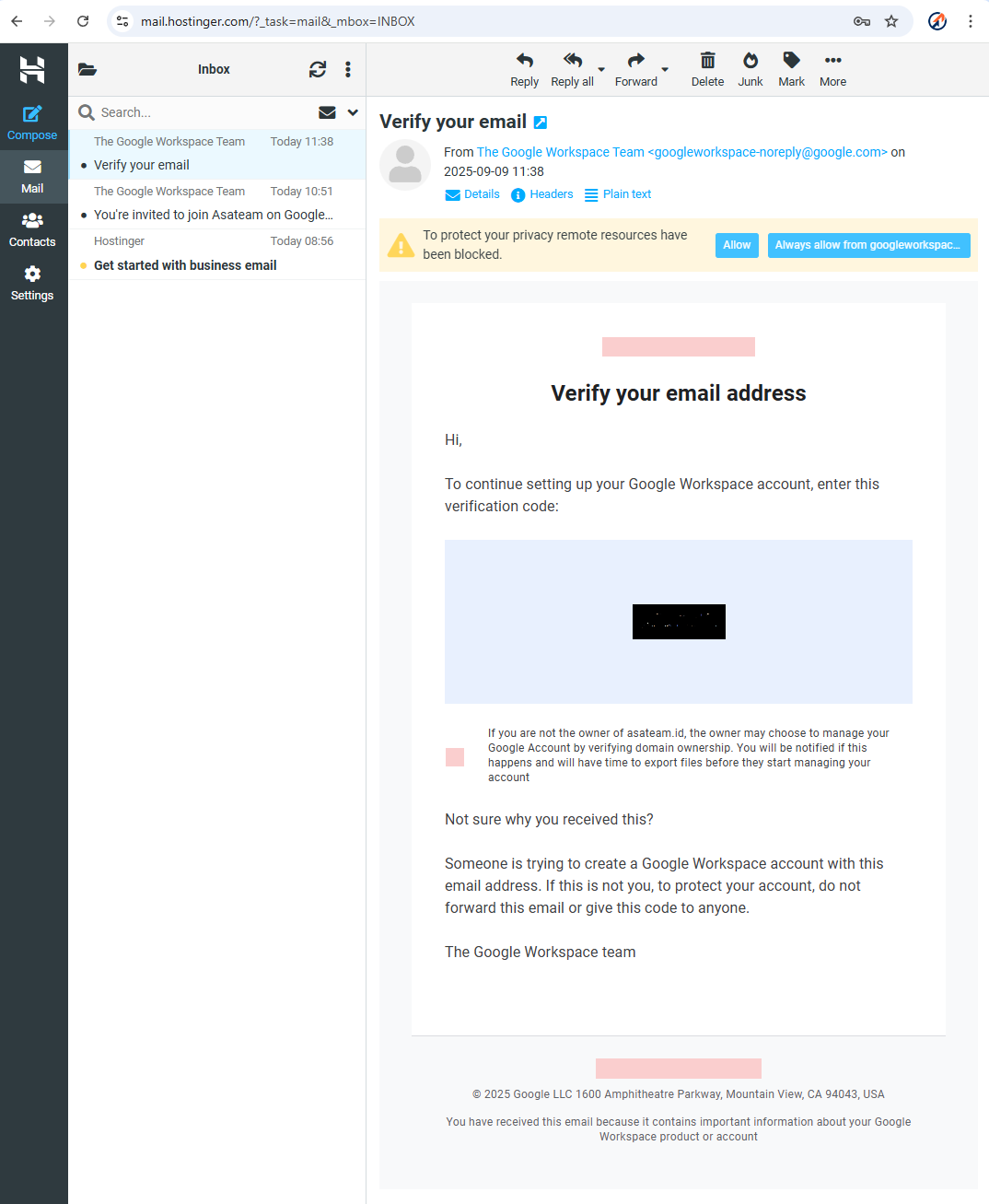
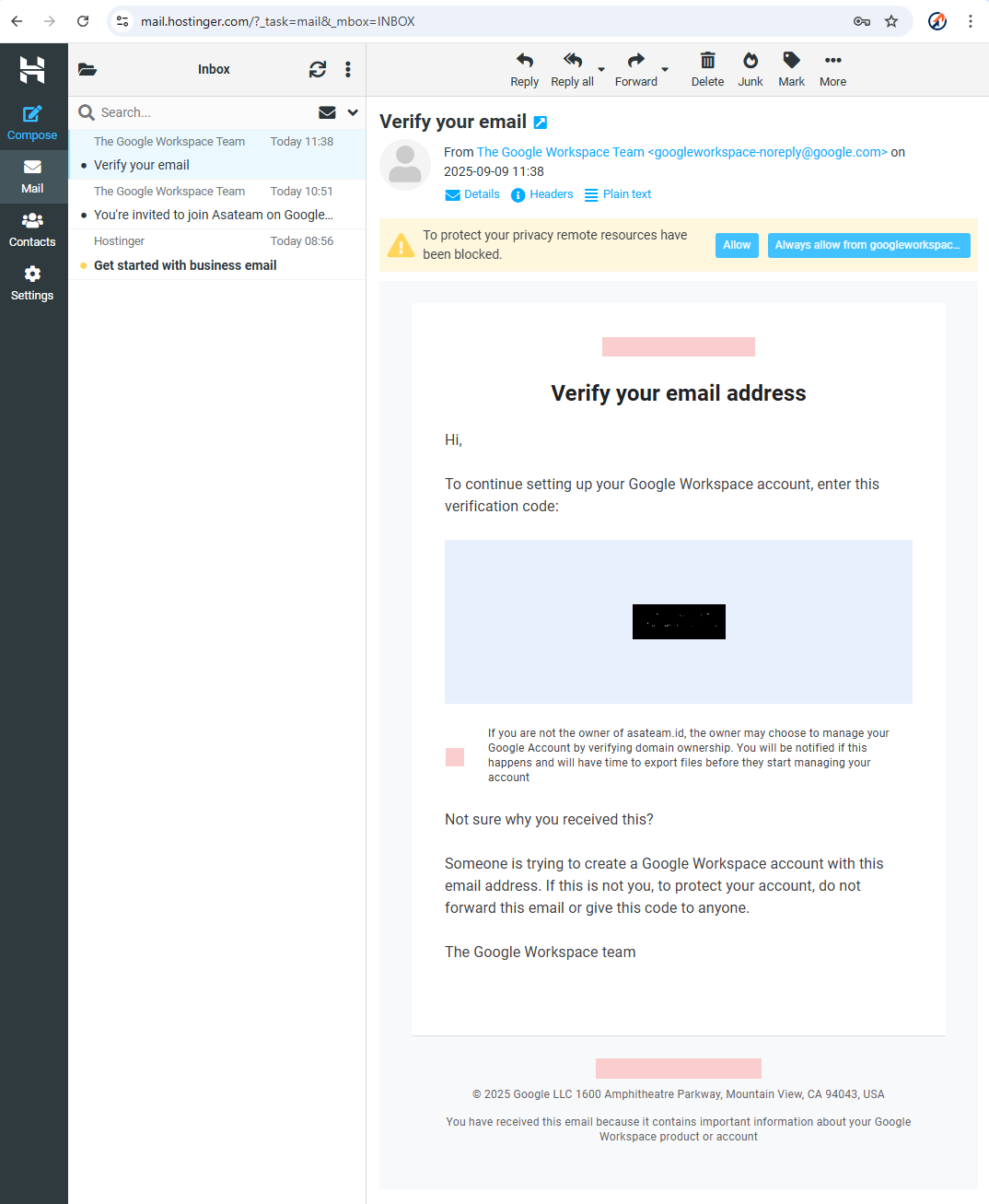
- Google sends a 6 digit code to your hostinger email account
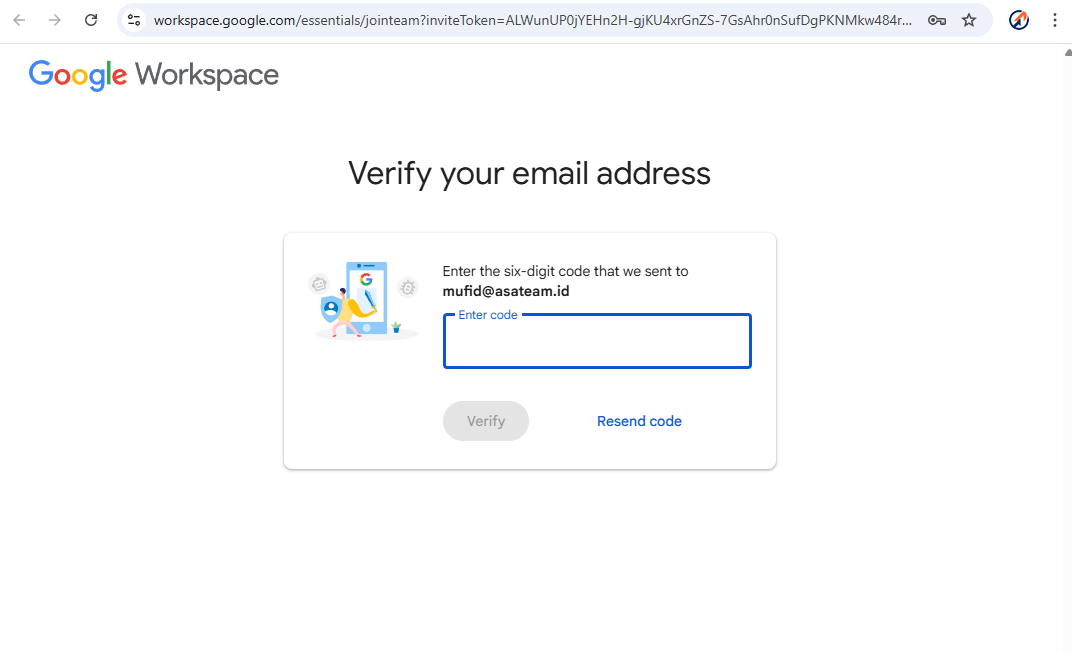
- Check your Hostinger email again and enter the code in the form above
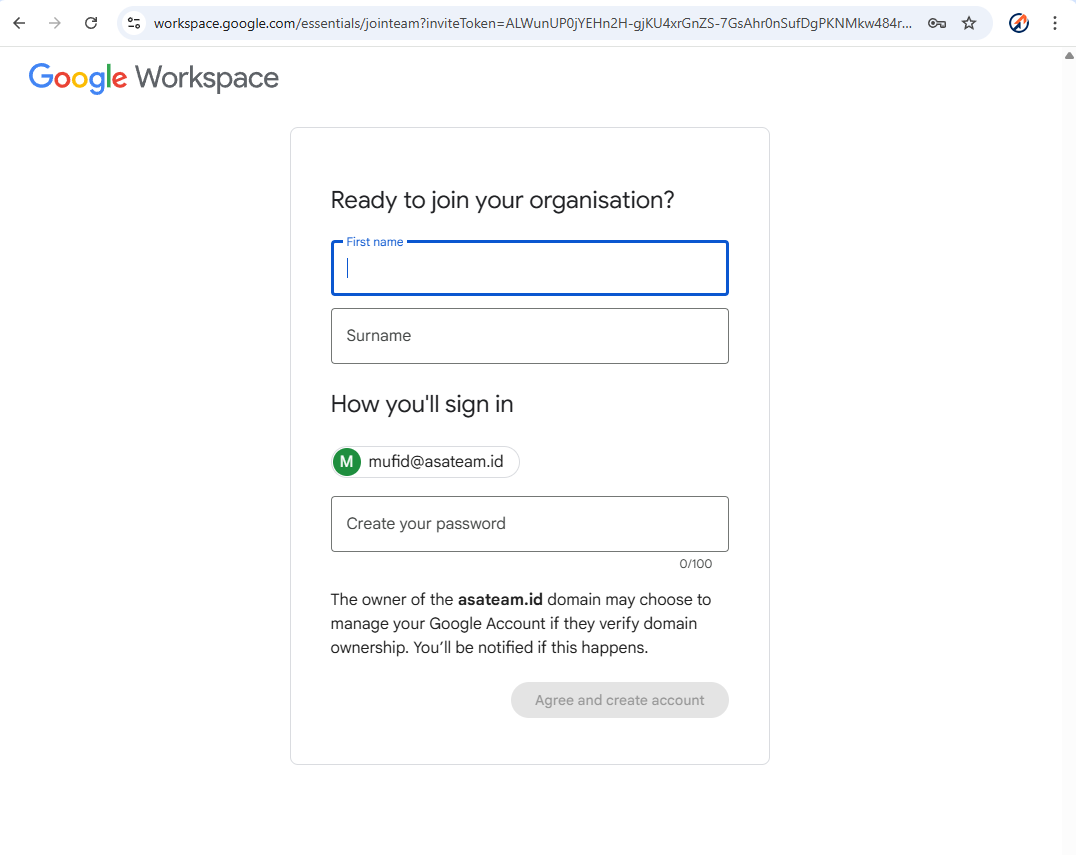
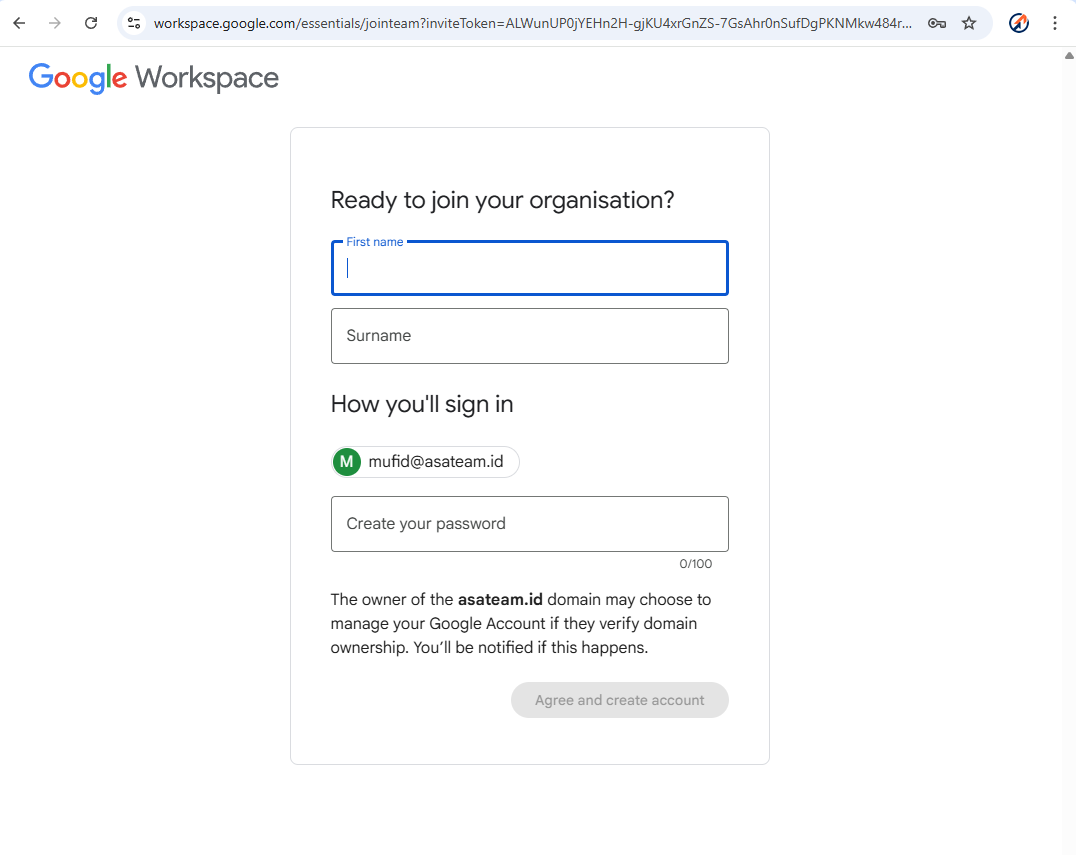
- Create your account information (Name must nickname, Surename must Asateam) and create your password
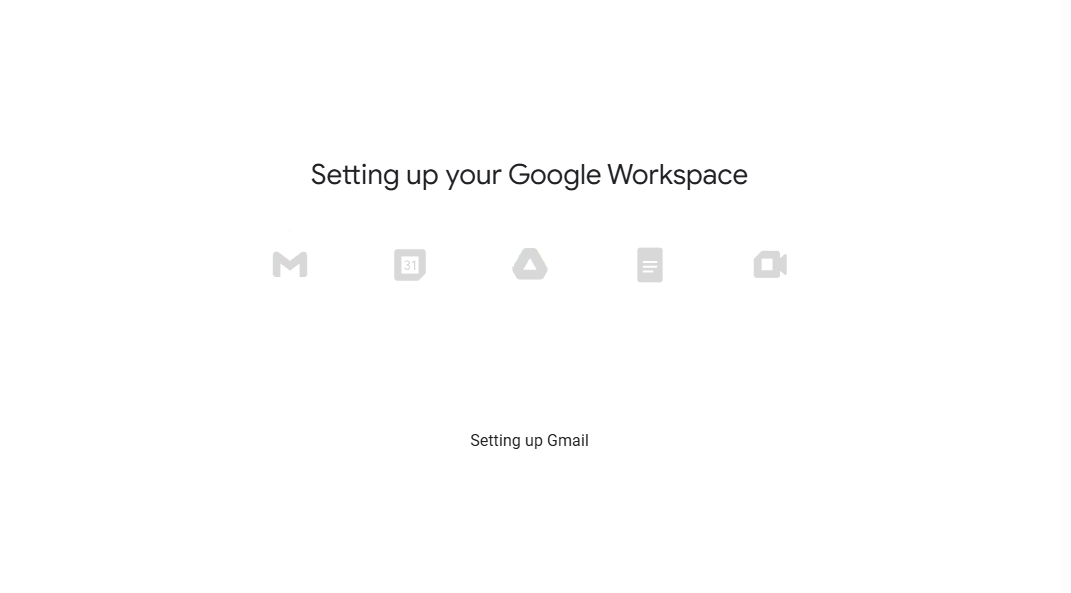
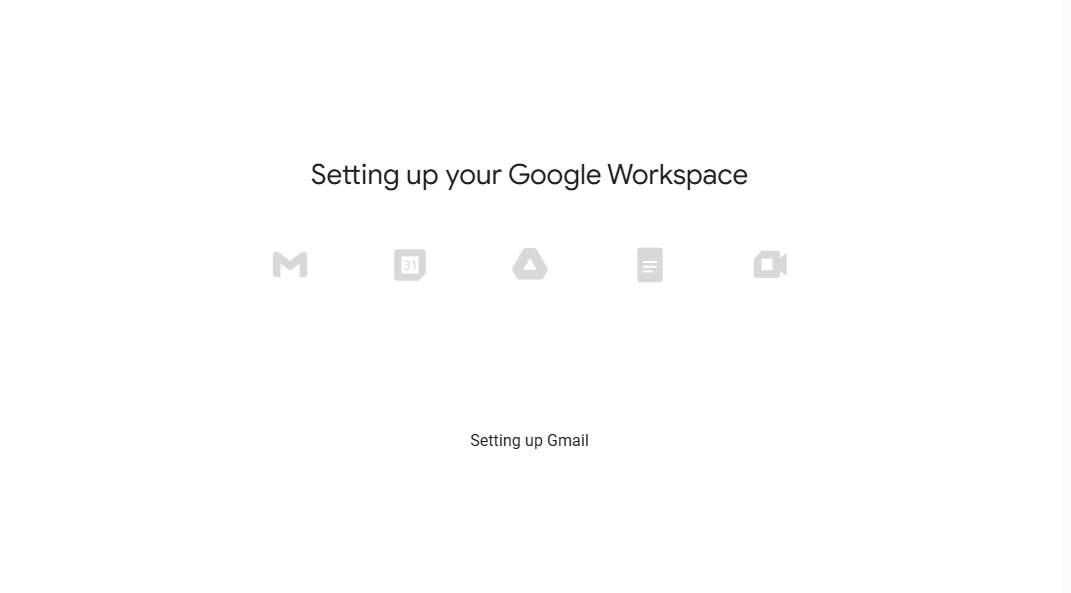
- Google setup your account workspace
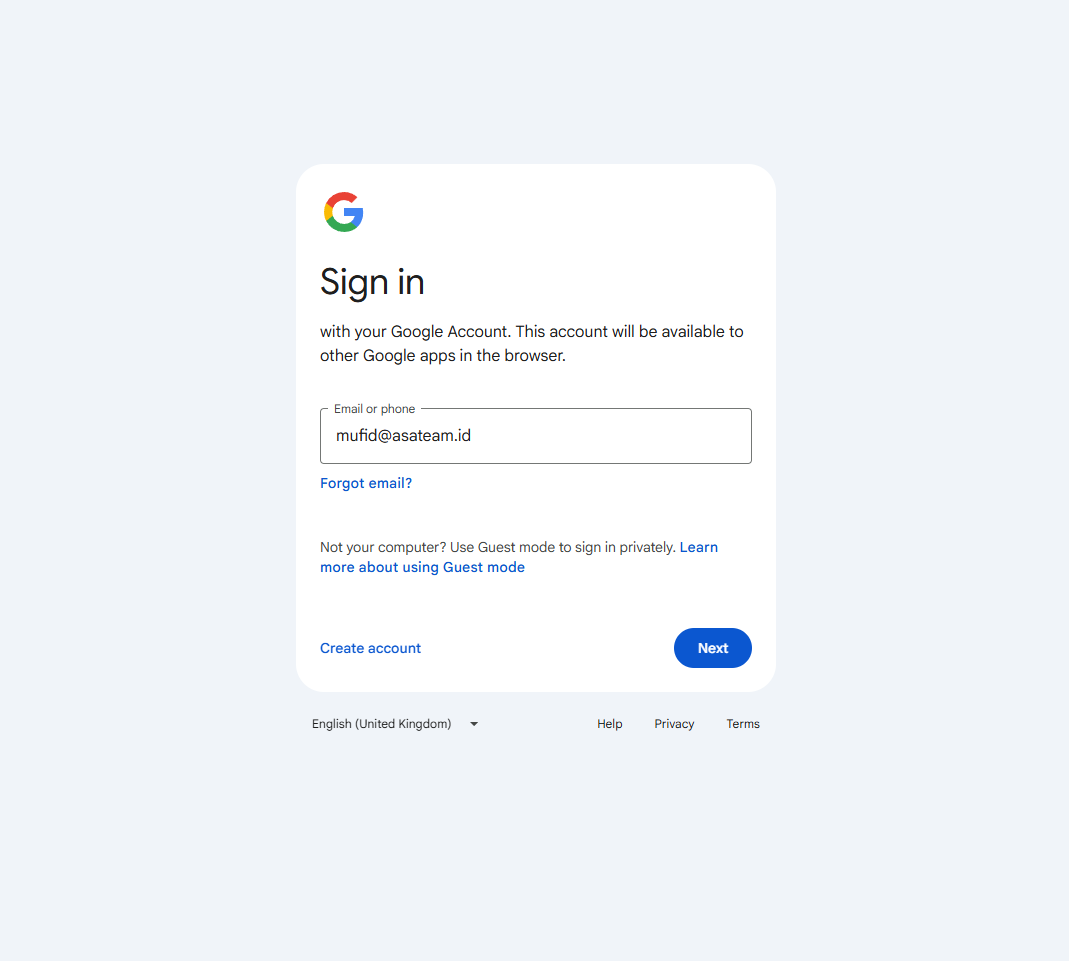
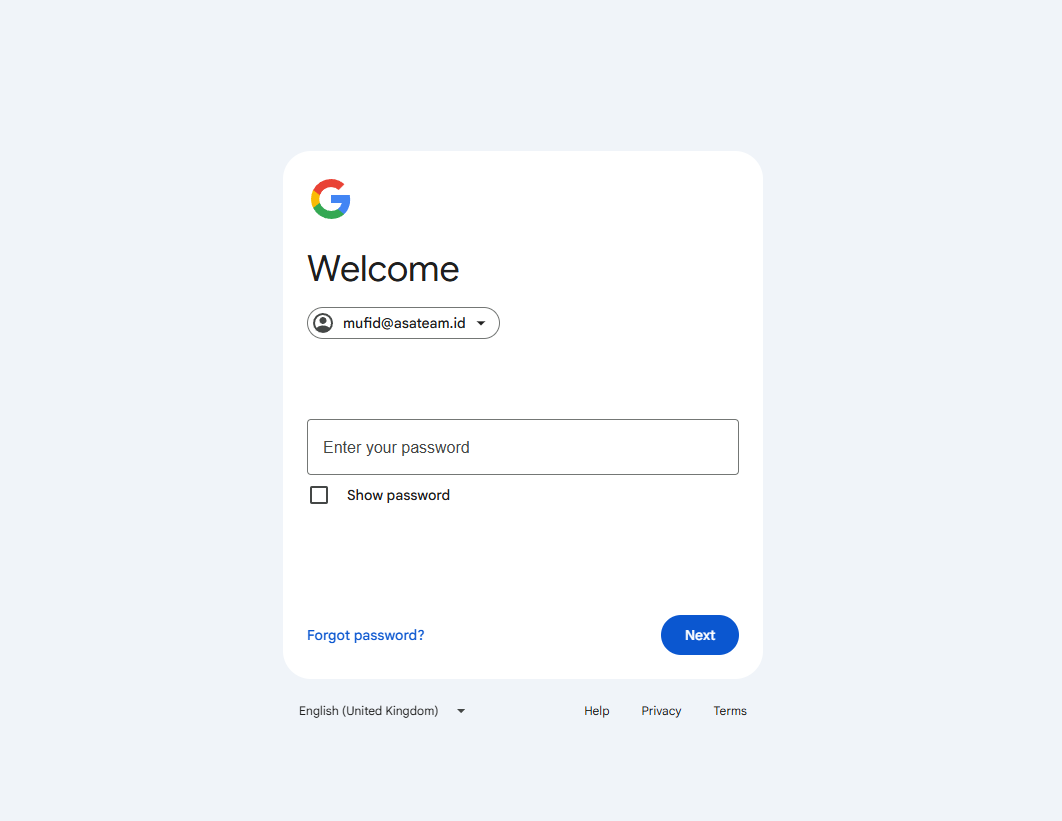
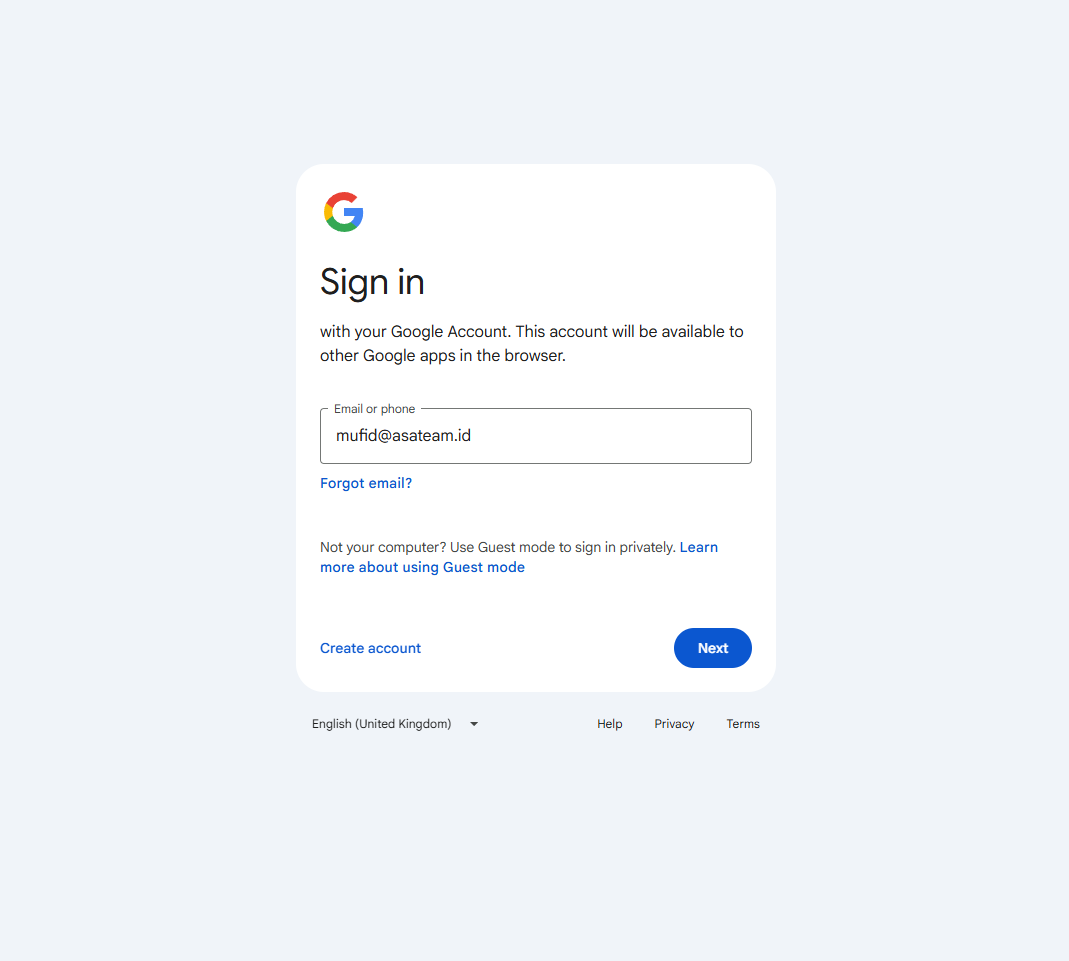
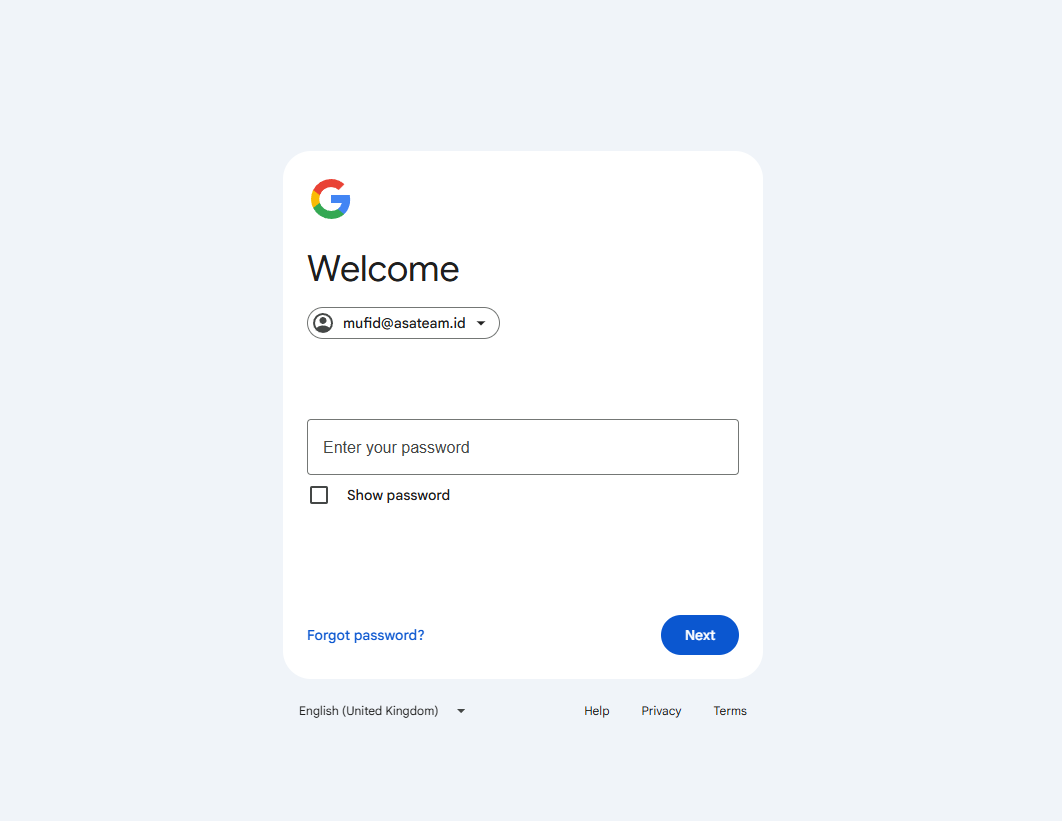
- Sign in and enter your password
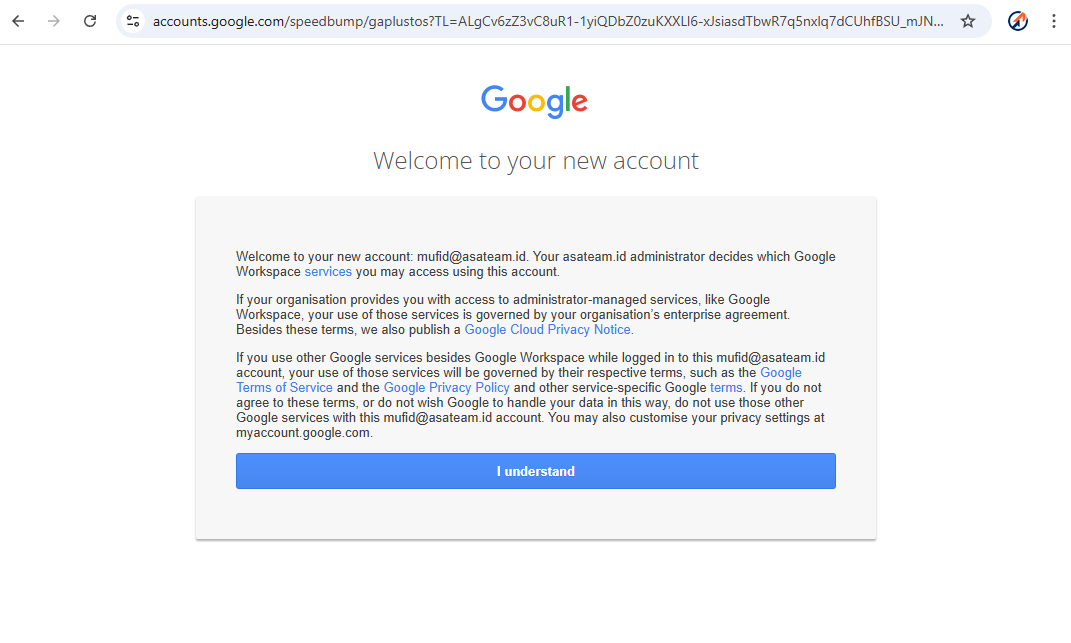
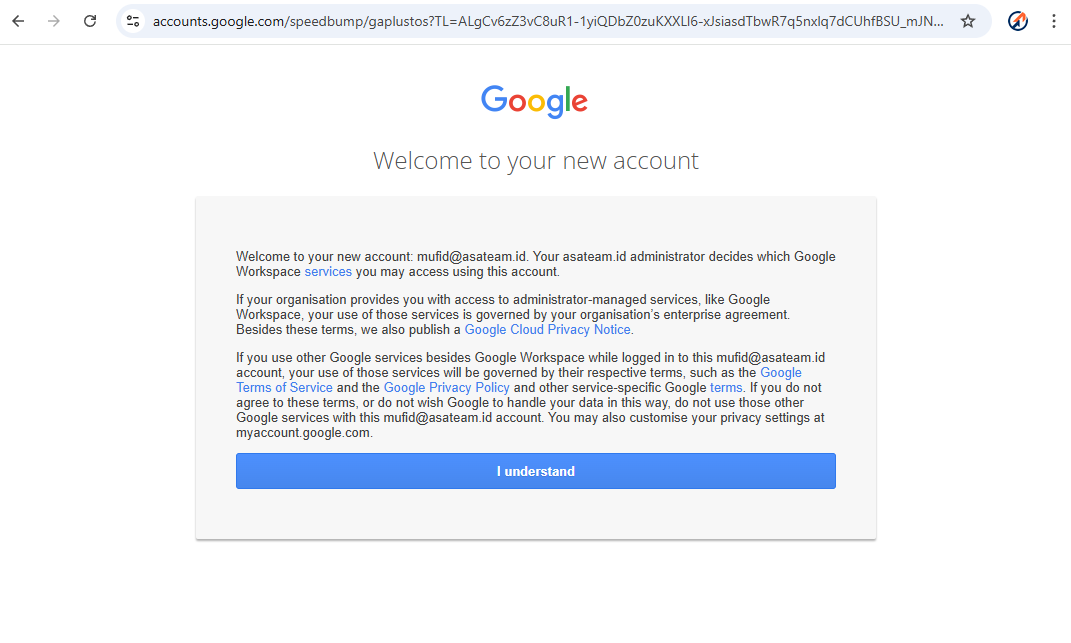
- Click understand
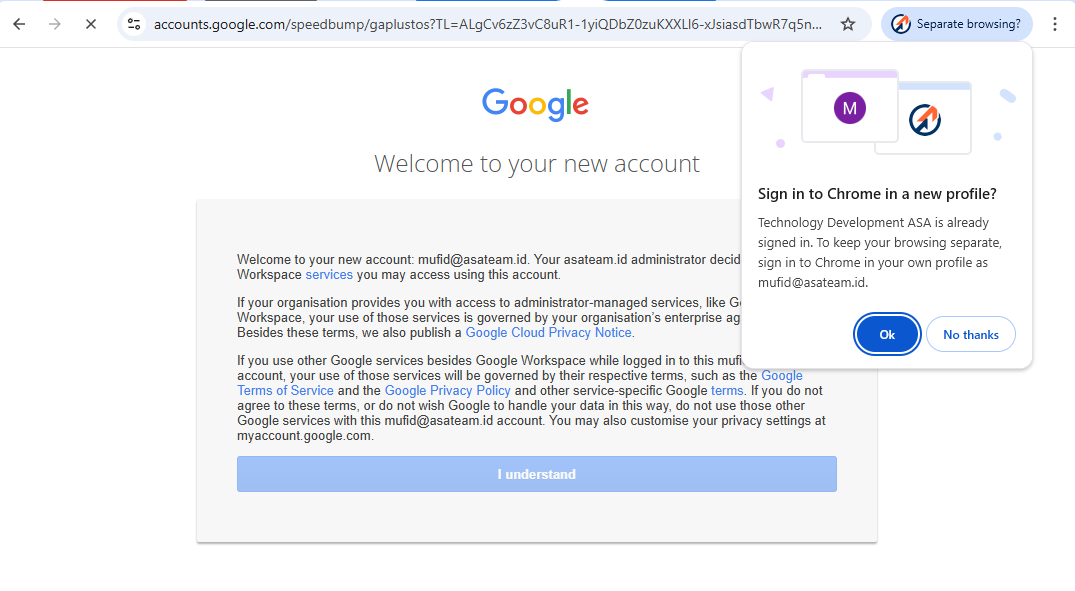
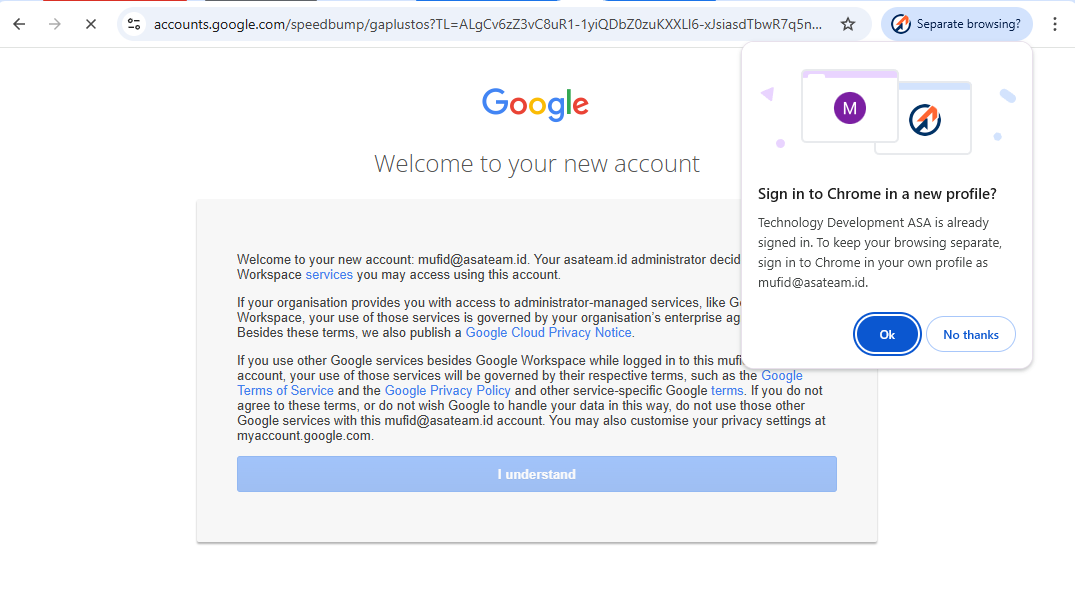
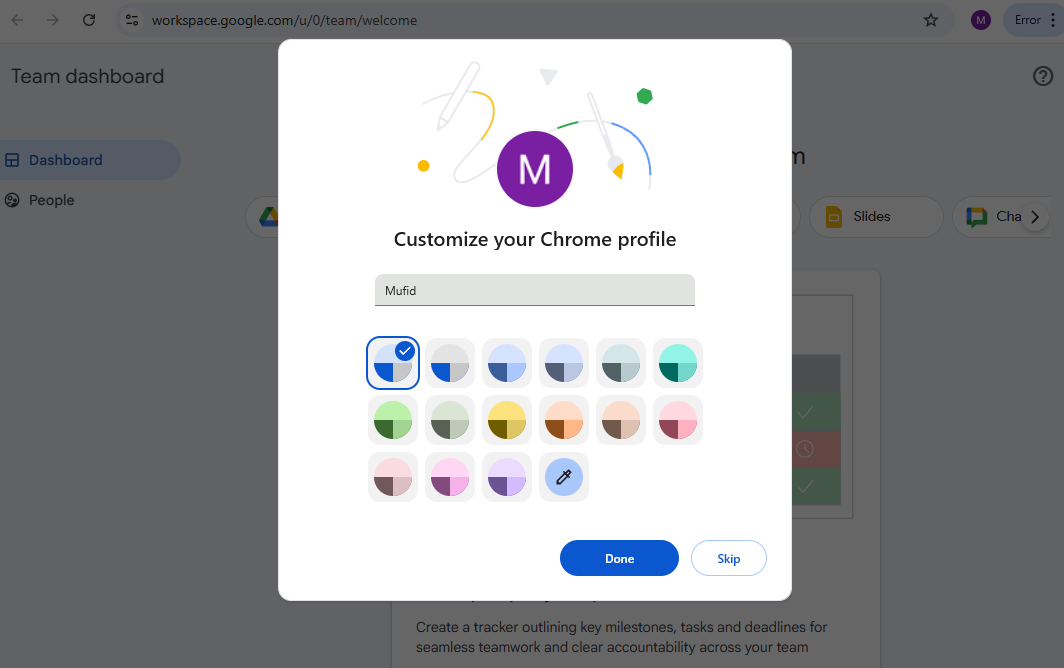
- If you get a pop up message in the top right corner, click OK so that Google automatically creates a new Chrome profile
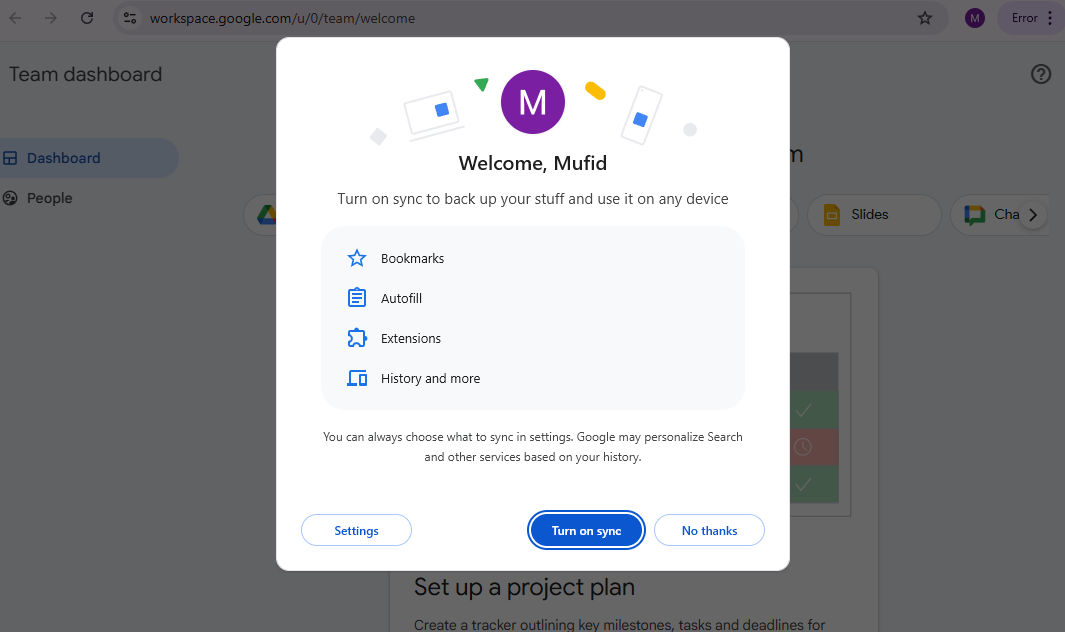
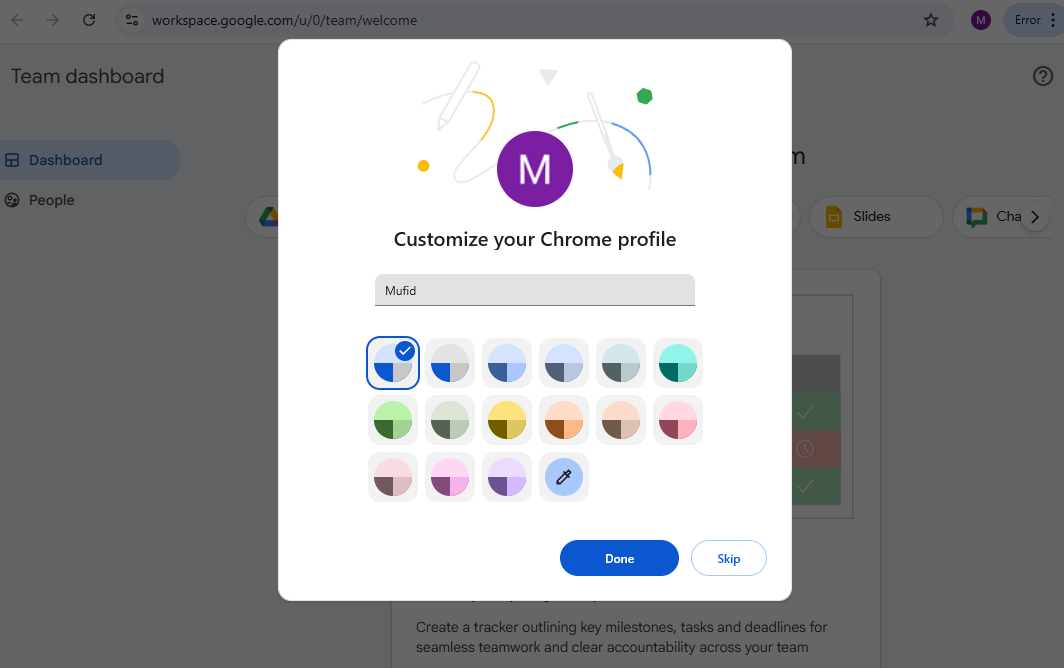
- Turn on Sync and choose your color profile
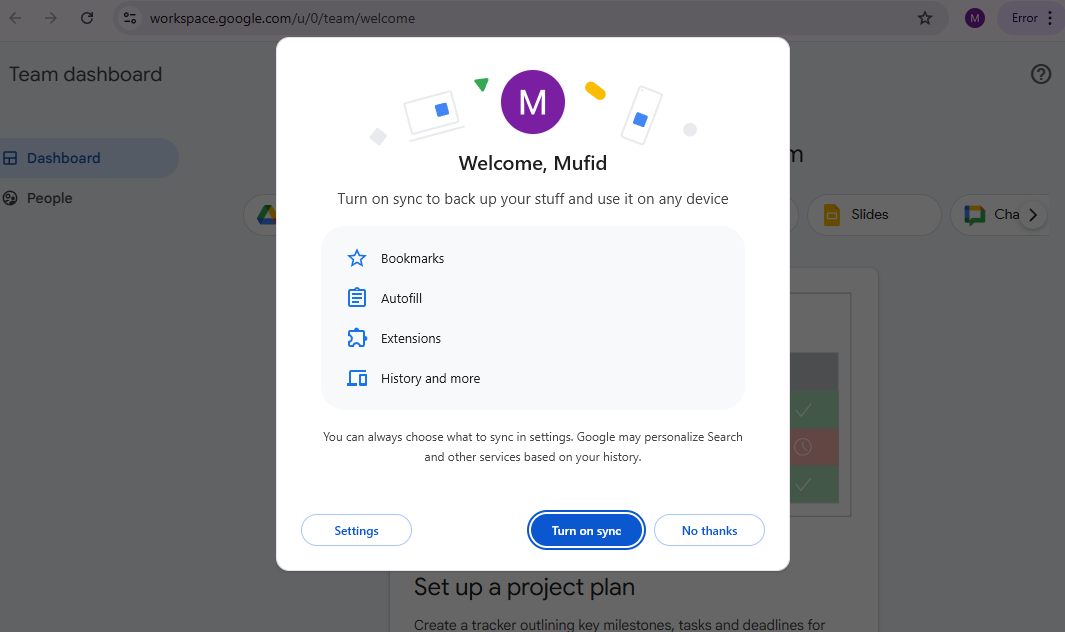
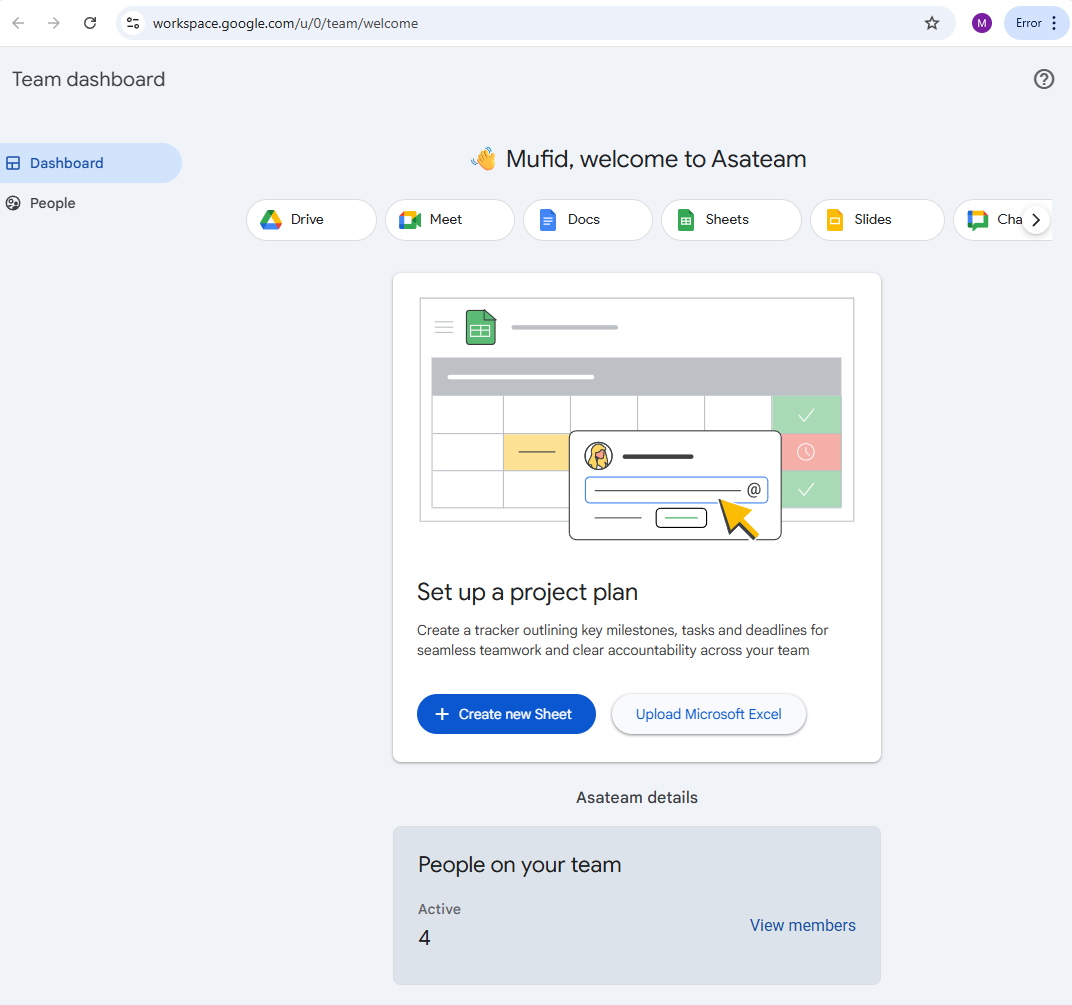
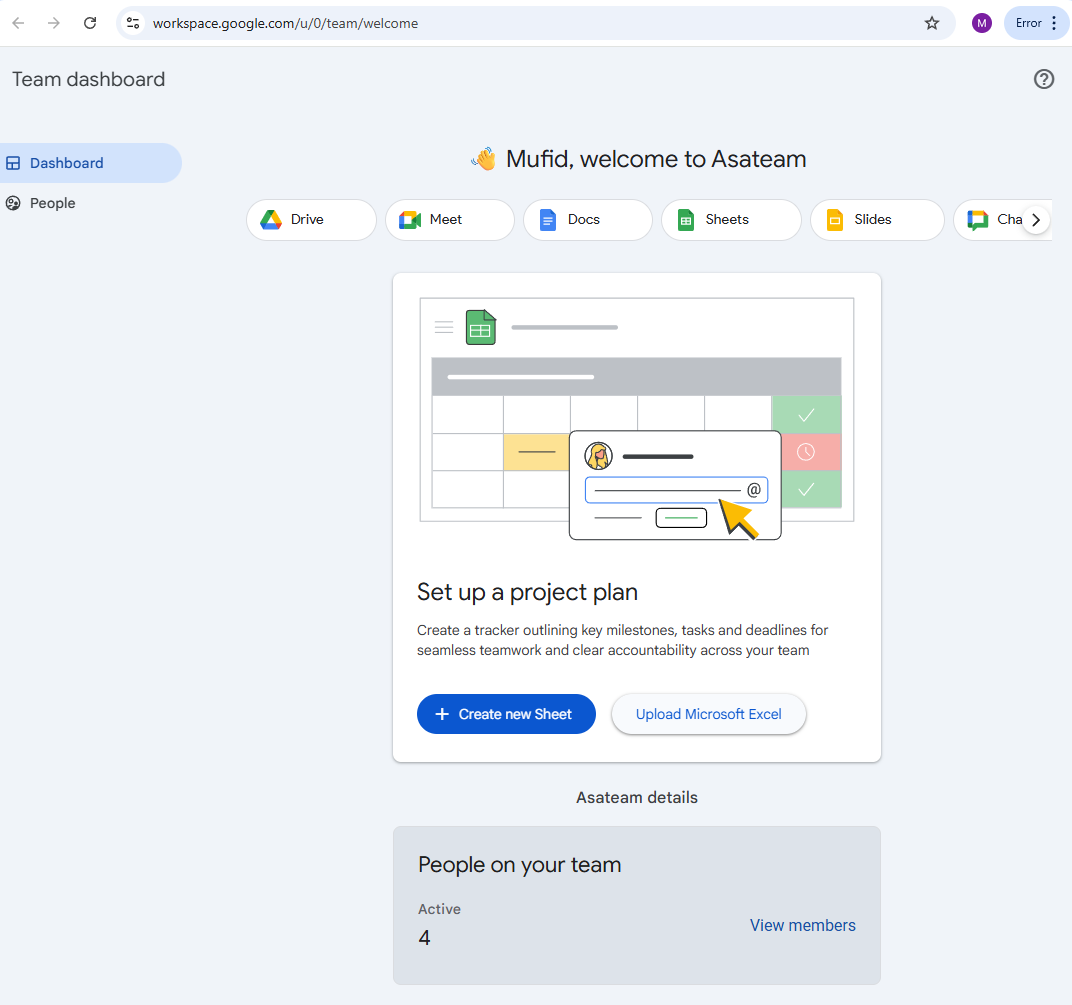
- Welcome to Asateam Google Workspace, your account ready to embark