
Flow Discord
Important! Read to the end, there are notes to be read. The steps below have been tested for success. Follow them slowly and follow them as detailed.
Reasons for Migration
- Improving communication security, particularly regarding privacy protection and preventing phone number misuse.
- Simplifying communication with the community-based platform to easily manage information and conversation history.
- Efficient collaboration through Discord.
Overview Flow Google Workspace
How to access your google workspace account.
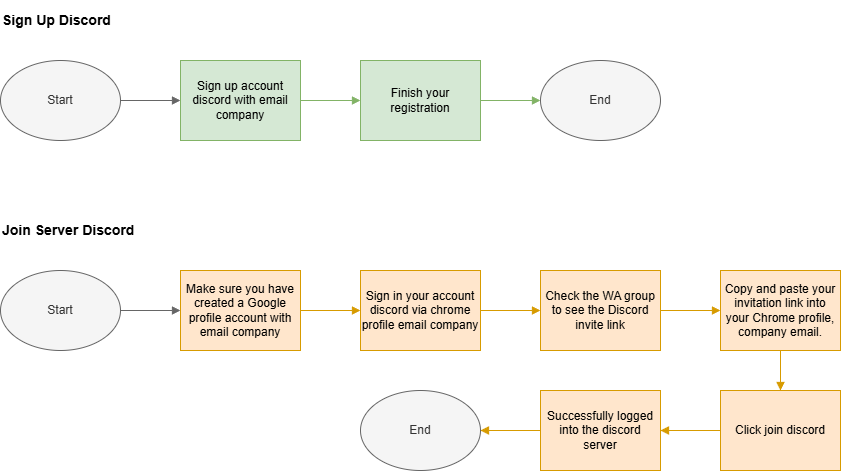
Step to Embark your Google Workspace Account
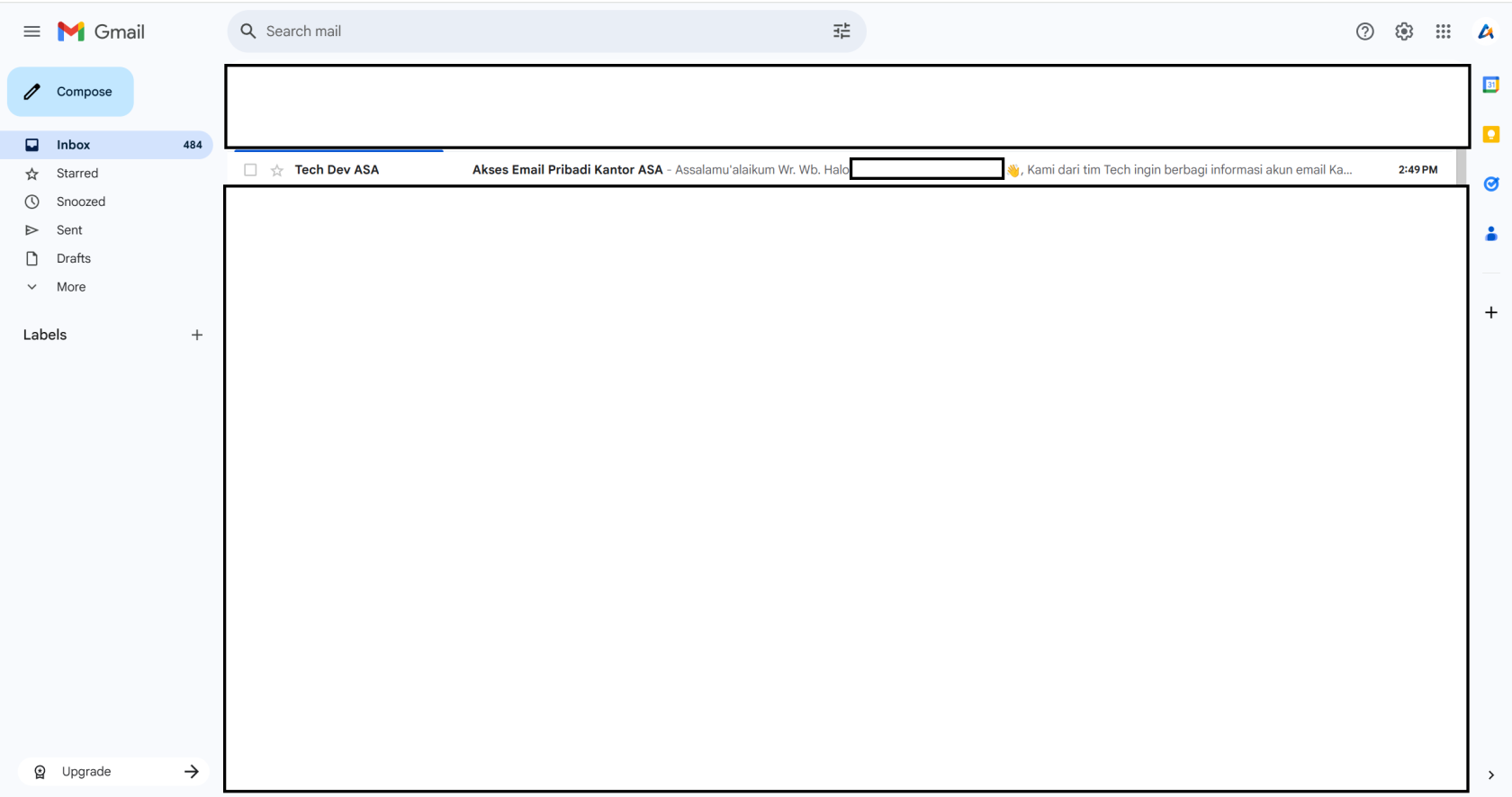
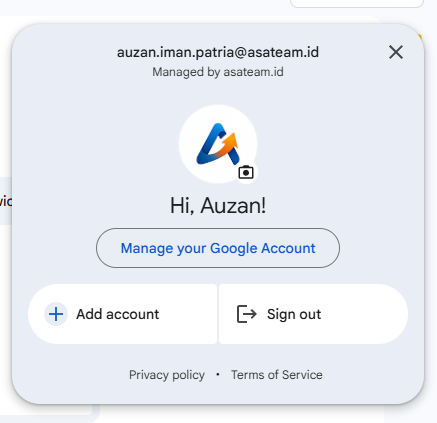
CheckMakeyoursurepersonalyou are using a corporate emailforchromea message fromTech Dev ASAaccount..
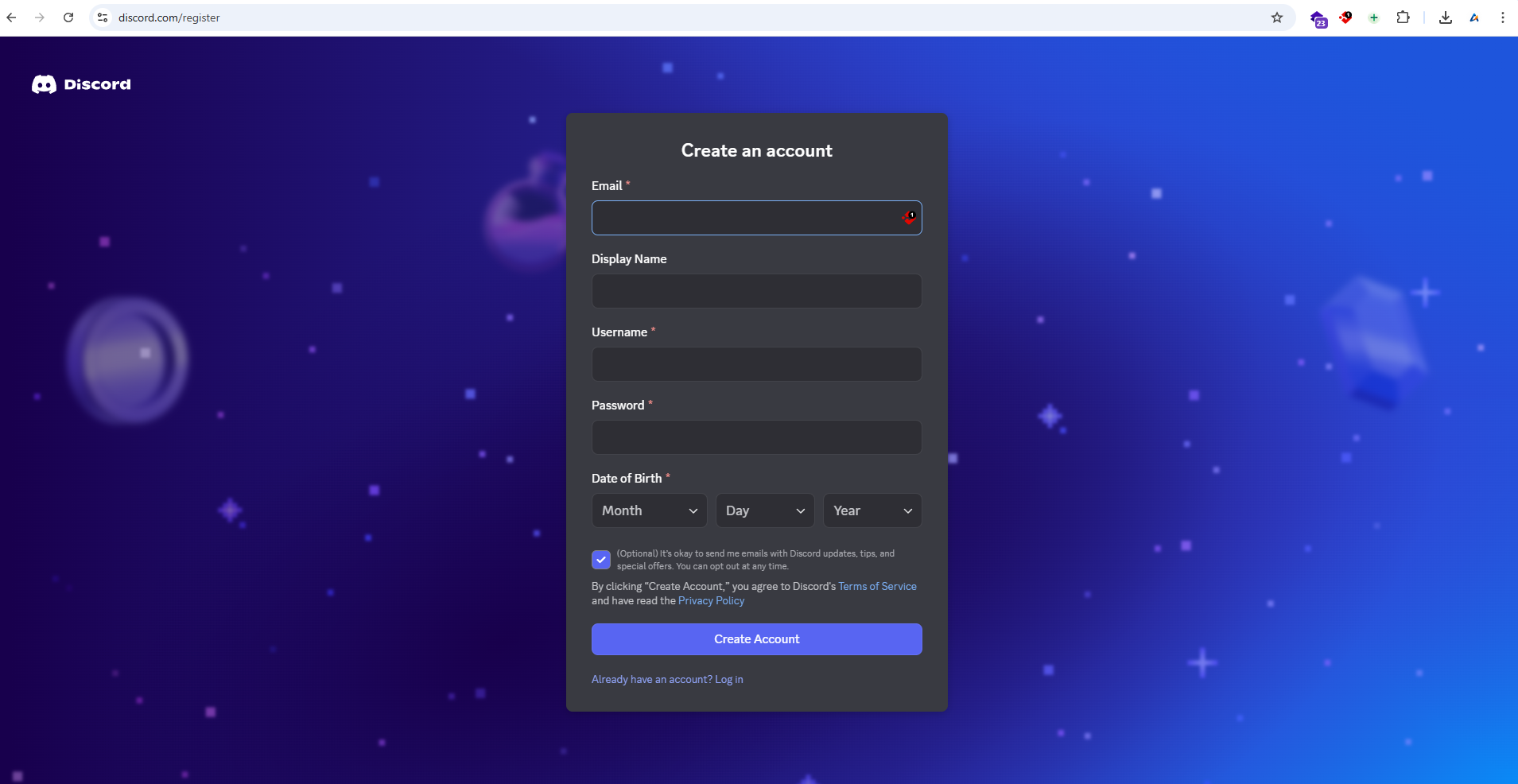
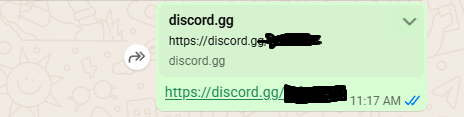
- Sign Up Discrod.
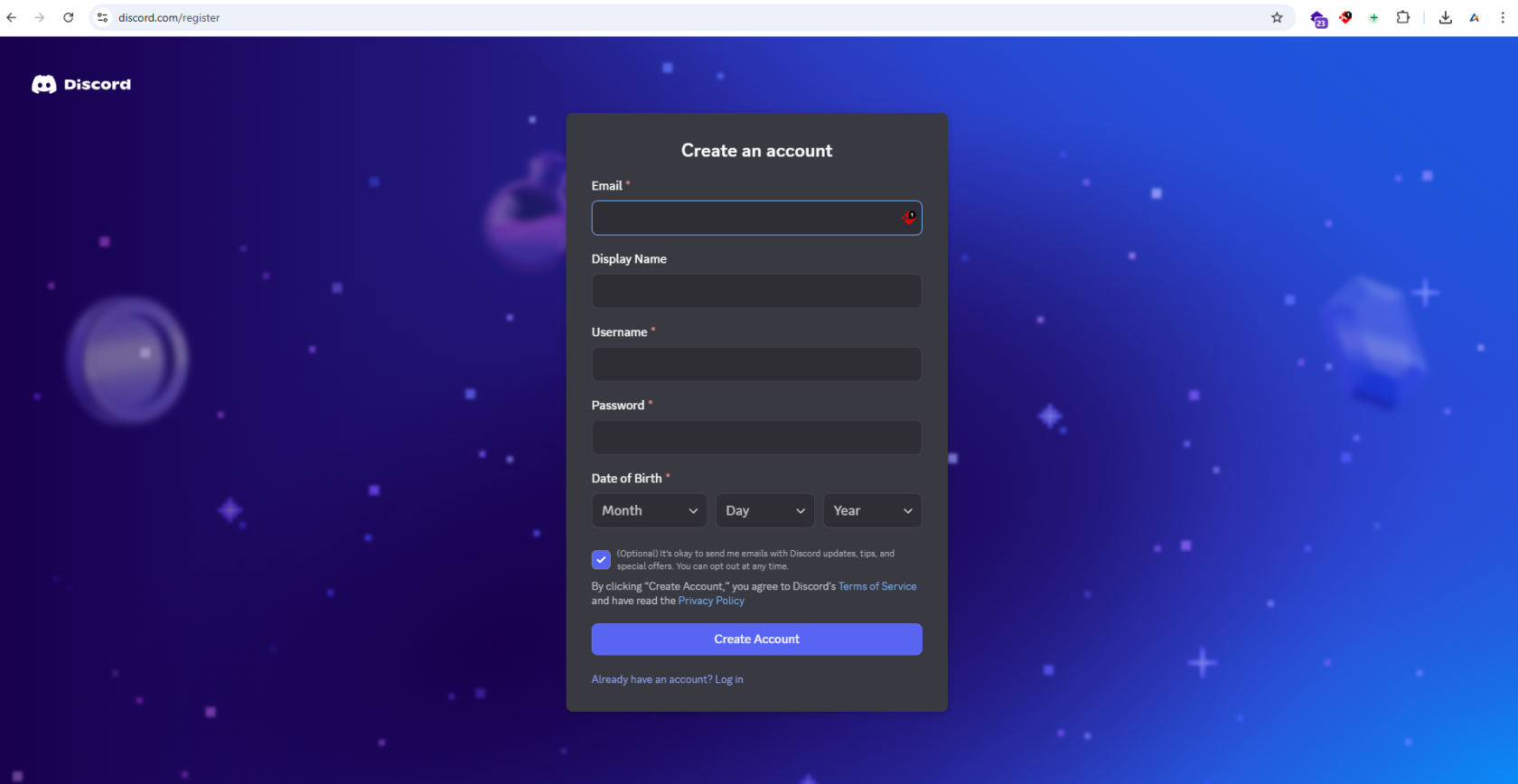
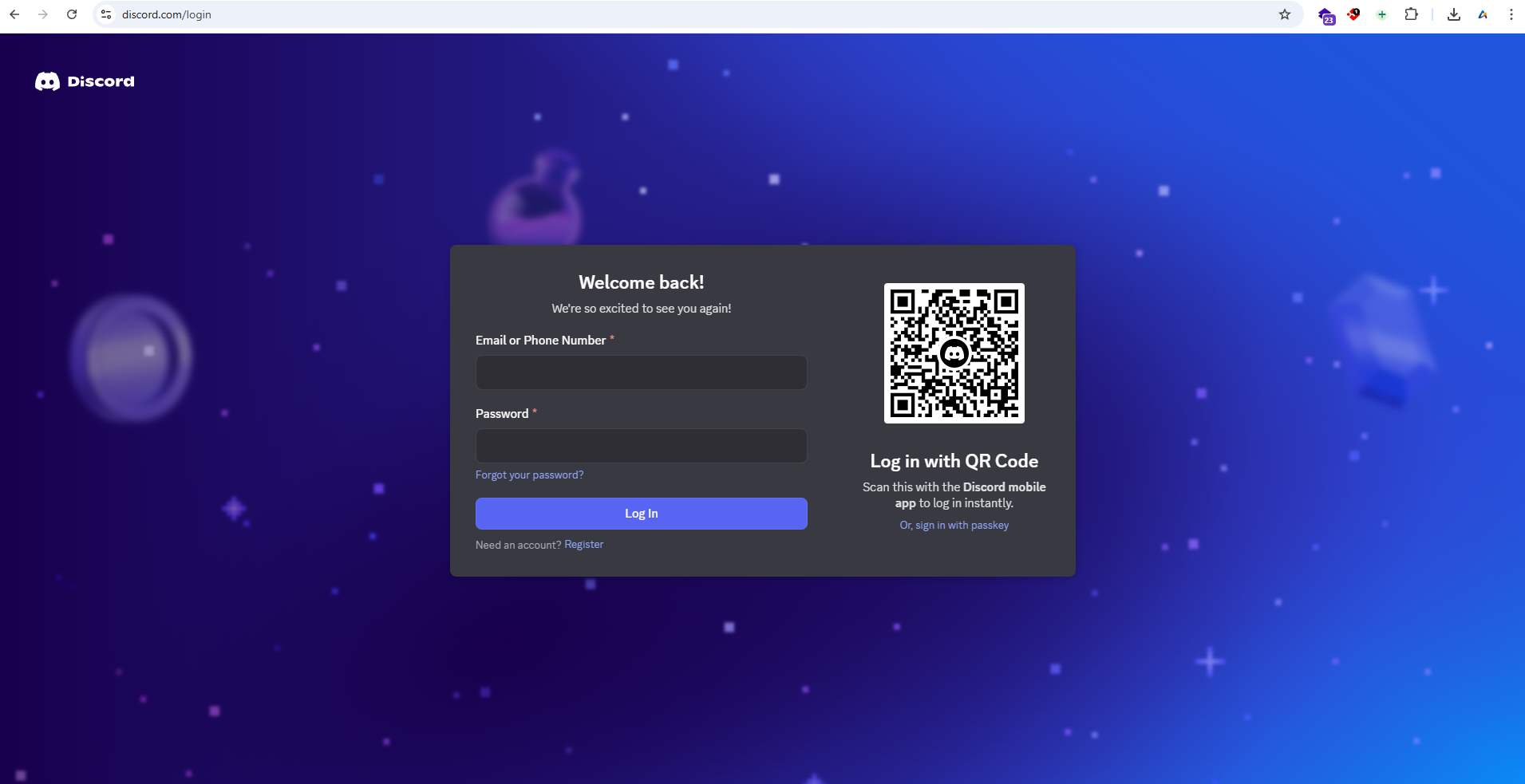
- Login on discord
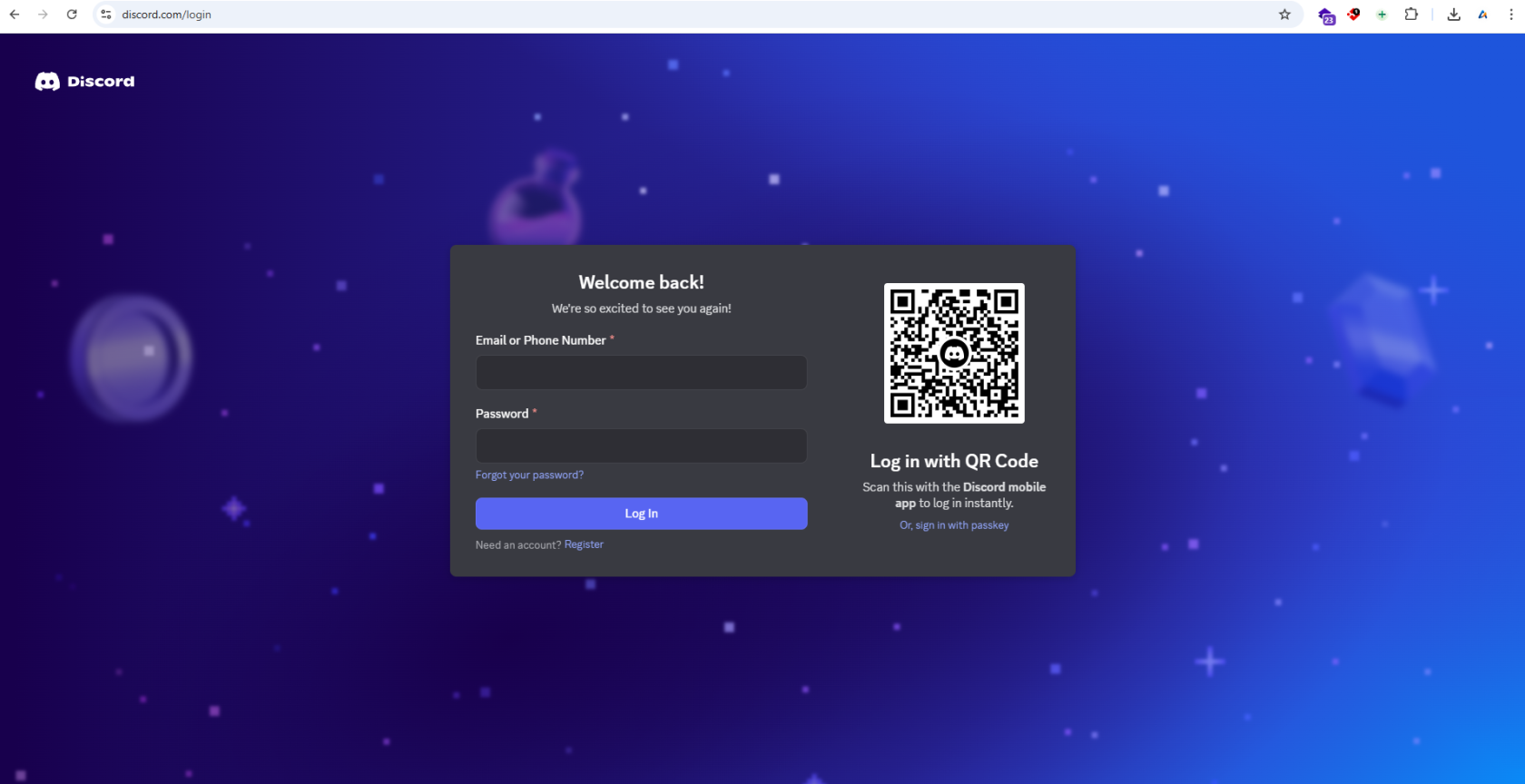
- Check the
contentsWAofto see themessageDiscordfrominviteTechlink.DevASA,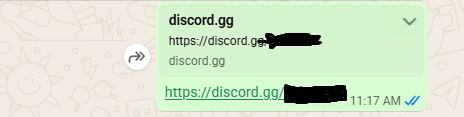
there - Copy and paste your
credentialinvitationinfolinkthereinto your Chrome profile, company email..
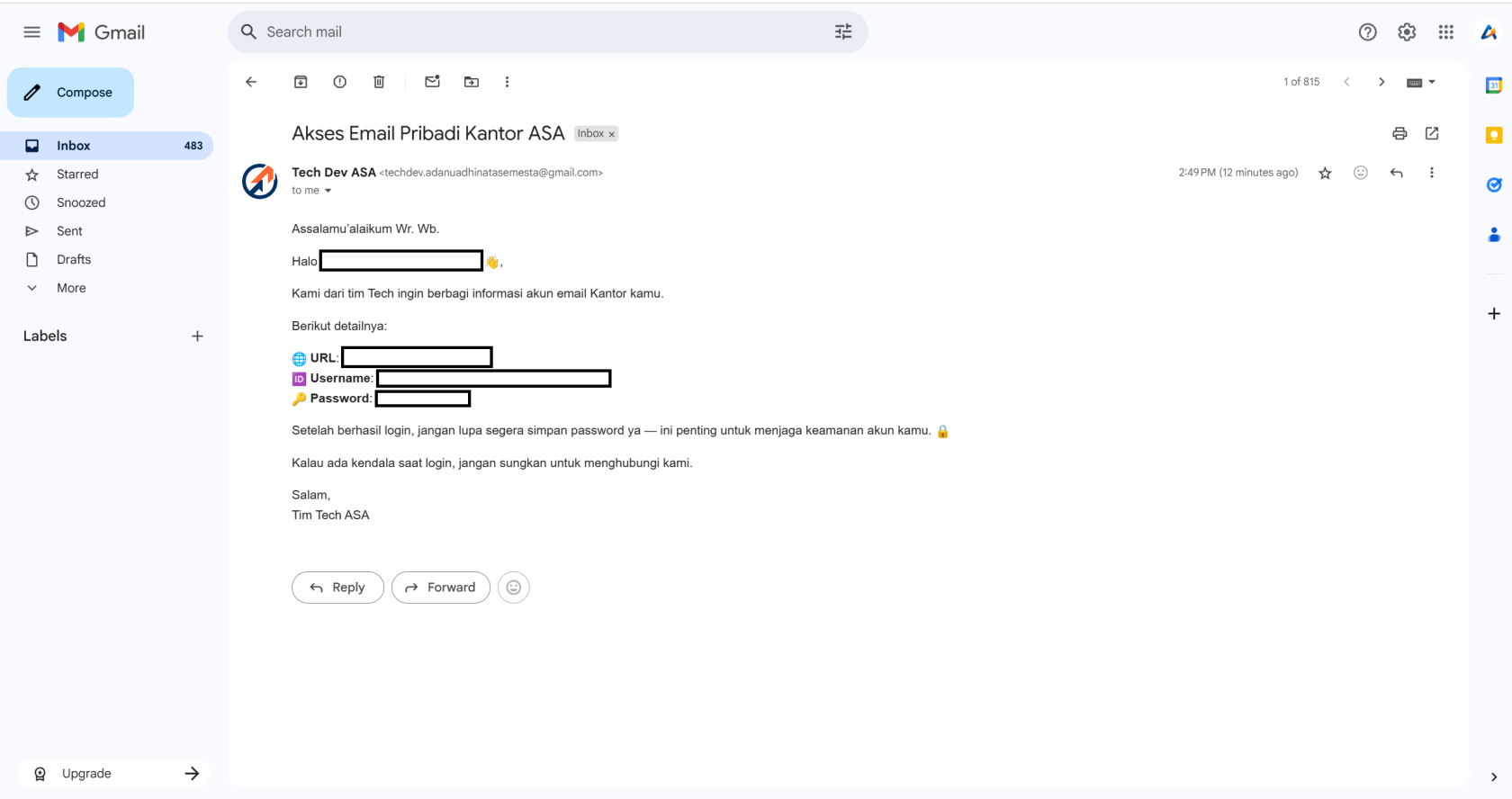

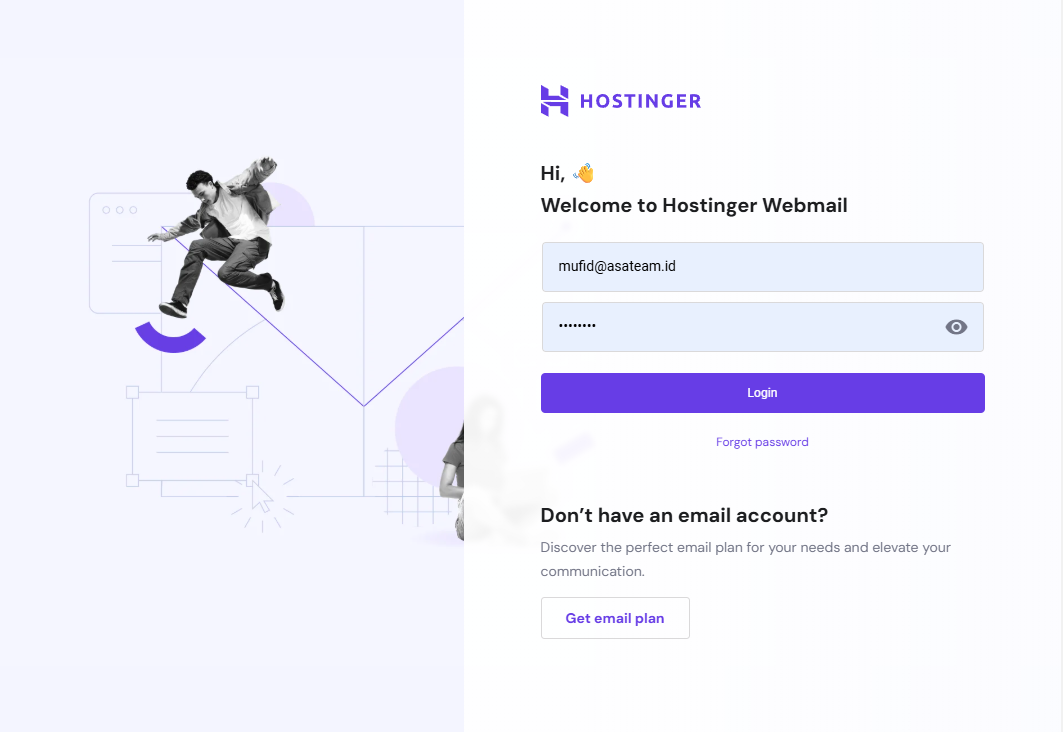
Login on mail.hostinger.com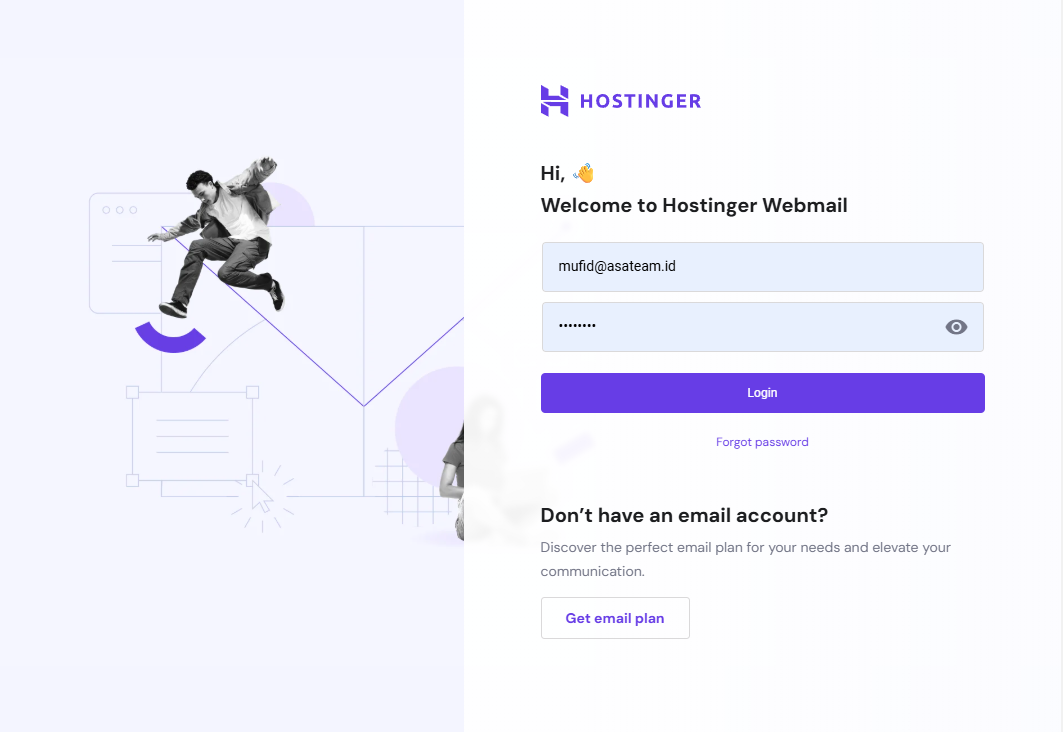
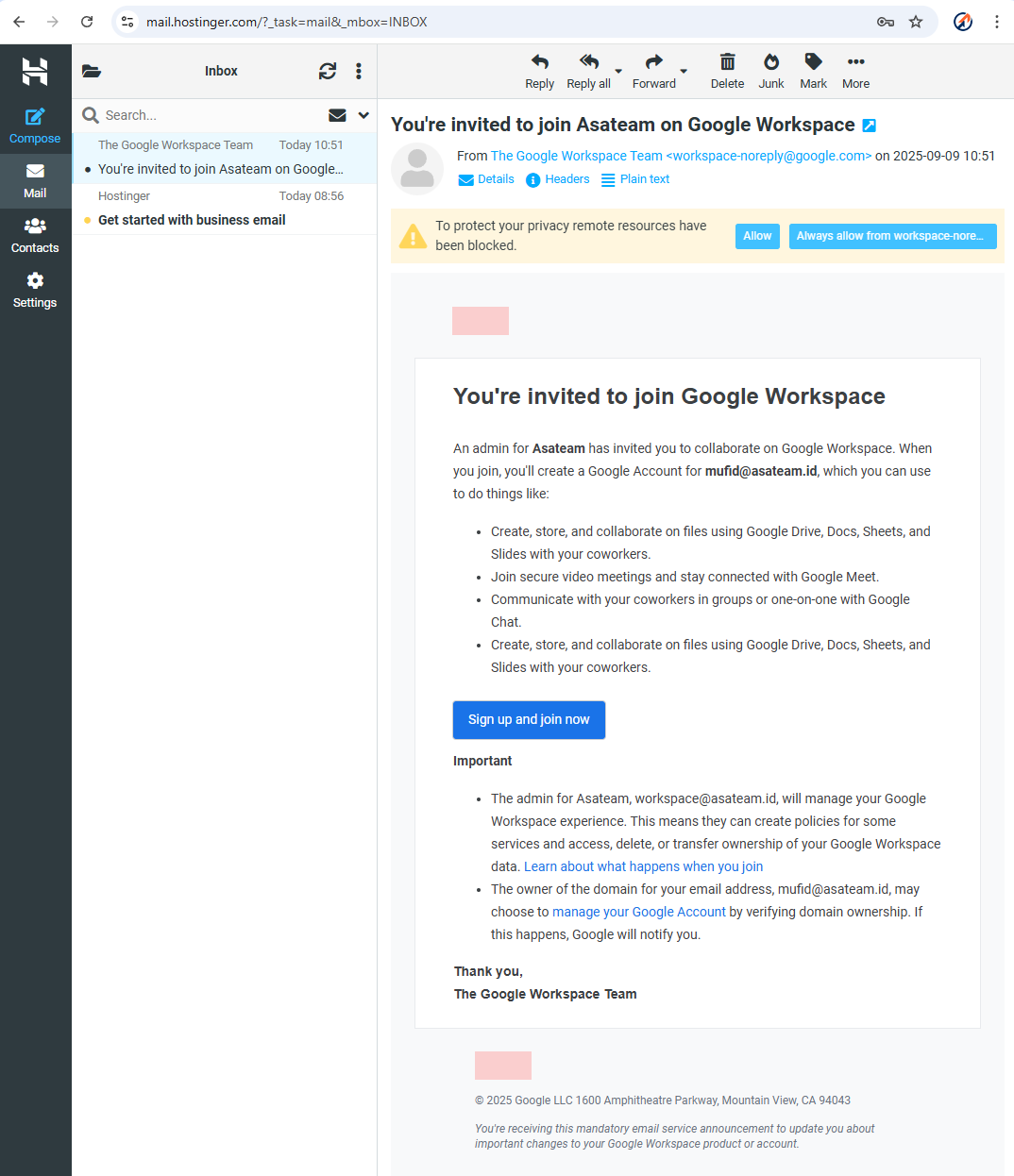
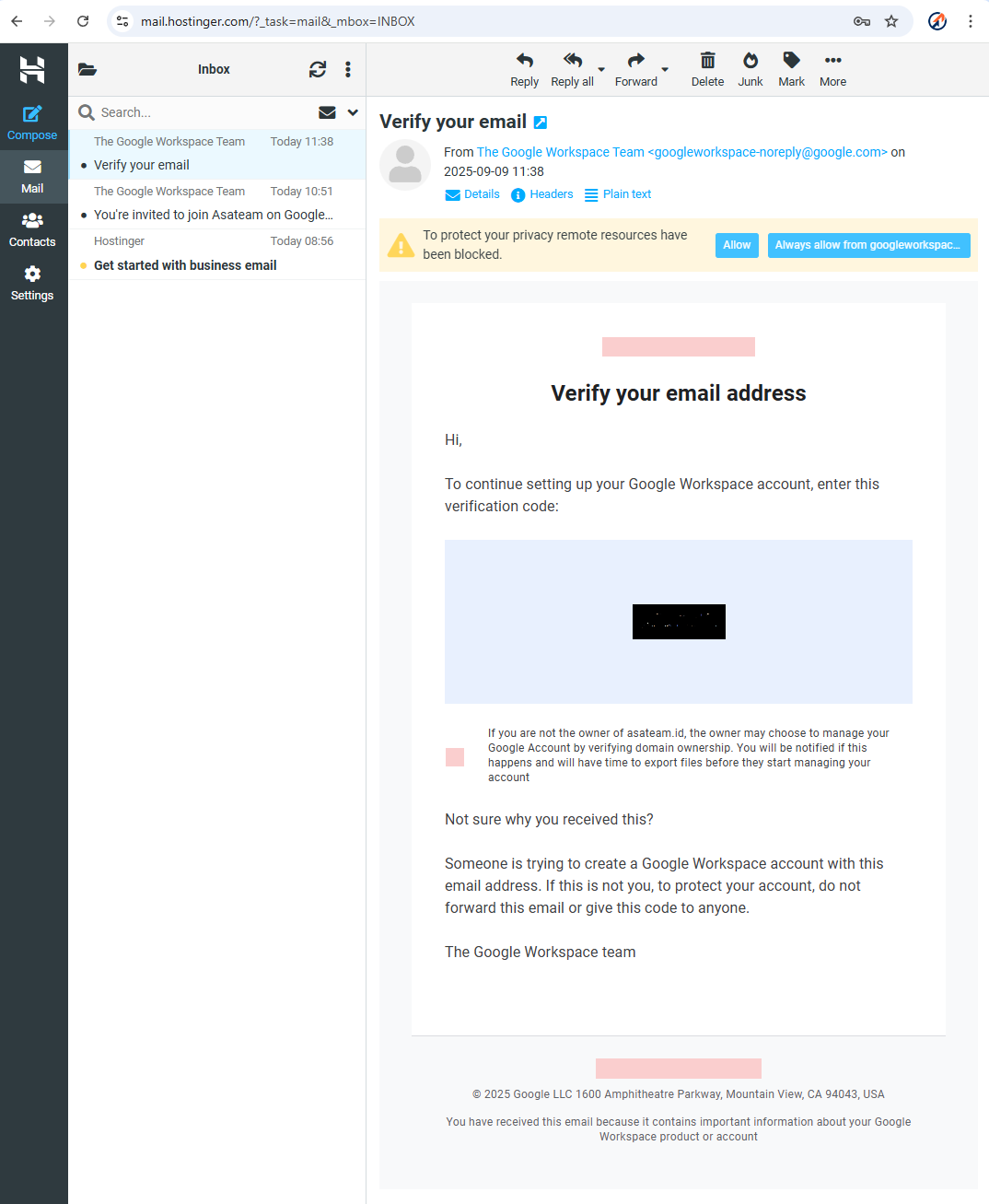
Check your hostinger email for the invitation and clickSign Up and Join Now.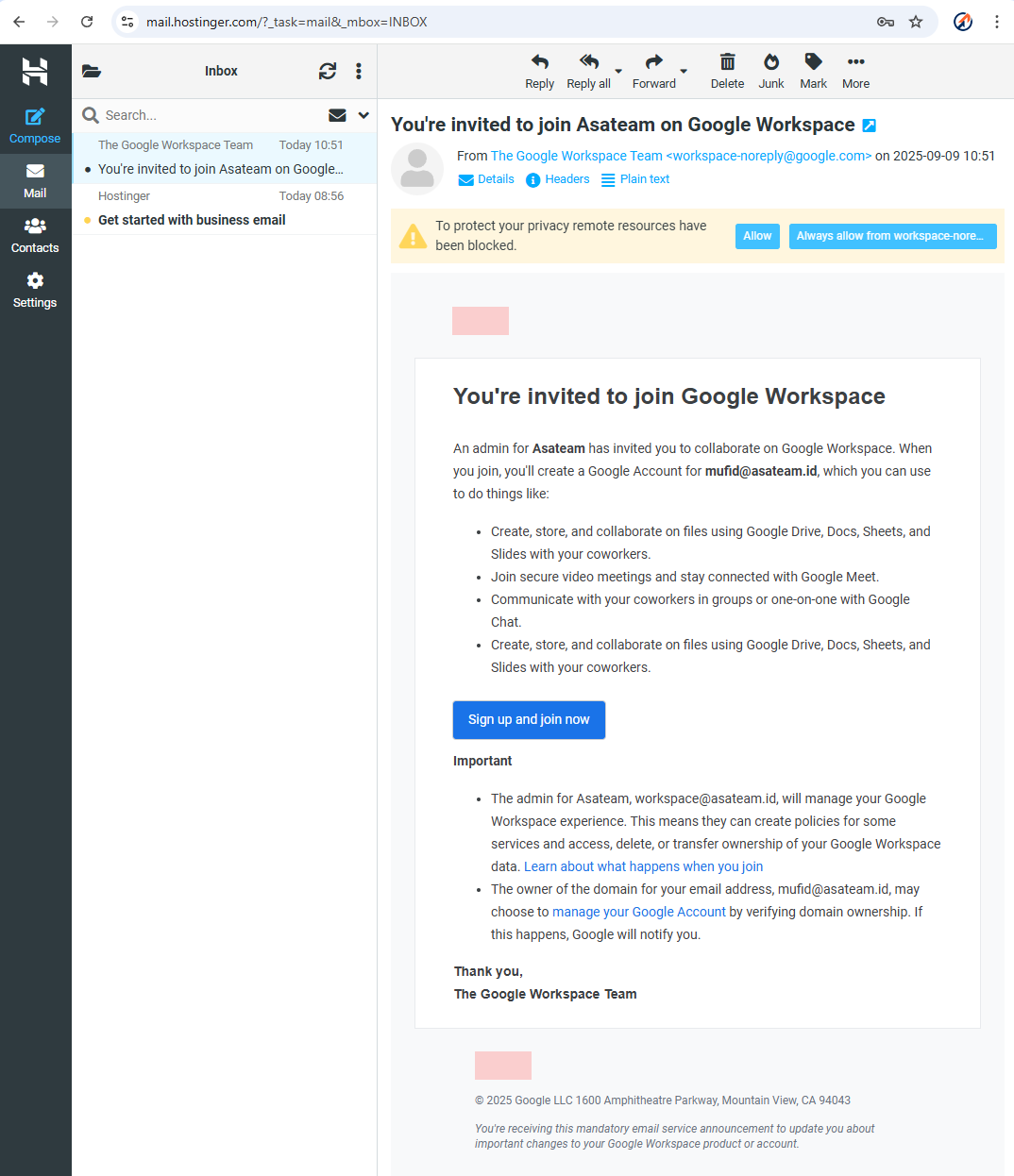
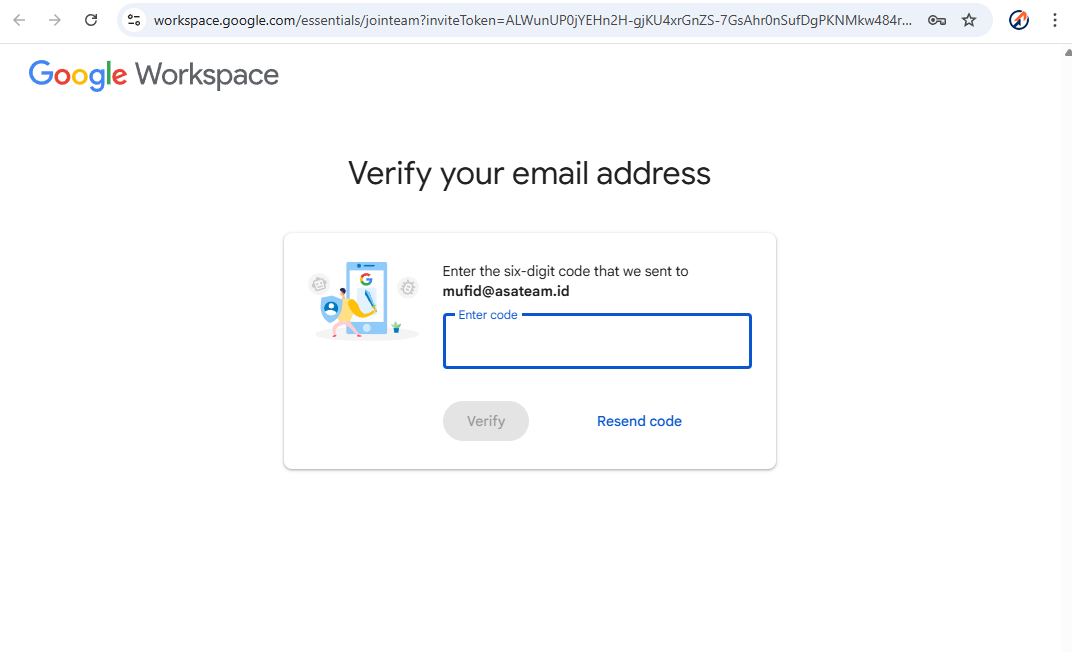
Google sends a6 digit codeto your hostinger email account.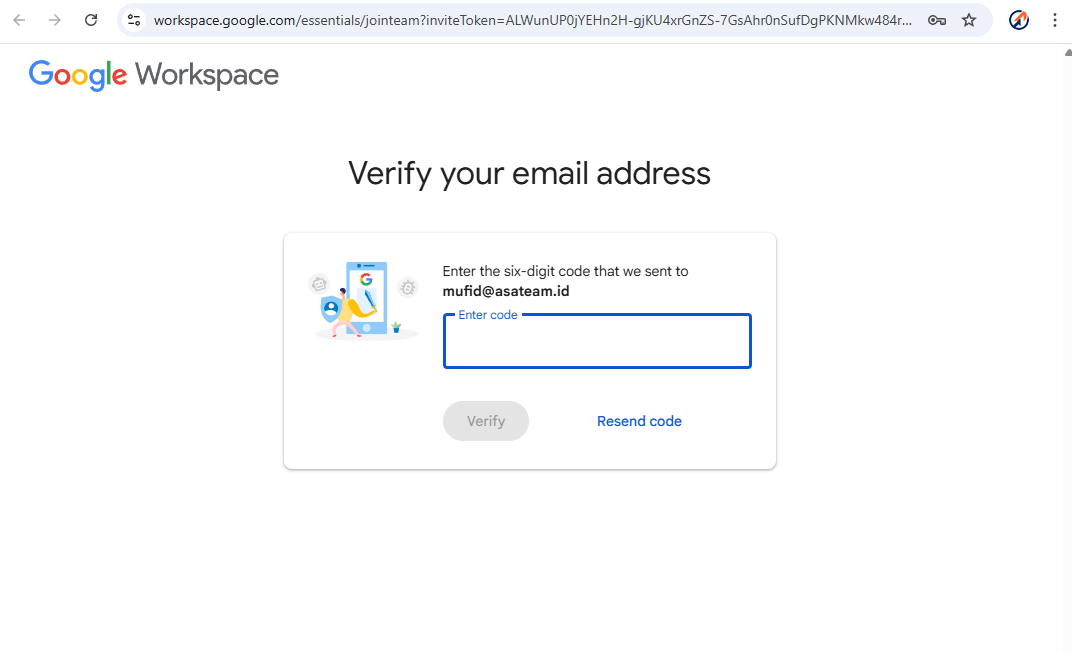
Check your Hostinger email again andenter the code in the form above.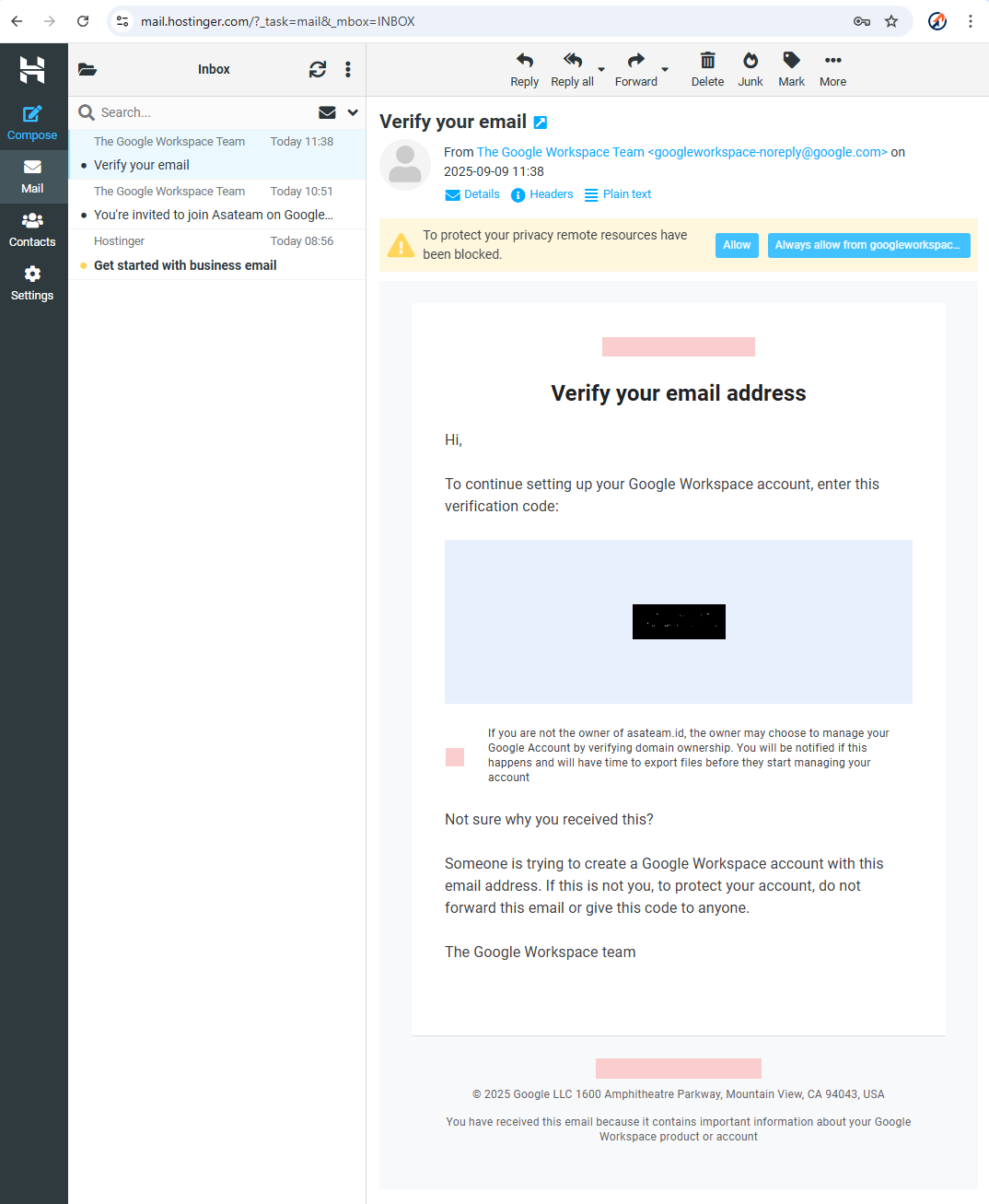
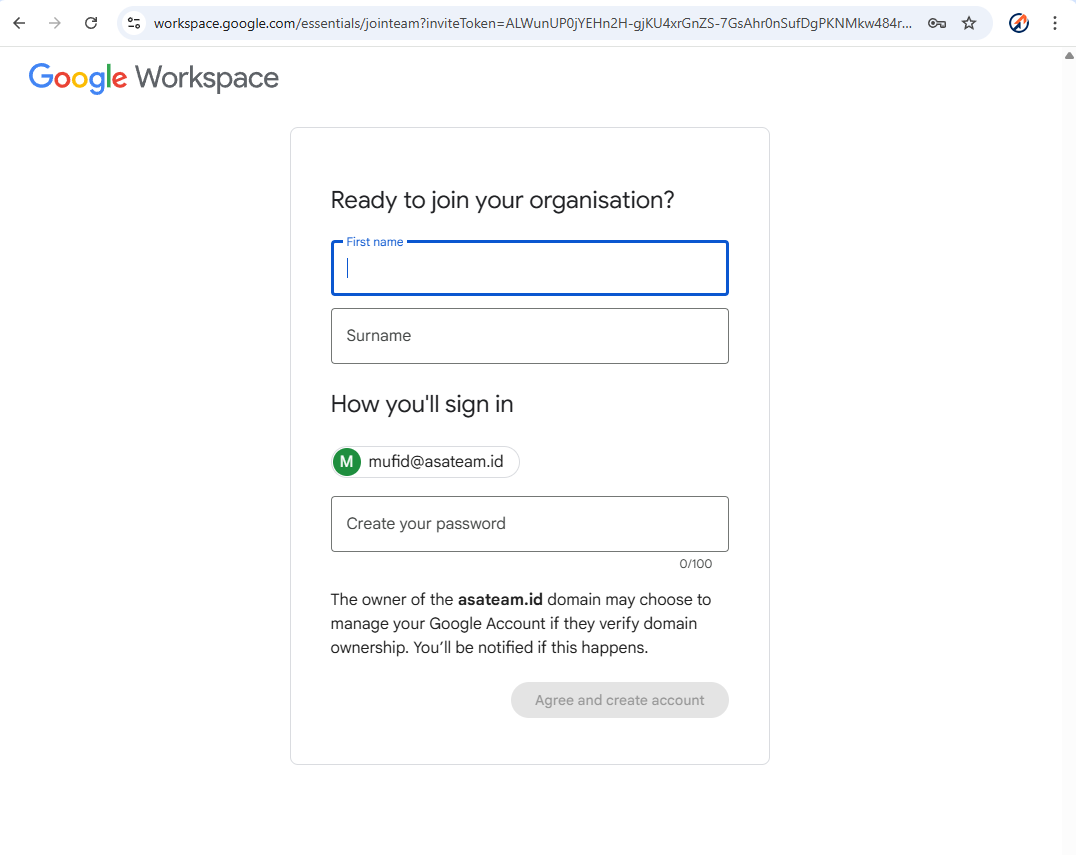
Create your account information(NAME MUST BE THE REAL NAME ON YOUR ID CARD (KTP))and create your password.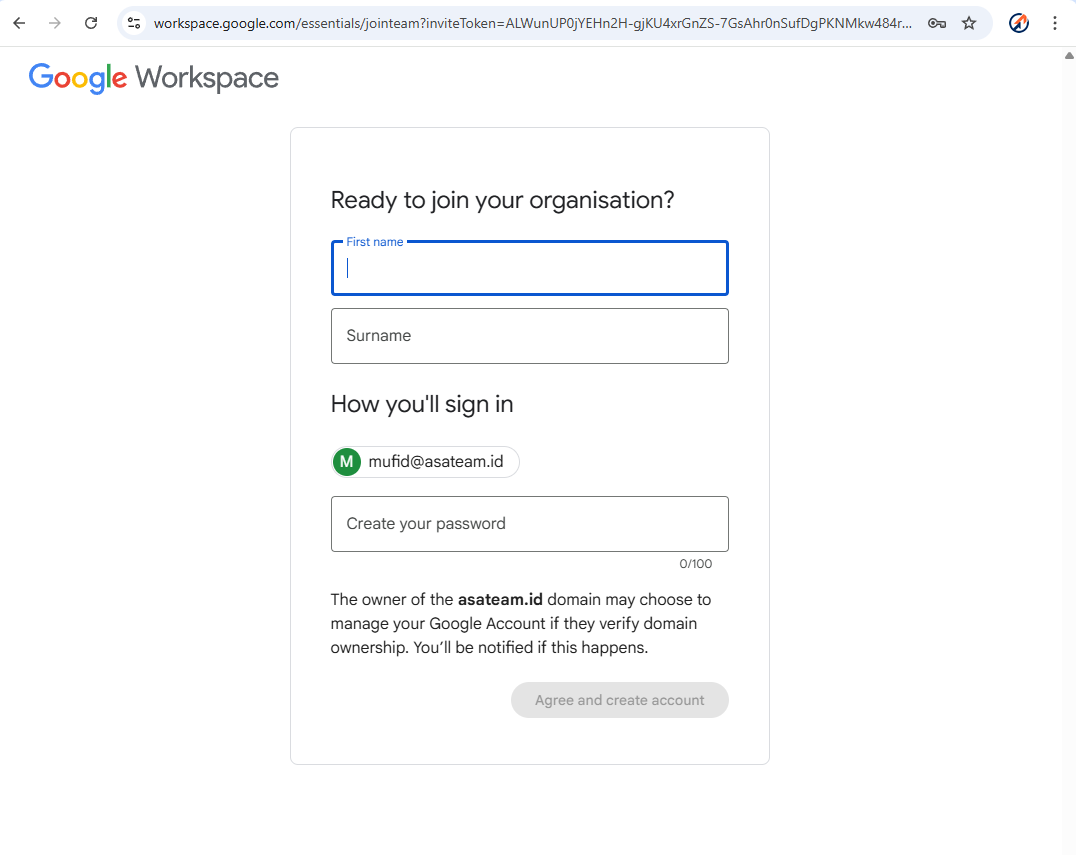
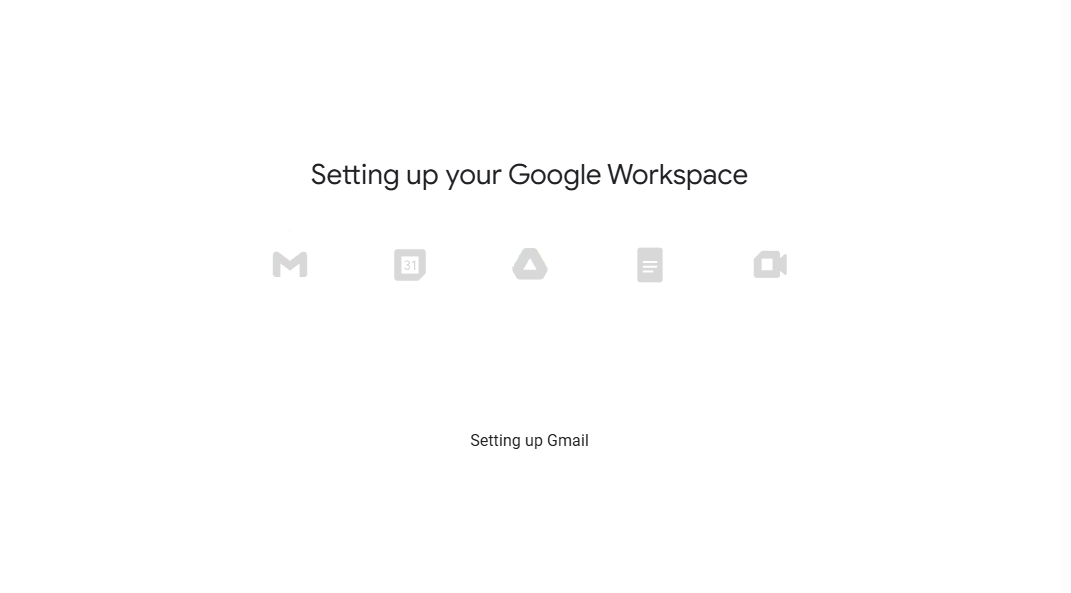
Google setup your account workspace.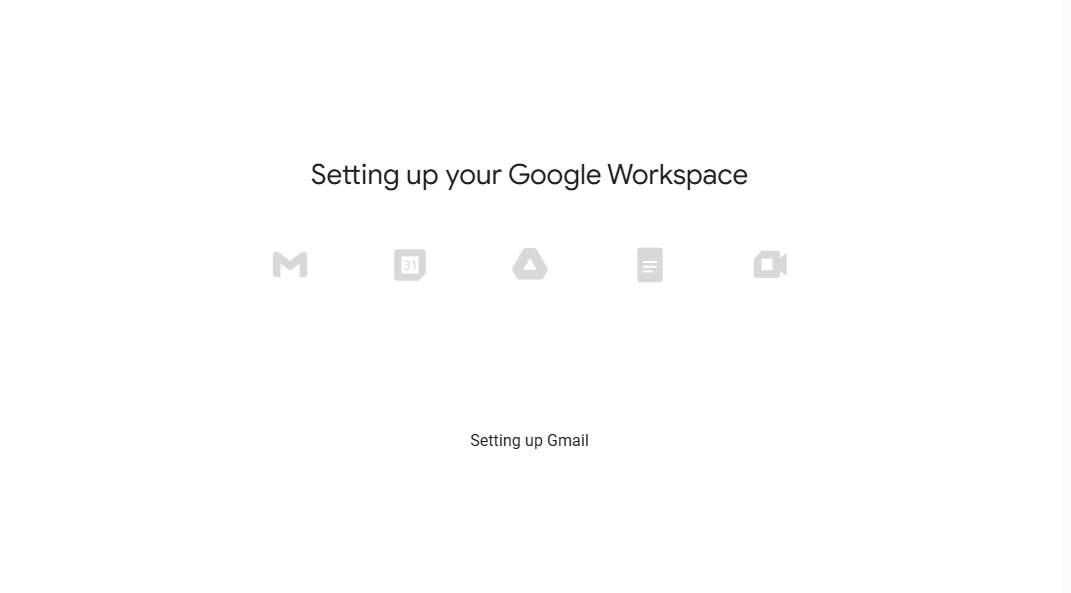
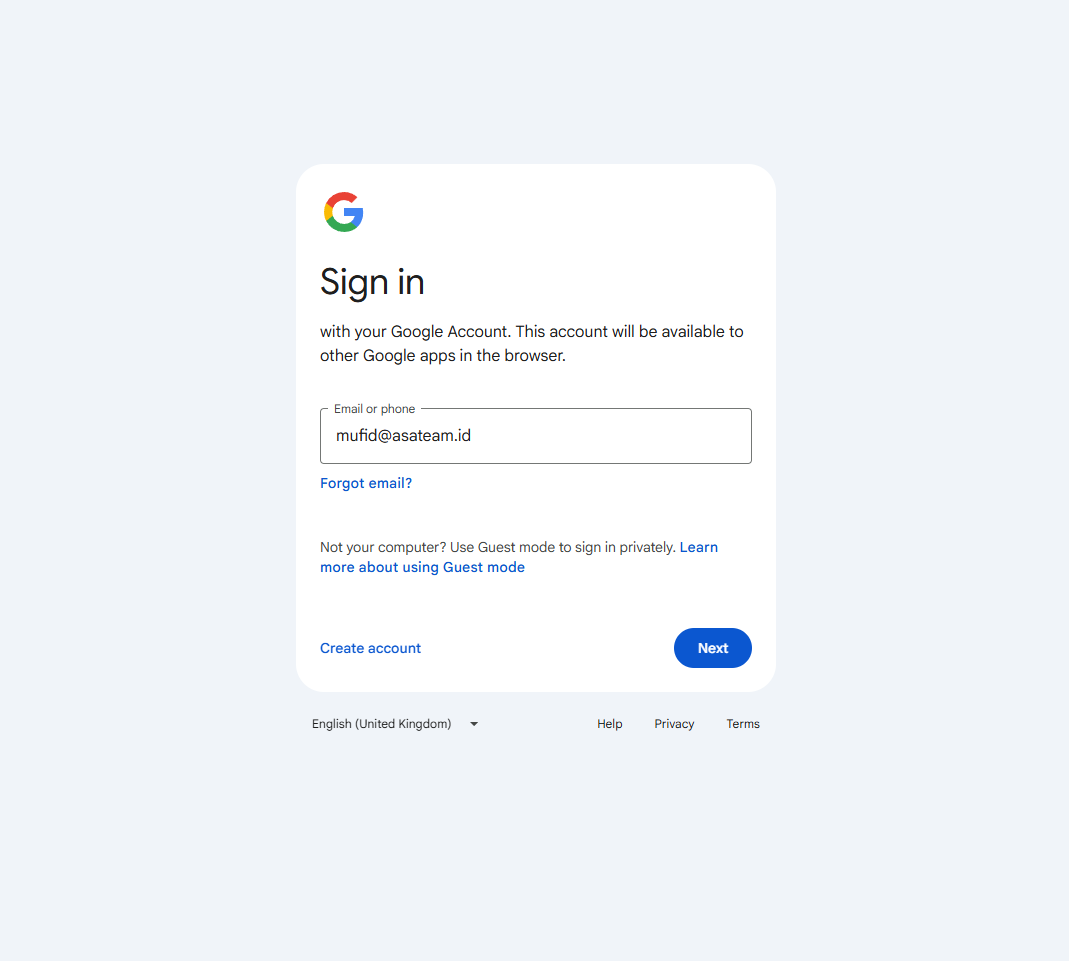
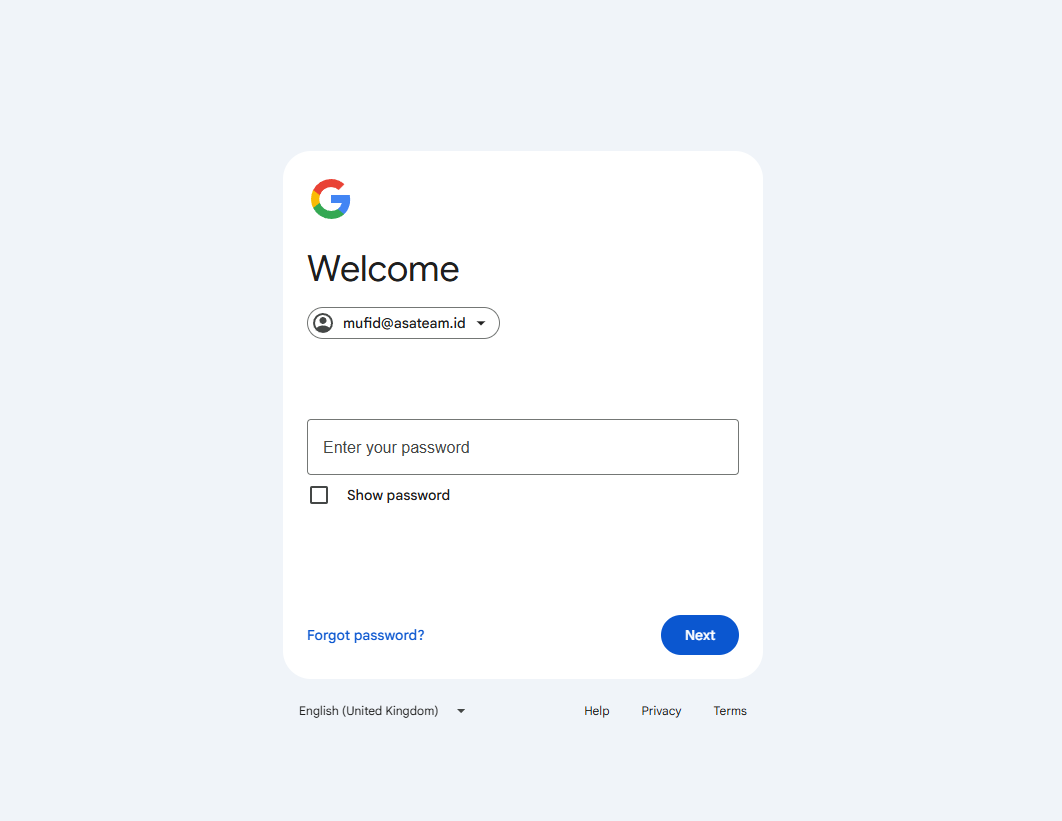
Sign in and enter your password.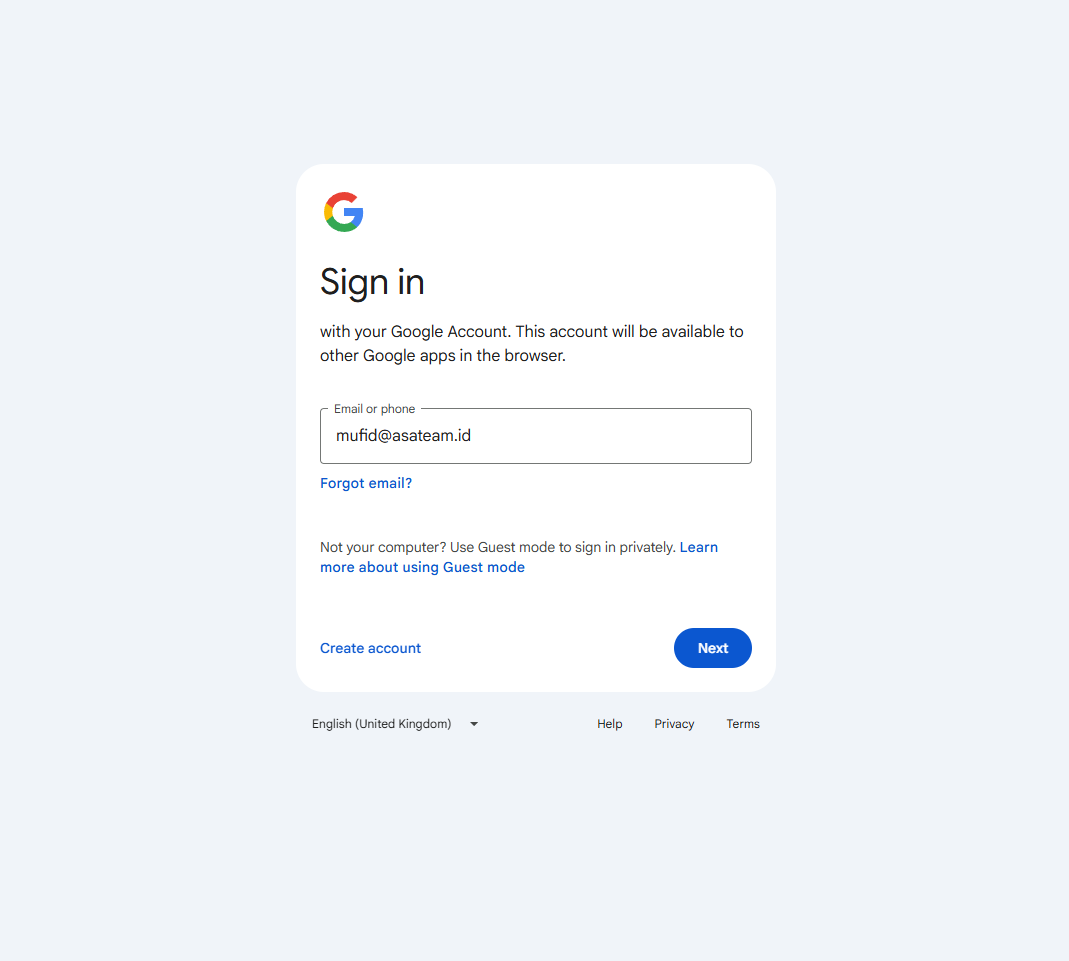
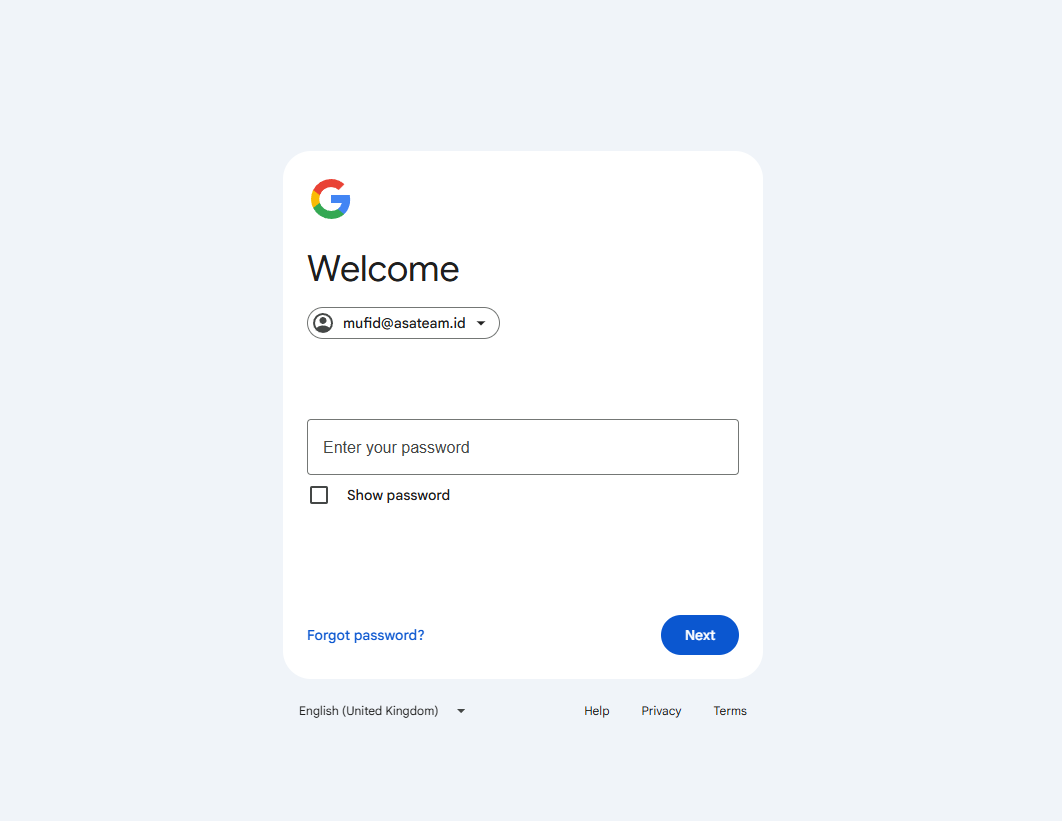
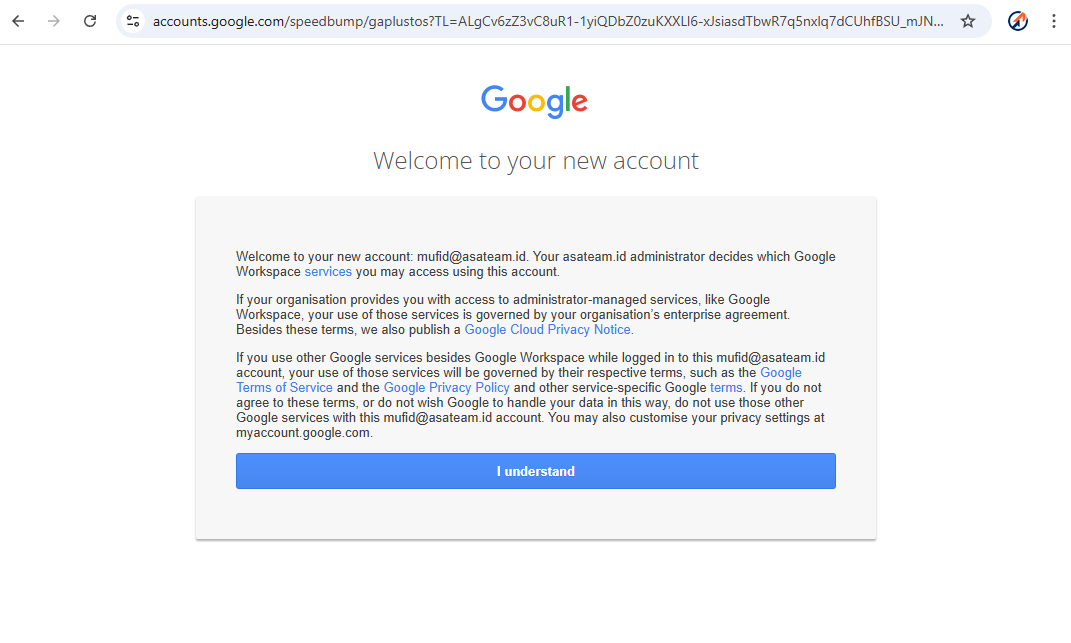
- Click
understand.join
discord.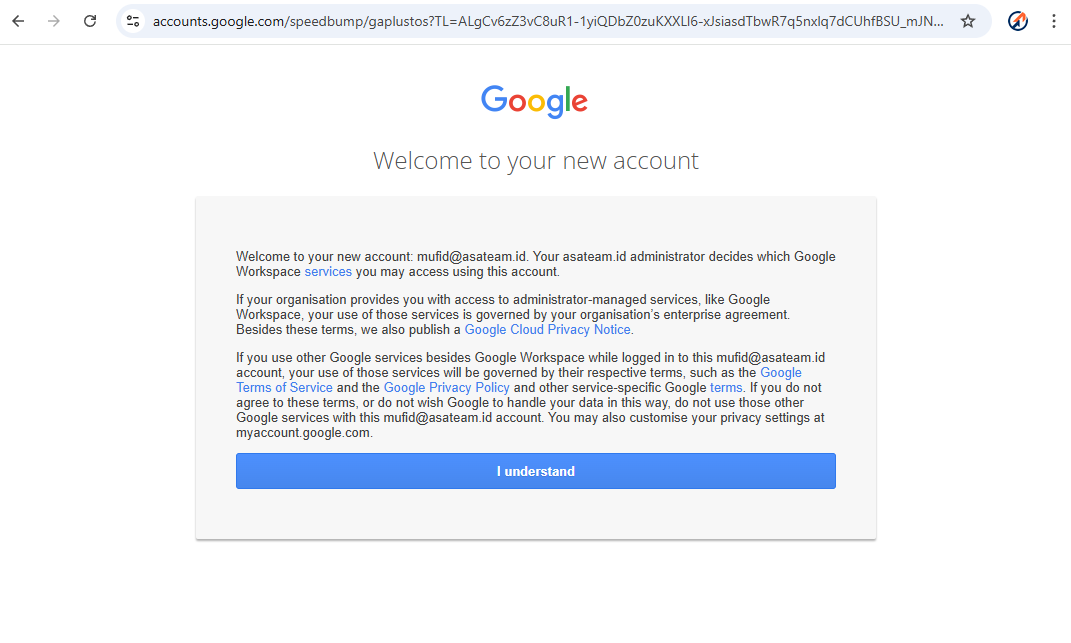
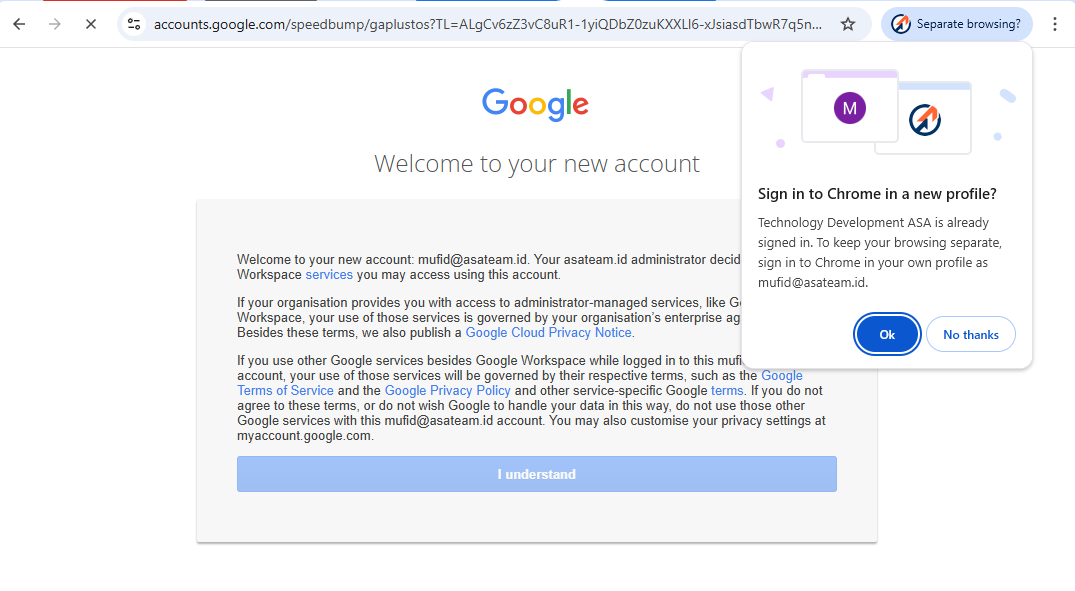
IfSuccessfullyyouloggedget a pop up messageininto thetopdiscordright corner, clickOKso that Google automaticallycreates a new Chrome profile.server.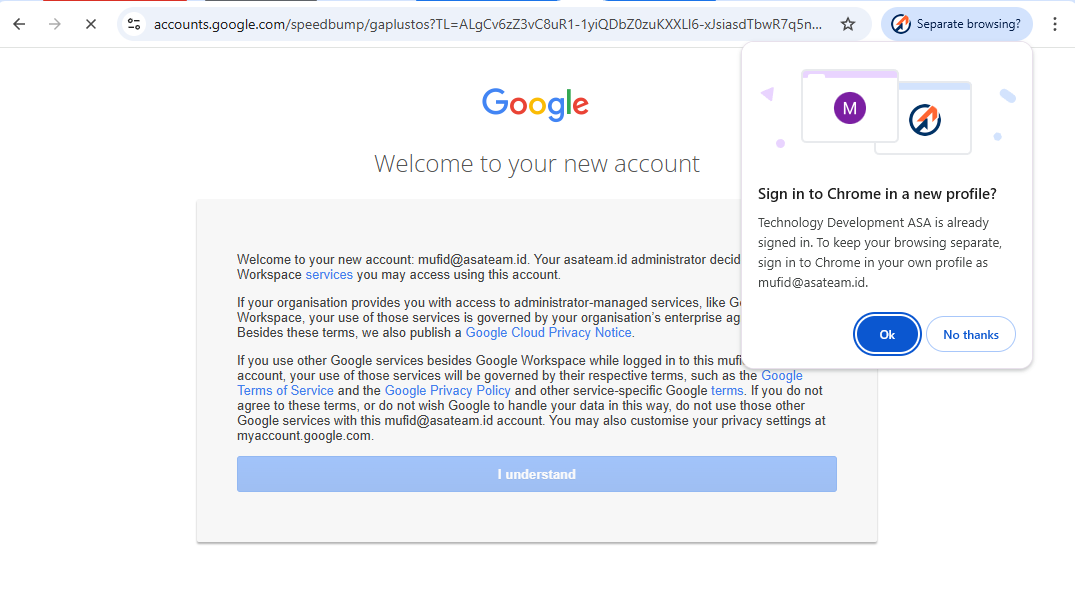
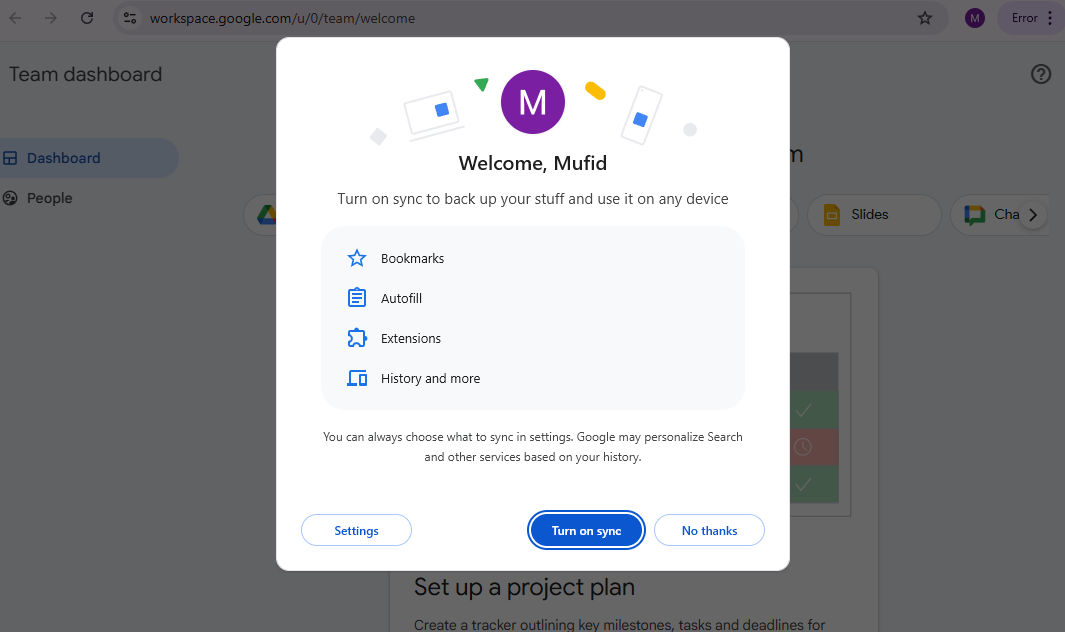
Turn on Syncand choose your color profile.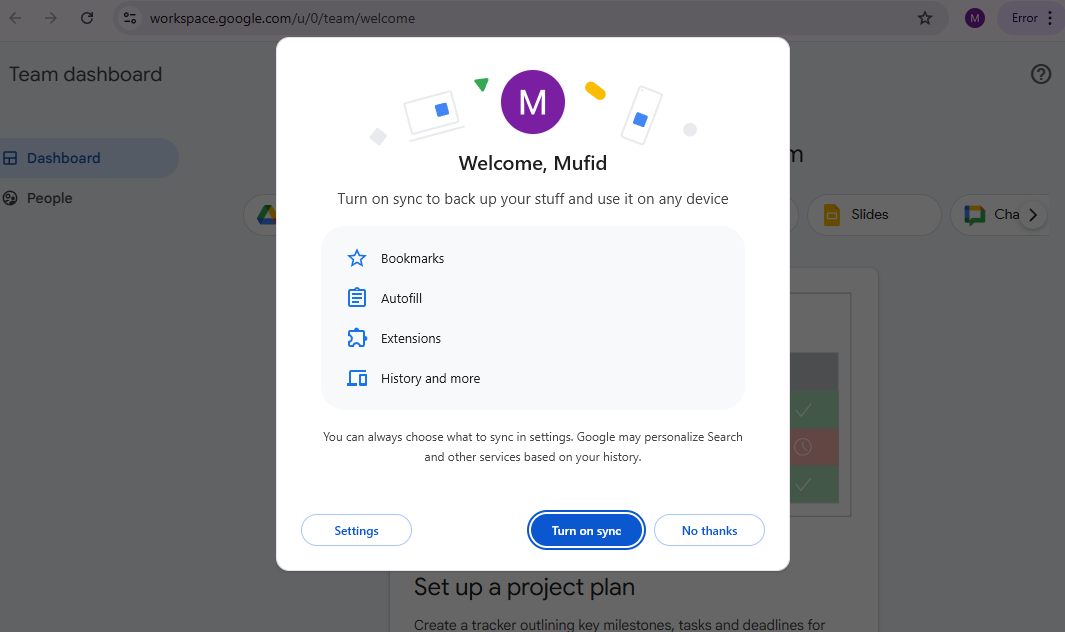
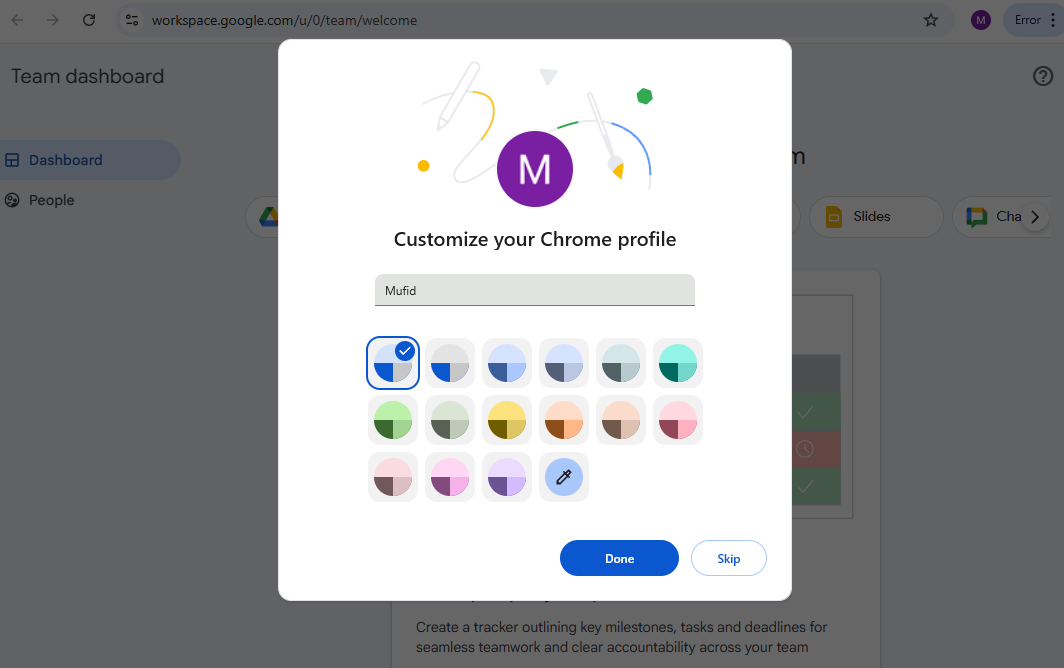
Welcome to Asateam Google Workspace, your account ready to embark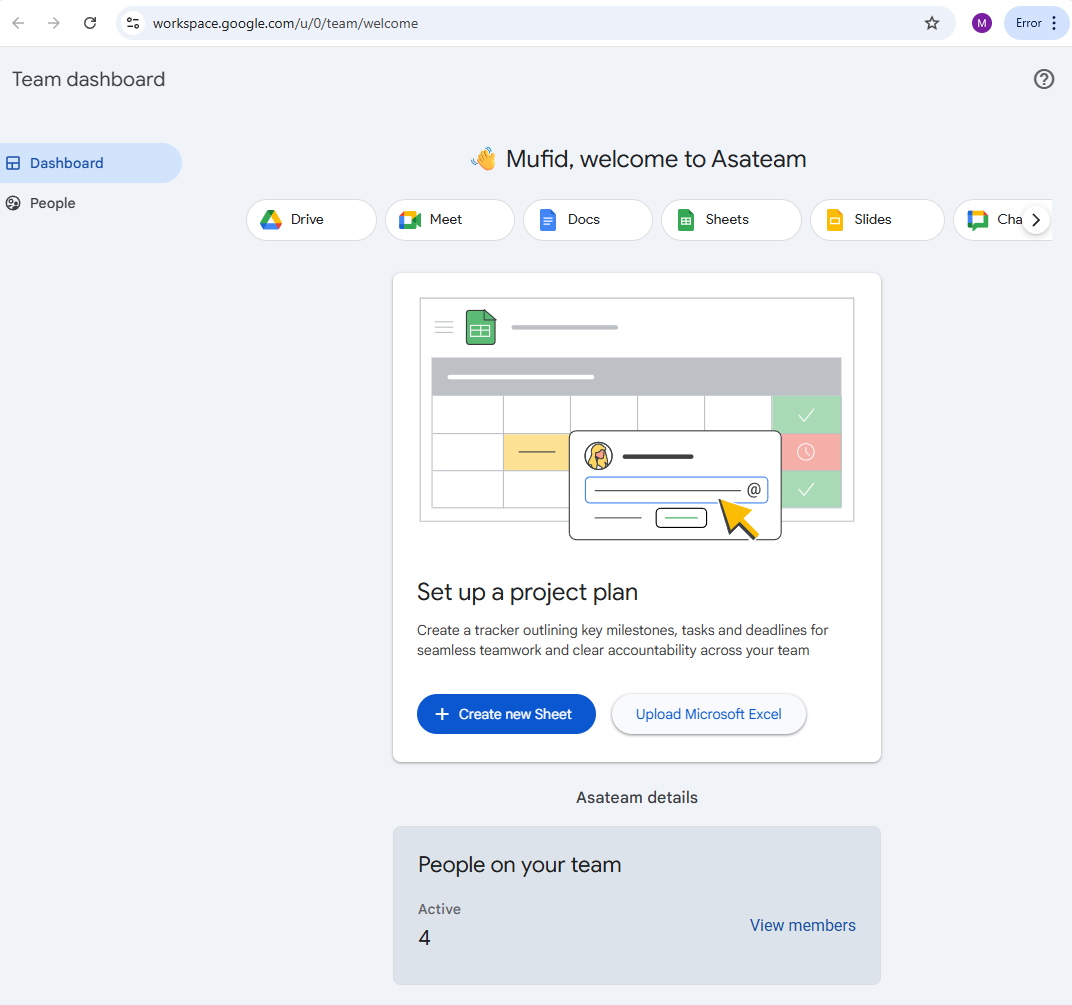
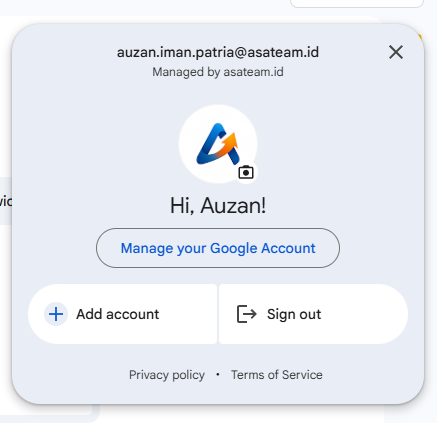

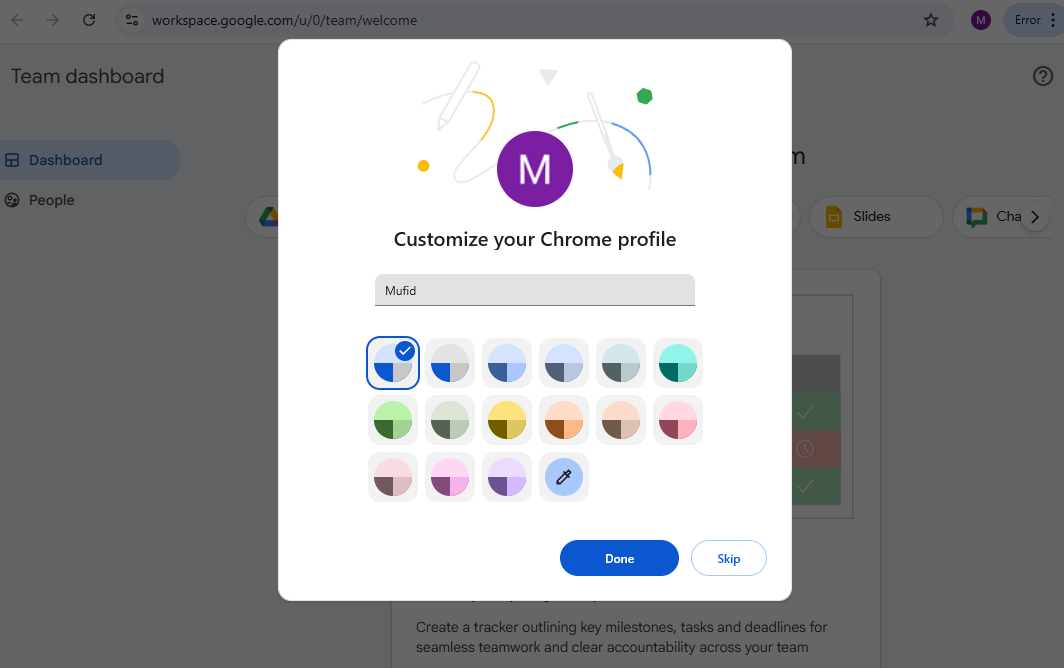
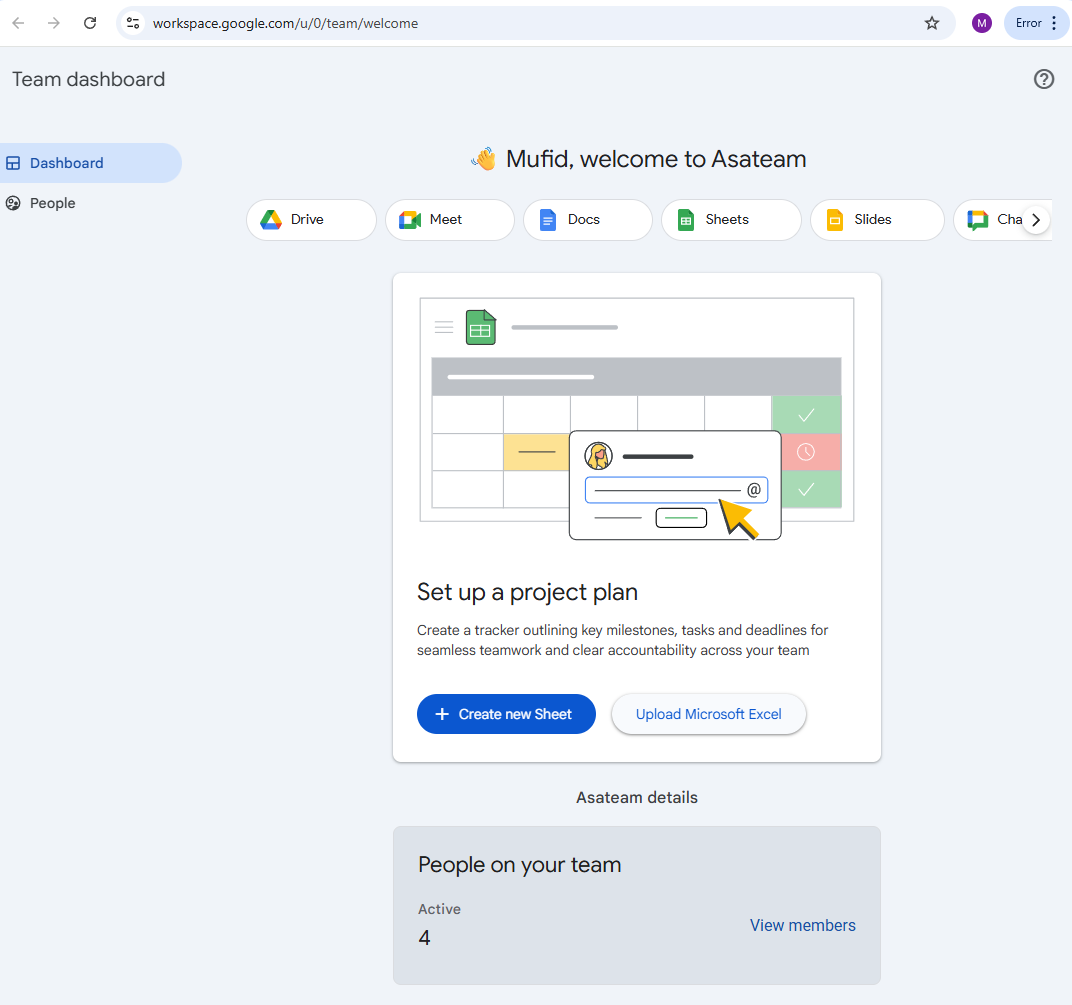
After successfully registering and logging into your workspace account, make sure your Chrome profile is saved on your desktop. Some other suggestions that may make things easier for you in the future: Open Chrome Settings, then click the "On Startup" side menu and select the "Continue where you left off" option. This will make it easier for you to close Chrome so you don't have to open the same tabs repeatedly. (If Google's language reference is not English, the title may be different)
If you have technical or other problems, please contact the technology unit. Contact us https://wa.me//6285119753371